Application Description
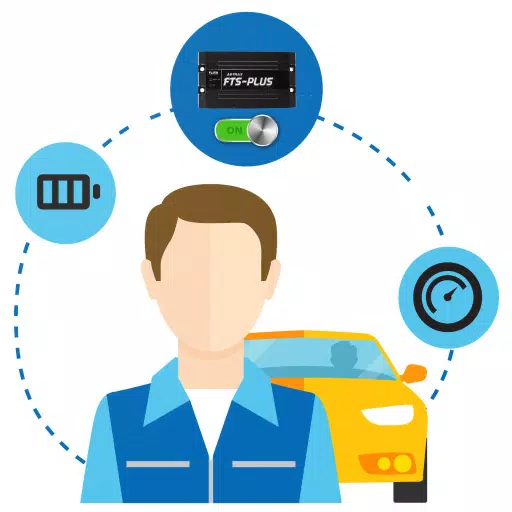
An app to monitor the status of GPS Tracking devices.
Designed for drivers, this app allows sharing various work details with the company's Web Console, ensuring more precise and comprehensive information as outlined below:
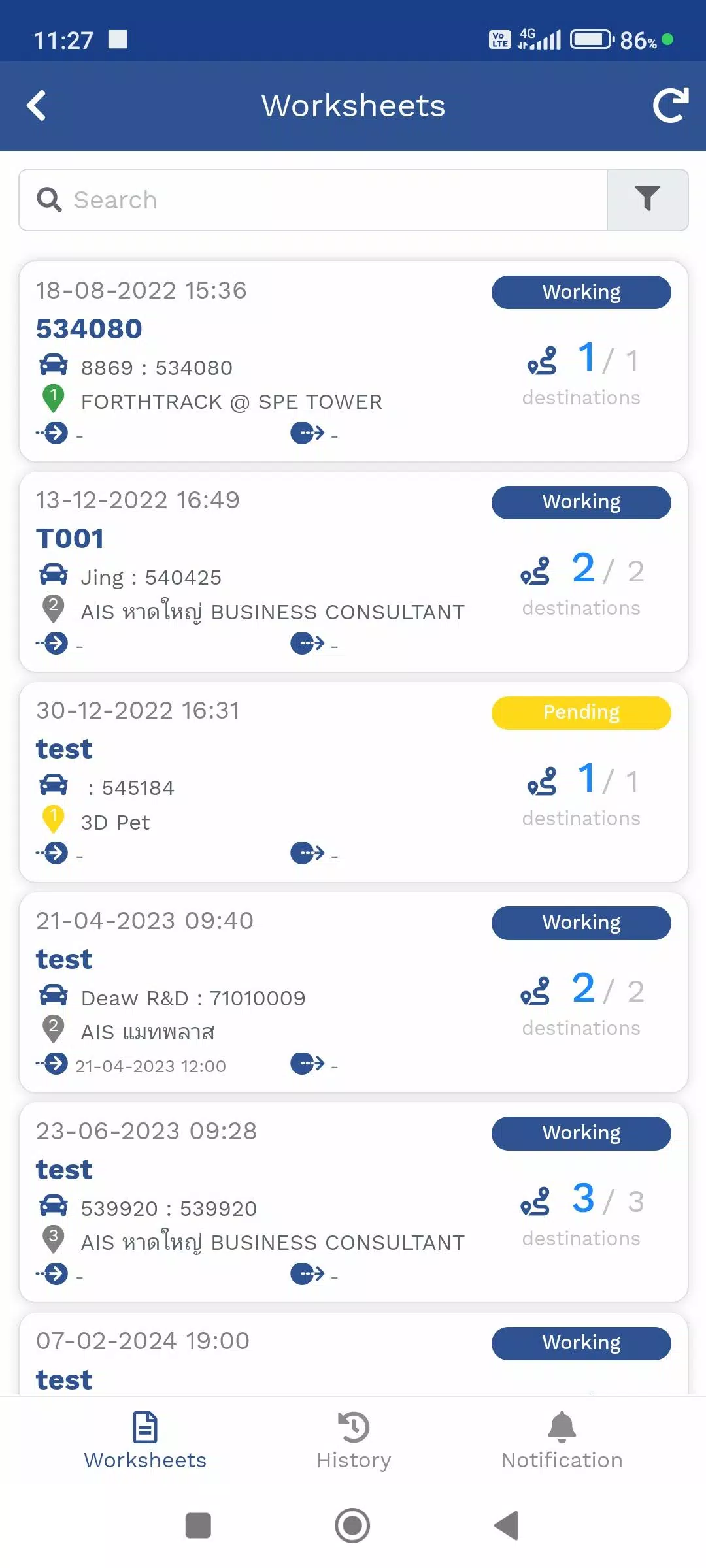
1. Travel Itinerary Menu (TMS)
This menu helps manage travel plans for product deliveries assigned to employees. View your current location via the GPS device or Mobile Tracker menu, along with delivery destinations. It also provides real-time delivery status updates.
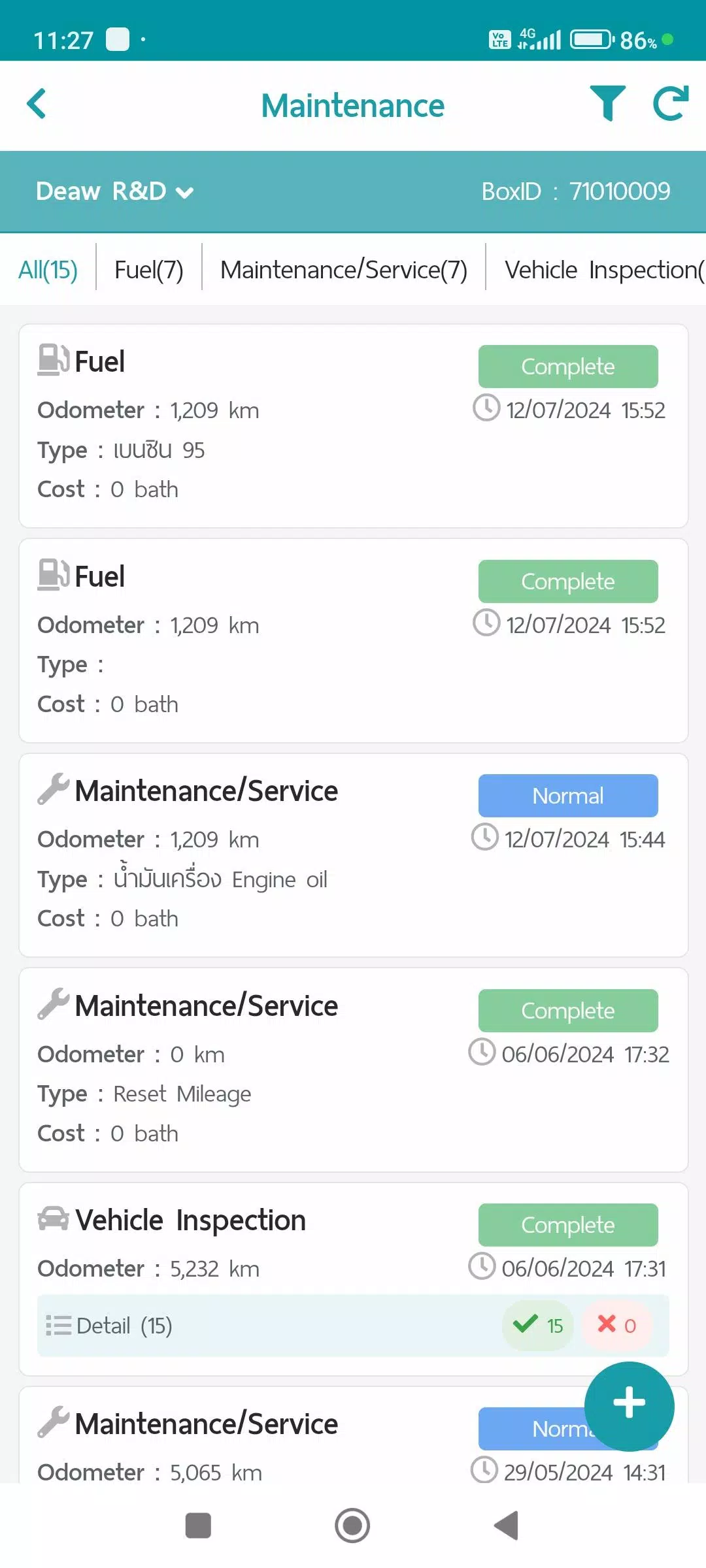
2. Maintenance Menu
This menu records vehicle maintenance details, stores data, and generates reports through the Web Console in the following categories:
- Refueling
- Maintenance/Service
- Vehicle condition checks
- Repair items
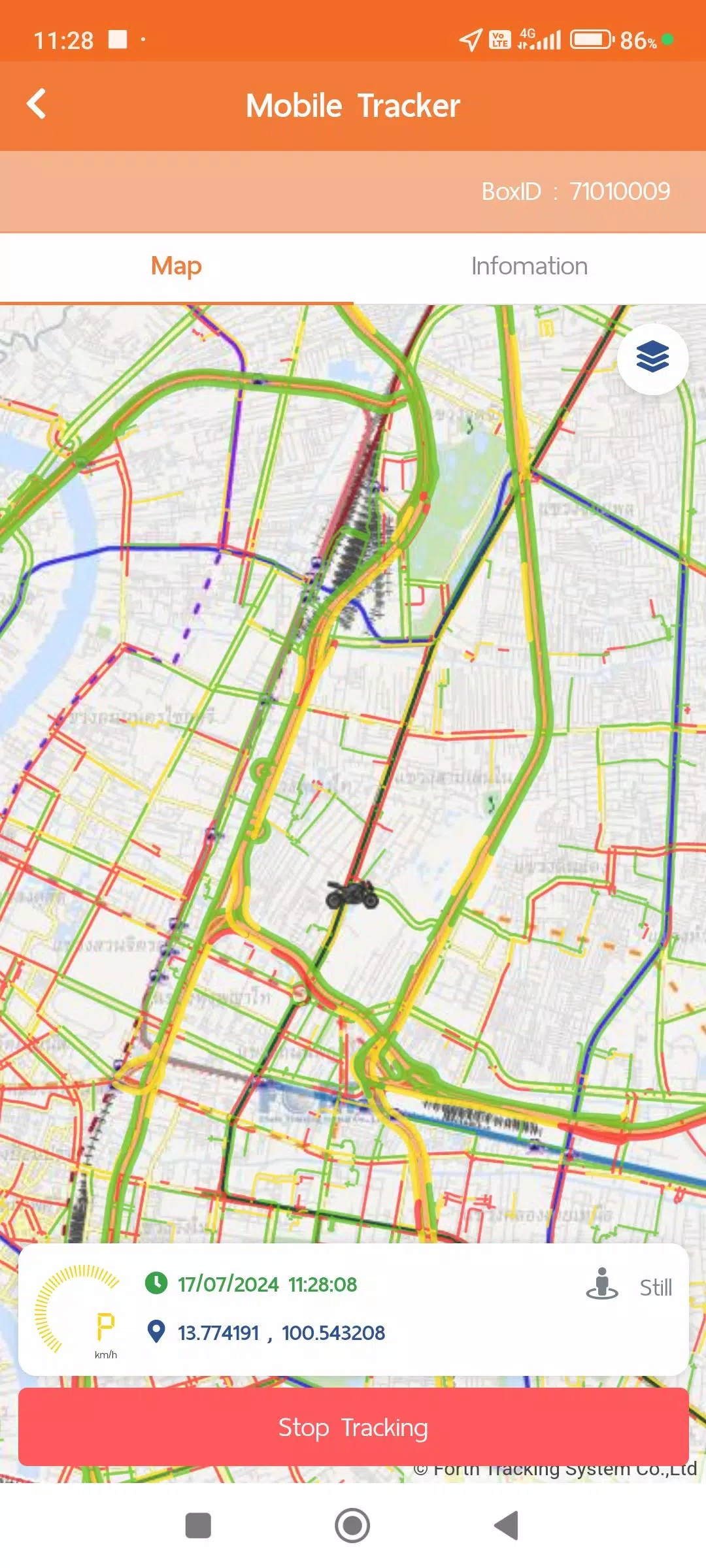
3. Mobile Tracker Menu
Use this menu to track the driver's location via a mobile device. Instead of a physical GPS device, the app transmits and stores GPS location data while tracking is active. Data transmission can be paused. This feature integrates with other menus like the Travel Plan (TMS) and Vehicle Tracking menus, and allows viewing summarized data or reports in various formats via the Web Console. The Mobile Tracker menu requires certain permissions:
- Always allow location access to retrieve GPS data without opening the app for convenience.
- Physical activity data access (ACTIVITY RECOGNITION) to optimize GPS data management, improve system efficiency, and save battery:
1. Still mode: Updates GPS every 1 minute; Power Save mode updates every 5 minutes.
2. Working: Updates GPS every 1 minute when walking is detected.
3. In Vehicle: Sends GPS data every second for accurate distance and speed tracking, with standard transmission every 1 minute.
*Power Save mode activates after being Still for over 5 minutes and deactivates upon detecting Working or In Vehicle activity.
4. Vehicle Tracking Menu
This menu displays real-time location data from GPS or Mobile Tracker devices and work statuses. It also supports viewing historical data in formats like:
- Device information
- Notification settings
- Daily travel summaries
- GPS movement data at custom intervals
- Additional data from equipment like MDVR or TPMS (if installed)
For data collection and usage policies, check the user account menu:
- Terms of use
- Privacy policy
- Cookie policy
What's New in the Latest Version 1.7.6
Last updated on Nov 9, 2024
1. Updated and improved system performance
Auto & Vehicles


 Download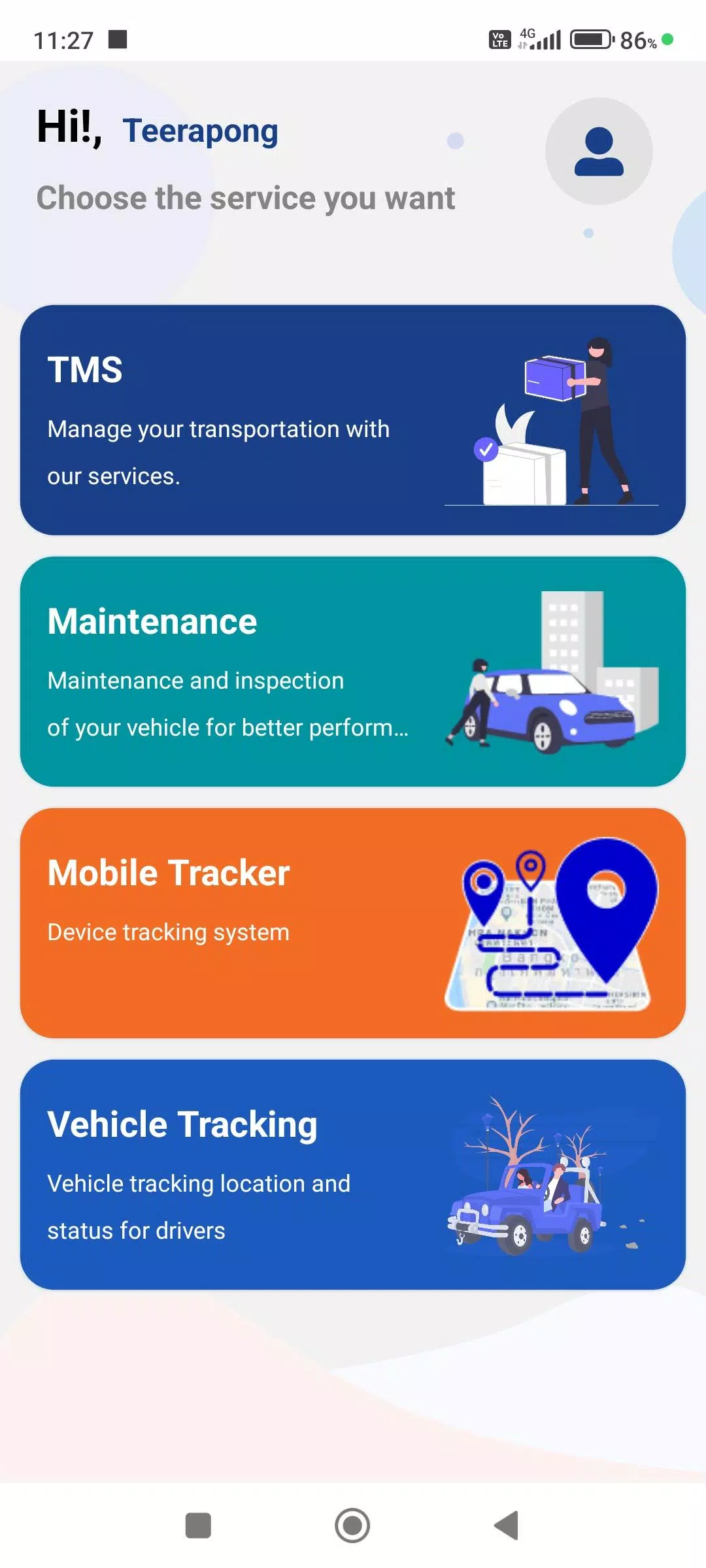
 Apps like FTS Driver App