應用說明
GridArt: Grid Drawing for Artists – overlay customizable grids onto any image with extensive personalization options.
GridArt: The Essential Tool for Artists to Achieve Perfect Proportions and Precision!
Welcome to GridArt!
Whether you're a beginner or a professional artist, GridArt is your ideal partner for improving drawing accuracy and creating beautiful art. This app simplifies the grid drawing technique, allowing you to place customizable grids over images for seamless transfer to canvas or paper.
Understanding the Grid Drawing Method
The grid drawing method is a time-tested approach that improves accuracy and proportions by dividing both the reference image and your drawing surface into a uniform grid. Artists can concentrate on each square individually, capturing details precisely and maintaining correct overall dimensions.
Why Choose GridArt: Grid Drawing for Artists?
For centuries, the grid method has simplified complex images into manageable parts. GridArt modernizes this classic technique with advanced features and flexible adjustments tailored to your creative workflow.
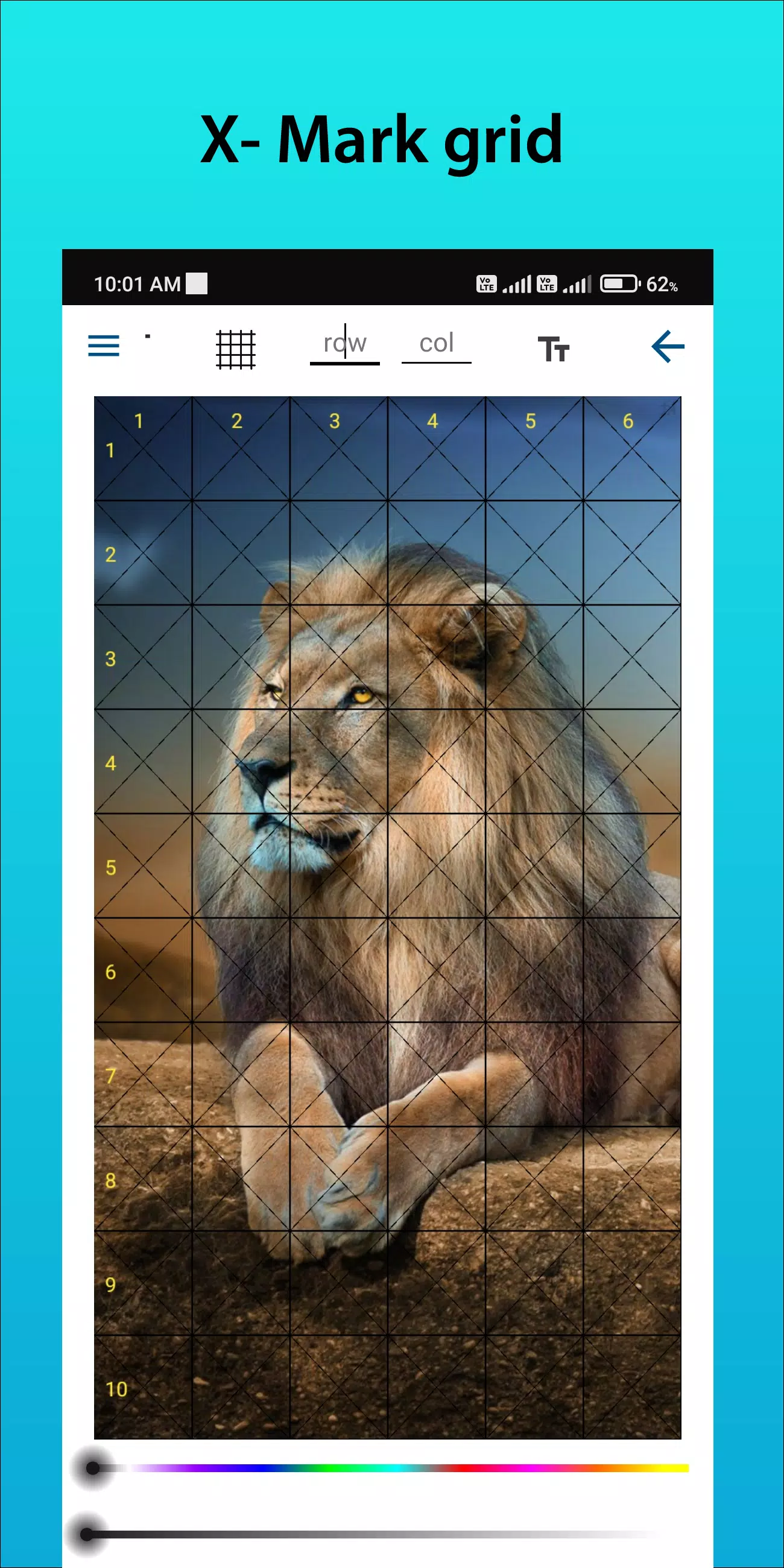
Customizable Grids: Adjust rows and columns, grid thickness, line color, and include diagonal guides.
Intuitive Interface: Easily upload images, customize grid settings, and save your projects.
High-Resolution Output: Export grid-overlaid images in crisp, high resolution suitable for printing and reference.
How to Use GridArt
Follow these steps with the grid drawing method:
Select a Reference Image: Pick the image you wish to draw.
Place a Grid Over the Reference: Add evenly spaced vertical and horizontal lines to your image—choose from various square sizes like 1-inch or 1-centimeter grids.
Draw a Matching Grid: Apply a grid with the same square count and proportions to your drawing canvas or paper.
Transfer the Image Section by Section: Work on one square at a time. Copy the shapes, lines, and details from each square in the reference to the matching square on your surface, ensuring perfect scale and placement.
Remove Grid Lines (Optional): Once finished, lightly erase the grid if desired.
Key Features of Grid Drawing
1. Add grids to any image from your gallery and save for printing.
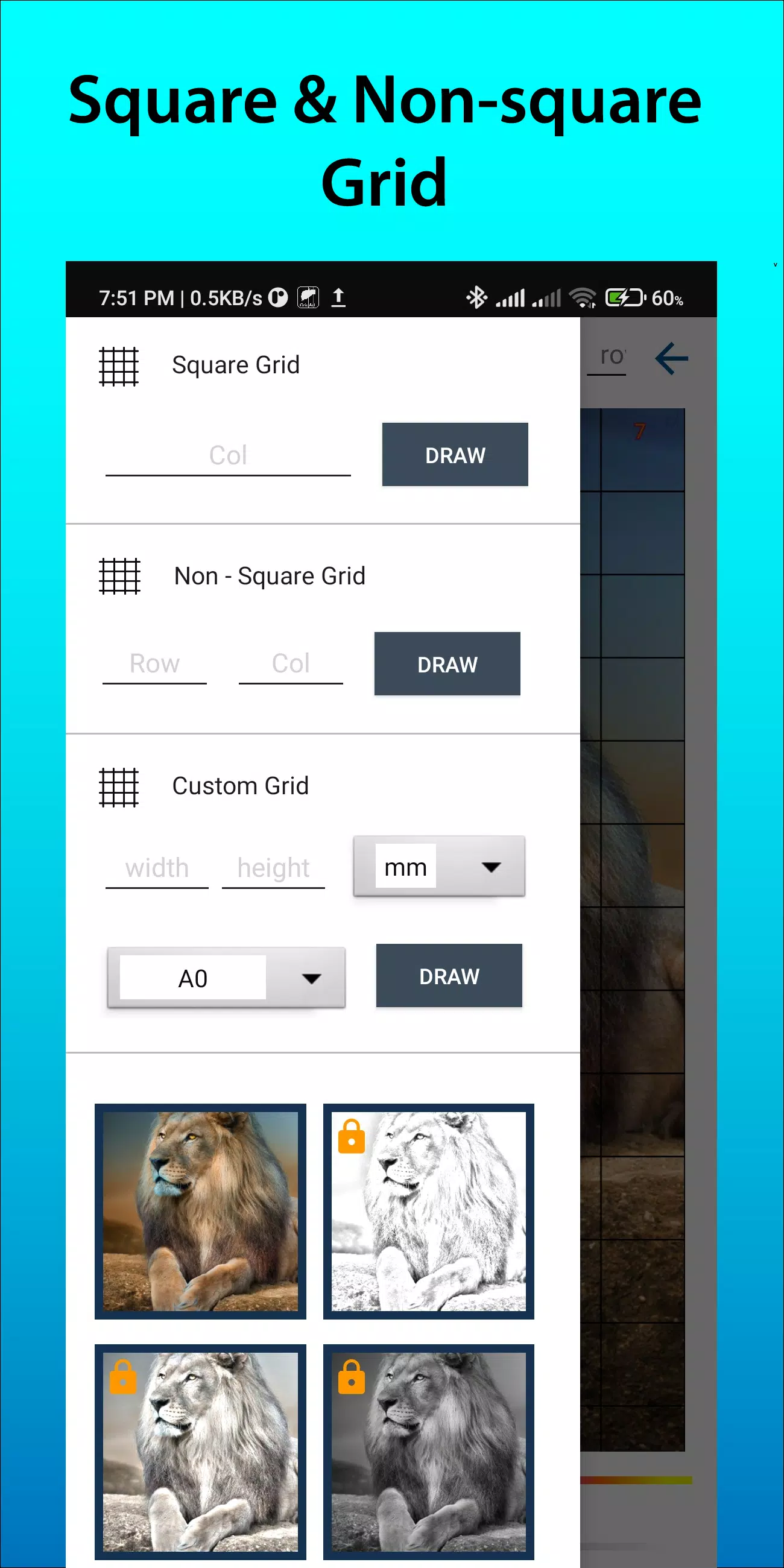
2. Create square, rectangle, or custom grids with personalized rows and columns.
3. Crop images to any aspect ratio—choose from presets like A4, 16:9, 9:16, 4:3, or 3:4.
4. Toggle row/column numbers and adjust label text size.
5. Apply multiple grid label styles.
6. Draw grids using solid or dashed lines with adjustable line width.
7. Modify grid line color, opacity, and number colors.
8. Use sketching filters to simplify outlines.
9. Generate measurement-based grids (mm, cm, inch).
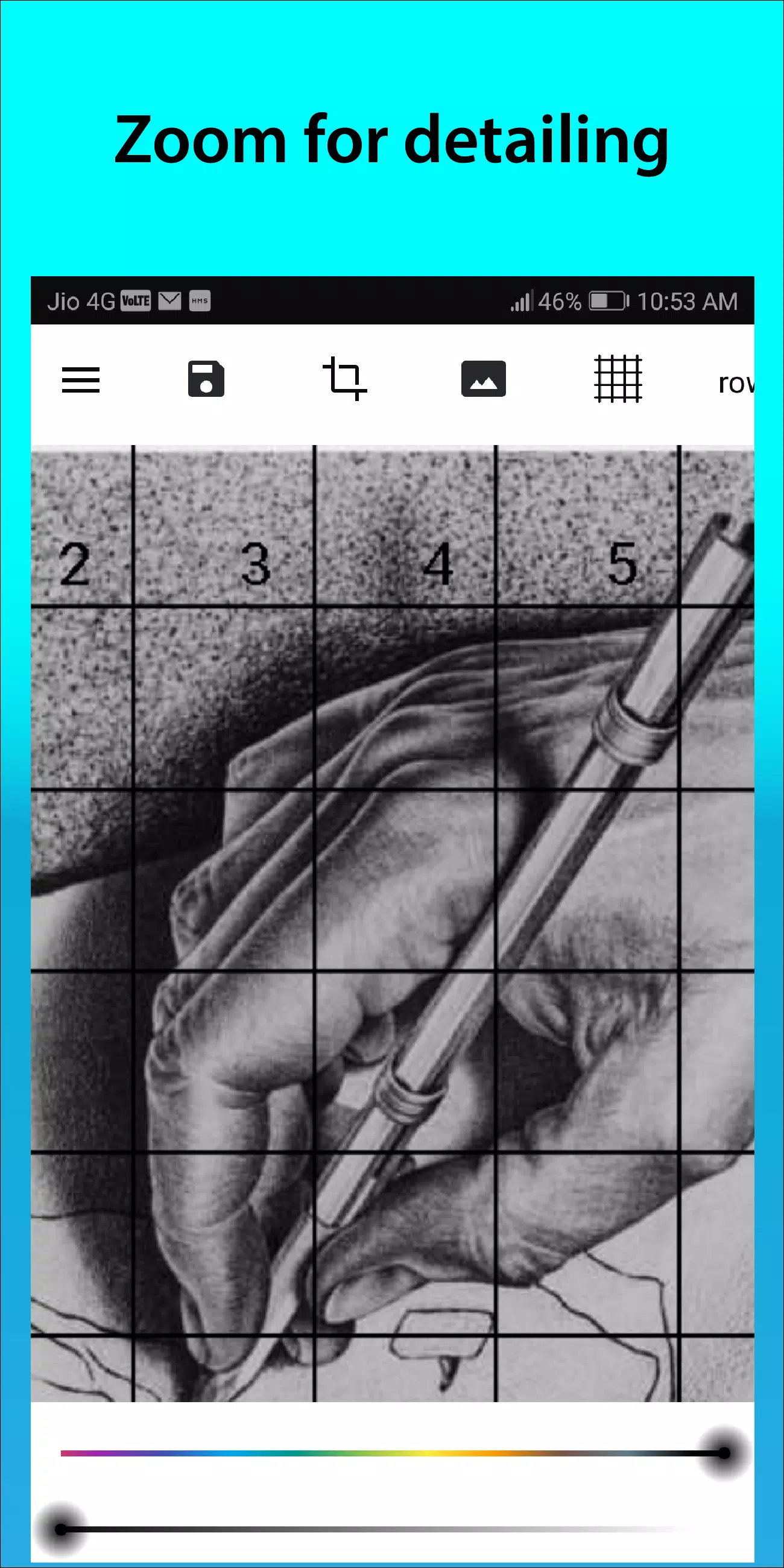
10. Zoom in on images to enhance detail capture.
Follow us on Instagram @gridArt_sketching_app and reach out with questions or ideas. Use #gridArt to get featured.
What's New in Version 1.8.3
Last updated on Sep 14, 2024
# Screen lock added
藝術與設計


 下載
下載 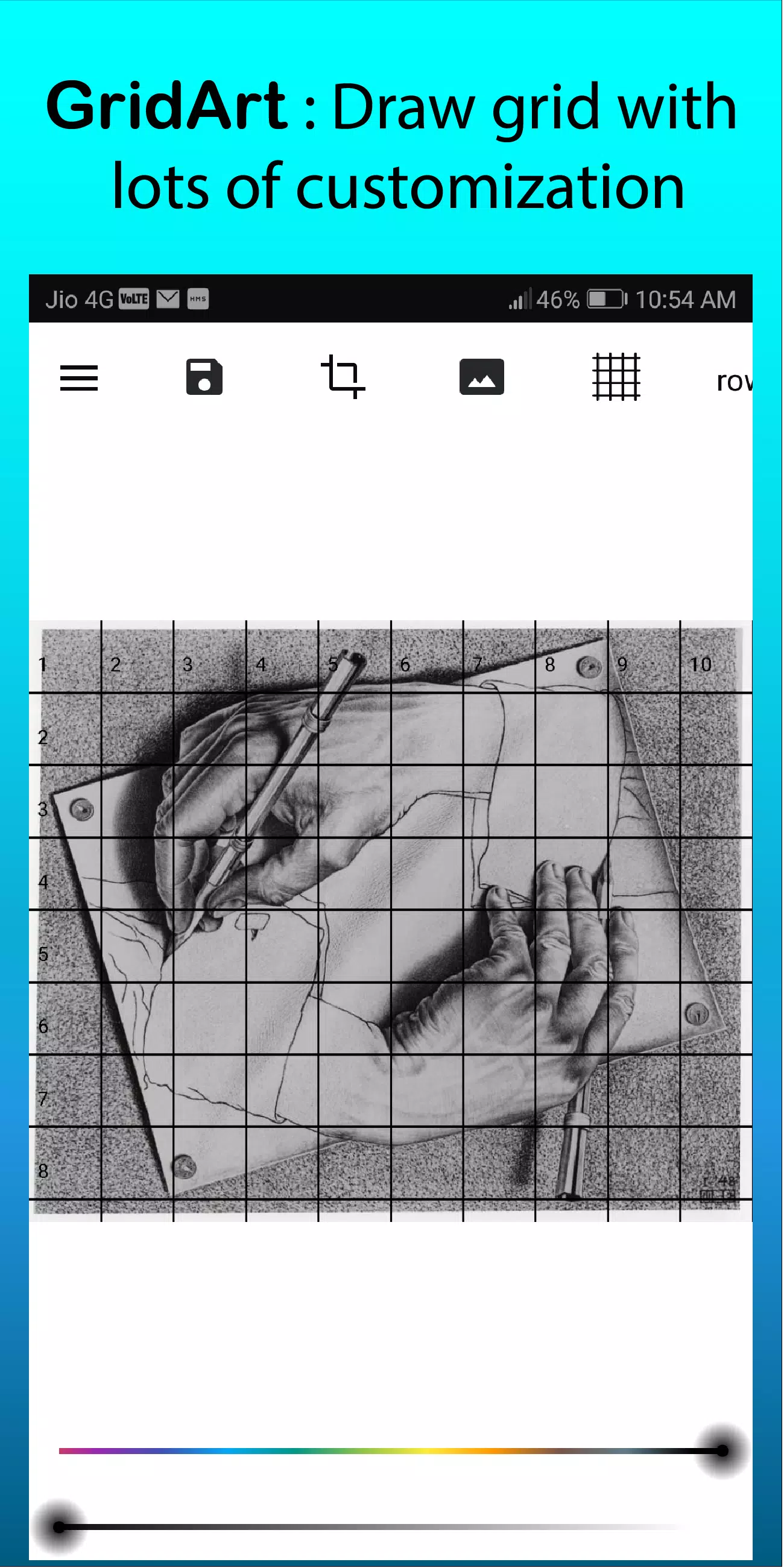
 GridArt 類似應用