Rockstar Games unveiled the second trailer for Grand Theft Auto VI, captured entirely on a PlayStation 5, fueling excitement and debate among fans. Dive into the details of the trailer's presentation
Author: ChloeReading:0

While there’s no shortage of spine-chilling horror games on the market—from iconic franchises like *Resident Evil* to *Silent Hill*—few deliver a co-op experience quite like *R.E.P.O.*. However, some players are encountering technical issues that prevent them from diving into the game's eerie atmosphere. One of the most common complaints is getting stuck on the loading screen. If you're facing this frustrating bug, here are several effective methods to resolve it and get back to surviving the terrors within.
How To Tackle R.E.P.O. Being Stuck on the Loading Screen

Many PC players launching *R.E.P.O.* are experiencing a bug where the game freezes at the loading screen, preventing access to gameplay. As of now, developer semiwork has not officially addressed the issue, but there are proven troubleshooting steps you can try to bypass the problem and enjoy uninterrupted gameplay.
This might seem like a basic solution, but it’s often the most effective. Simply closing and relaunching *R.E.P.O.* can resolve temporary glitches causing the hang-up. It’s always the first action to take when dealing with unexpected bugs.
If restarting the game doesn’t work, consider rebooting your entire system. A fresh boot can clear background processes that may be interfering with the game’s launch. Plus, it gives you a brief moment to reset before jumping back into the intense world of *R.E.P.O.*
Running the game with elevated permissions ensures it has full access to necessary system resources, which can help avoid crashes or load failures. Follow these steps:
If the issue persists, corrupted or missing files might be the culprit. Steam offers a built-in tool to verify the integrity of your game files:
Note: It’s normal if not all files pass verification. Ignore any non-critical warnings and continue with further troubleshooting if needed.
By following these steps, you should be able to overcome the *R.E.P.O.* loading screen issue and return to the heart-pounding gameplay. For more tips, check out our guide on all the monsters in *R.E.P.O.* and how to evade them.
*R.E.P.O. is available now on PC.*
 LATEST ARTICLES
 14
2025-12

Rockstar Games unveiled the second trailer for Grand Theft Auto VI, captured entirely on a PlayStation 5, fueling excitement and debate among fans. Dive into the details of the trailer's presentation
Author: ChloeReading:0
13
2025-12
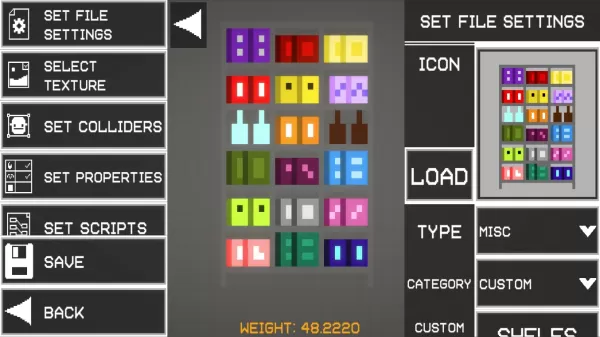
Melon Sandbox is a physics-driven sandbox simulation where you can freely experiment, build imaginative devices, and orchestrate dynamic destruction scenarios. Instead of following set goals, you're encouraged to play with a variety of tools, items,
Author: ChloeReading:0
12
2025-12

Three new Pokémon are joining the Pokémon Unite roster.Empoleon arrives on September 19th, followed by Dhelmise and Vaporeon.Groudon will also appear in the Theia Sky Ruins starting September 4th.Whoever first imagined Pokémon as a MOBA must be a kin
Author: ChloeReading:2
12
2025-12

The beta testing phase has concluded, marking the arrival of Marvel Rivals' inaugural season. This major update introduces fresh content and gameplay refinements. Here's an in-depth look at all notable changes.What's New in Season One?Season Theme: A
Author: ChloeReading:6