Melon Sandbox is a physics-driven sandbox simulation where you can freely experiment, build imaginative devices, and orchestrate dynamic destruction scenarios. Instead of following set goals, you're encouraged to play with a variety of tools, items, and characters to craft your own engaging experiences. This guide will introduce newcomers to the essential user interface and the basics of designing fully operational levels. Let's get started!
To discover more useful strategies, be sure to also read our Melon Sandbox Tips & Tricks guide to enhance your gaming sessions.
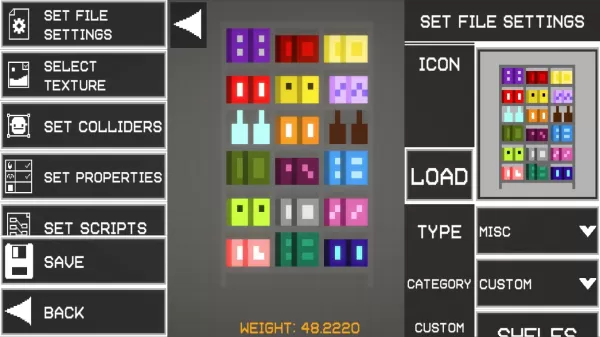
Every object comes with unique properties like weight, collision physics, and structural integrity. You can reposition and tweak items using the tool menu. For example, the Freeze tool can hold a platform in mid-air, which you can then attach to a thruster to build a custom flying machine.
Experience Real-Time Interactions
A defining aspect of Melon Sandbox is its detailed gore and combat mechanics. Characters can be injured, lose limbs, or explode in believable fashion. Individual body parts move with independent ragdoll physics, creating intense, chaotic reactions. Weapons like flamethrowers ignite characters, while electric traps deliver shocks upon touch. These features appeal to players who love exploring cause-and-effect chains or staging high-energy battle sequences.
You can also play Melon Sandbox on your PC or Laptop through BlueStacks for a larger display and the convenience of keyboard and mouse controls.

 LATEST ARTICLES