HomeNewsHow to Connect the Asus ROG Ally to a TV or Gaming Monitor
How to Connect the Asus ROG Ally to a TV or Gaming Monitor
Feb 28,2025Author: Lucas
The ROG Ally, a compelling Steam Deck alternative, shines with its Windows OS and expanded game library. The 2023 ROG Ally X upgrade boasts enhanced internals and improved ergonomics, thanks to better cooling.
While its portability is a key feature, connecting the ROG Ally to a larger screen for a more immersive experience is a breeze. Both Ally models offer external display compatibility. Below, we detail how to connect your ROG Ally to a TV or monitor, providing step-by-step instructions and recommendations.
Connecting with an Adapter
Several methods exist, but adapters offer a simple, space-saving solution. Choose from compact dongles, direct cables, or the official ROG Gaming Charger Dock—options abound.
What You'll Need
### ASUS ROG 65W Charger Dock
0Supports HDMI 2.0, USB-A, and USB-C for seamless ROG Ally connectivity.See it at Best BuyASUS simplifies Ally-to-TV connection. The ROG Gaming Charger Dock, a compact charger and adapter, is ideal. A USB-C and HDMI cable are all you need. The dock also includes a USB-A port for keyboard/mouse connectivity.
Third-party USB-C to HDMI adapters connect directly to the Ally's USB-C port. An HDMI cable links the adapter to your TV/monitor. Alternatively, a direct USB-C to HDMI cable eliminates extra steps.
Note: Some adapters offer a USB-C passthrough port for charging. If so, you'll need an extra USB-C cable and power adapter.
Connecting: Step-by-Step
Plug a USB-C to HDMI adapter (or cable) into the Ally's top USB-C port. For the ROG Gaming Charger Dock, connect a USB-C cable from the Ally to the dock's USB-C port.
Connect an HDMI cable from the adapter (or dock) to your TV/monitor's HDMI port. For direct USB-C to HDMI cables, simply plug into your TV/monitor.
(Optional) If your adapter has a passthrough USB-C port, connect your Ally's power adapter for charging.
Power on the Ally; video output should be automatic.
Switch your TV/monitor's input to the correct HDMI source.
Connecting with a Docking Station
For a Nintendo Switch-like setup, consider a docking station. While no official dock exists (besides the ROG Gaming Charger Dock), numerous third-party options are available. These offer a stand for your Ally and charging capabilities.
What You'll Need
Our Top Pick### JSAUX Docking Station HB0603
2100 watts of power for rapid charging, plus multiple ports, in a compact, lightweight design that doubles as a stand.See it at AmazonBasic docks offer HDMI and USB-C passthrough charging. More advanced docks include extra USB ports (for peripherals), Ethernet ports, SD card slots, and even DisplayPort for dual monitors. Smaller, portable docks are great for travel. Many Steam Deck docks are also compatible.
Connecting: Step-by-Step
Place your Ally in the dock.
Connect the USB-C power cord to the Ally's USB-C port.
Connect your Ally's power adapter to the dock's USB-C charging port.
Connect an HDMI cable from the dock to your TV/monitor's HDMI port.
Power on the Ally; video output should be automatic.
Switch your TV/monitor's input to the correct HDMI source.
Controller Considerations
While keyboard/mouse support exists, a wireless controller offers a superior gaming experience on a larger display. The ROG Ally supports Bluetooth controllers. Consider these options (also compatible with the Steam Deck):
Our Top Pick### Sony DualSense
1See it at AmazonSee it at Best BuySee it at Target### Xbox Elite Series 2 Controller
4See it at AmazonSee it at Best Buy### 8BitDo Ultimate Controller
0See it at Amazon### GuliKit KingKong 3 Max Controller
1See it at Amazon### PowerA Wireless GameCube Style Controller
2See it at AmazonOptions include the DualSense, Xbox Wireless Controller, Nintendo Switch Pro Controller, and many third-party choices. 2.4GHz wireless controllers (with USB adapters) often offer lower latency and better range than Bluetooth. Wired USB controllers are also a viable option.
In the horror-themed world of *R.E.P.O*, your survival hinges on strategic item management. These tools can mean the difference between progressing to the next level or facing your teammates in the brutal Disposal Arena. Among essential gear, Recharg
Amazon Prime members can now access one of the year's top Audible promotions. Through July 31, new and returning Audible subscribers can enjoy three months of Audible Premium Plus at no cost. Make sure you're logged into your Amazon Prime account to
Detective Title Remains Obtainable After WoW Anniversary Event
World of Warcraft has relocated Alyx, the NPC responsible for the Guest Relations mystery quests from the 20th anniversary celebration, to Dornogal. Though the original event questline
Hunter Roulette is a thrilling new tactical betting game developed by indie studio Pili Starship. This multiplayer experience drops players into a cyberpunk-inspired wasteland following a global collapse. The game launched on Steam for PC on June 26t

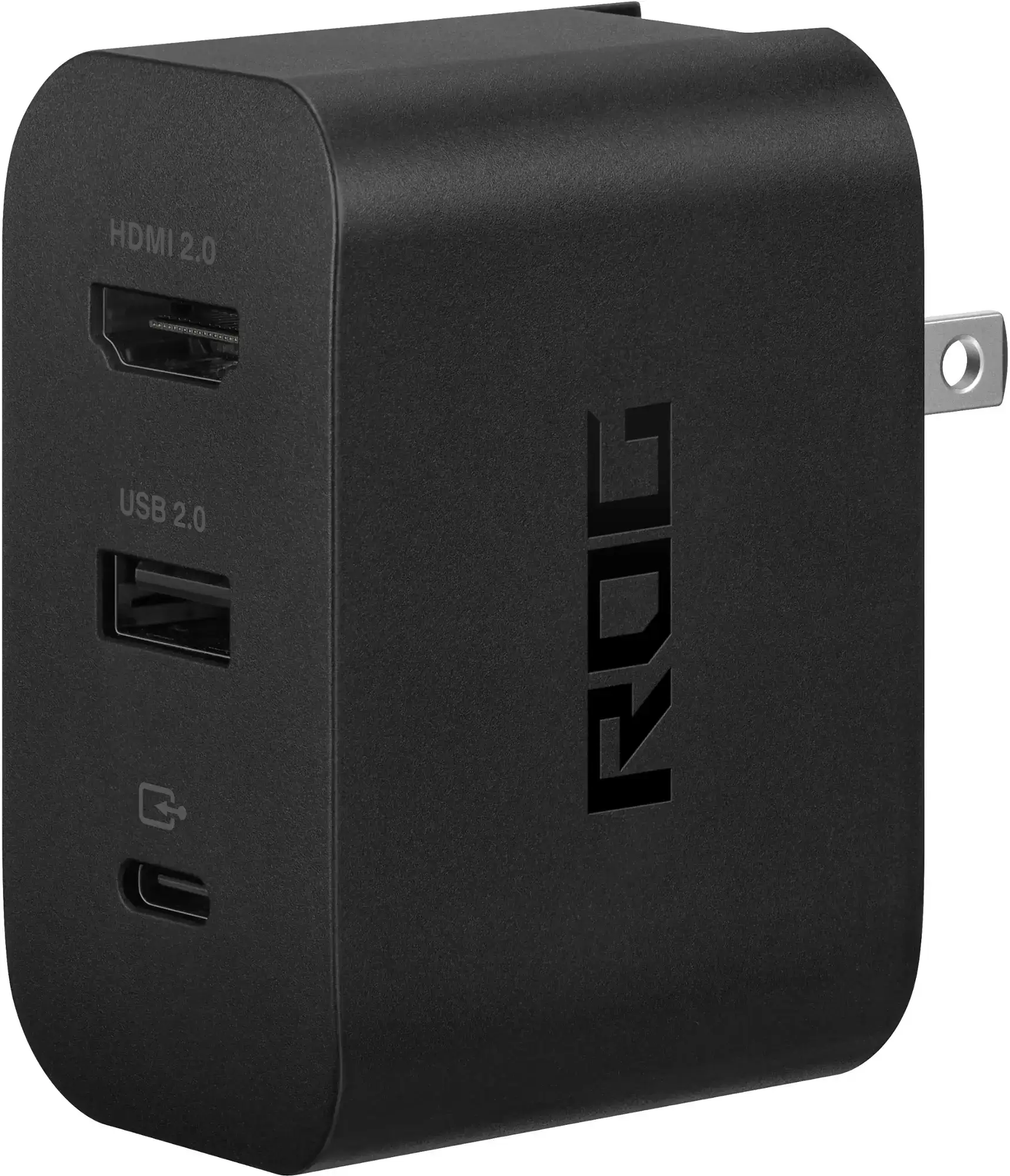 ### ASUS ROG 65W Charger Dock
 Our Top Pick### JSAUX Docking Station HB0603
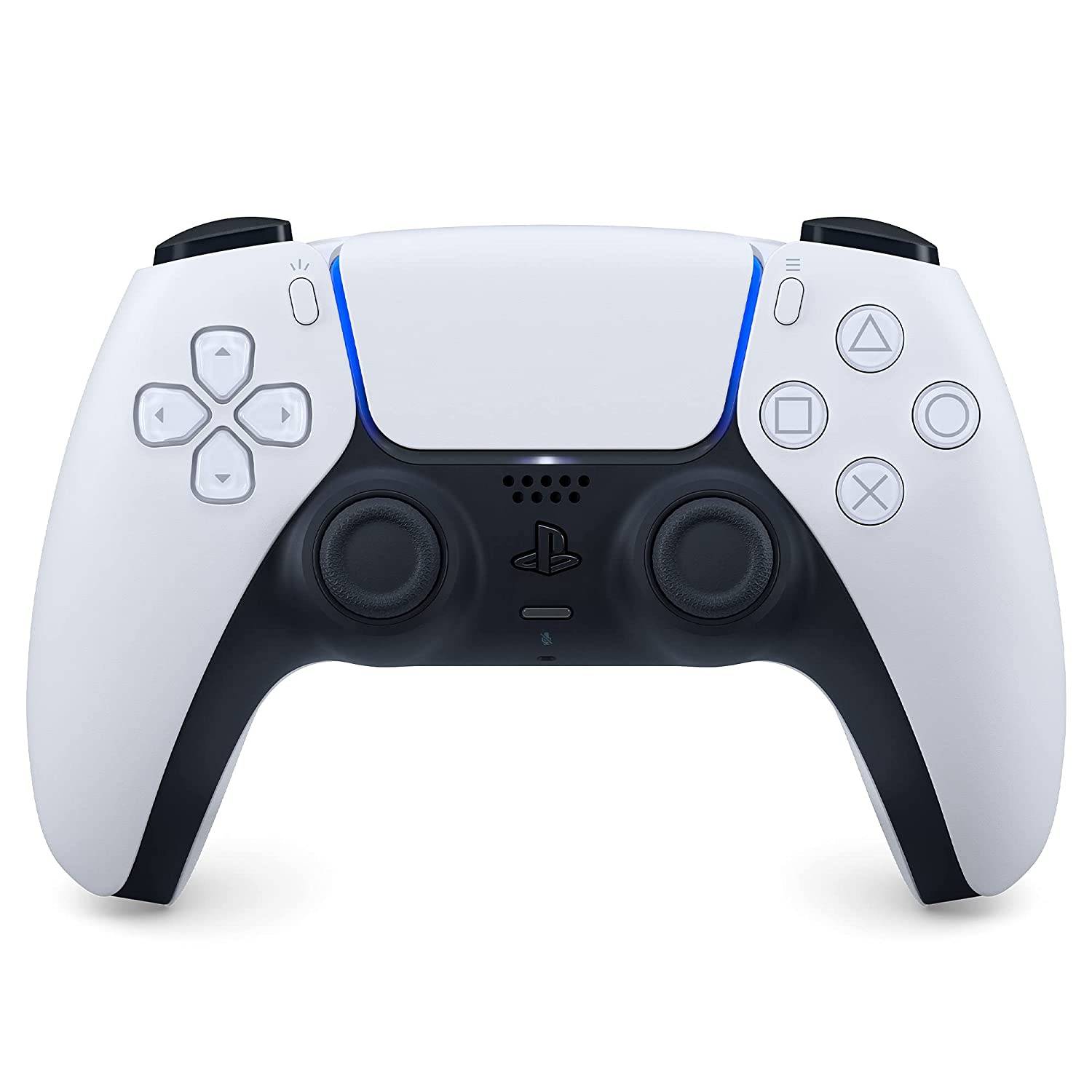 Our Top Pick### Sony DualSense
 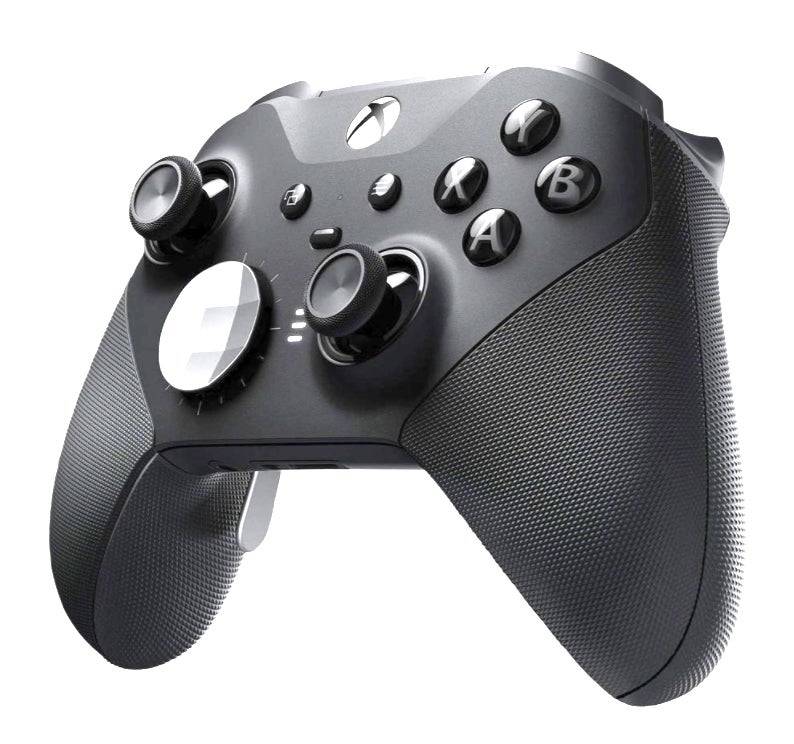 ### Xbox Elite Series 2 Controller
 ### 8BitDo Ultimate Controller
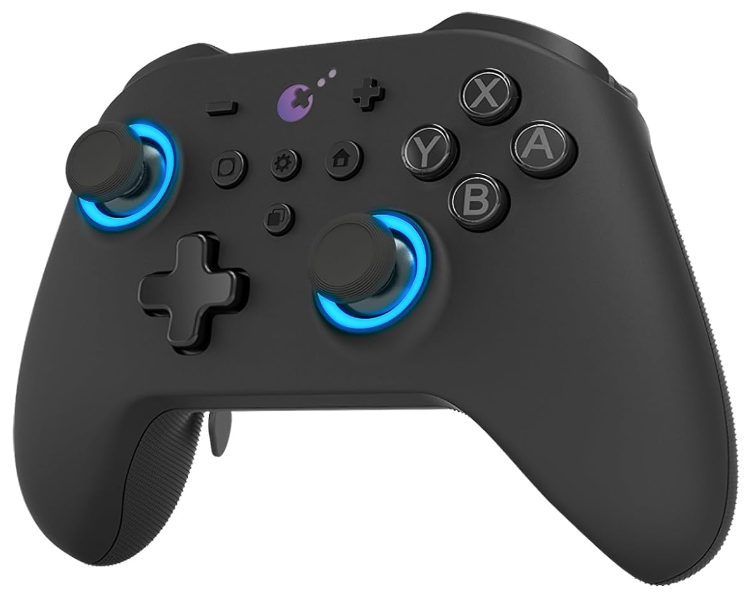 ### GuliKit KingKong 3 Max Controller
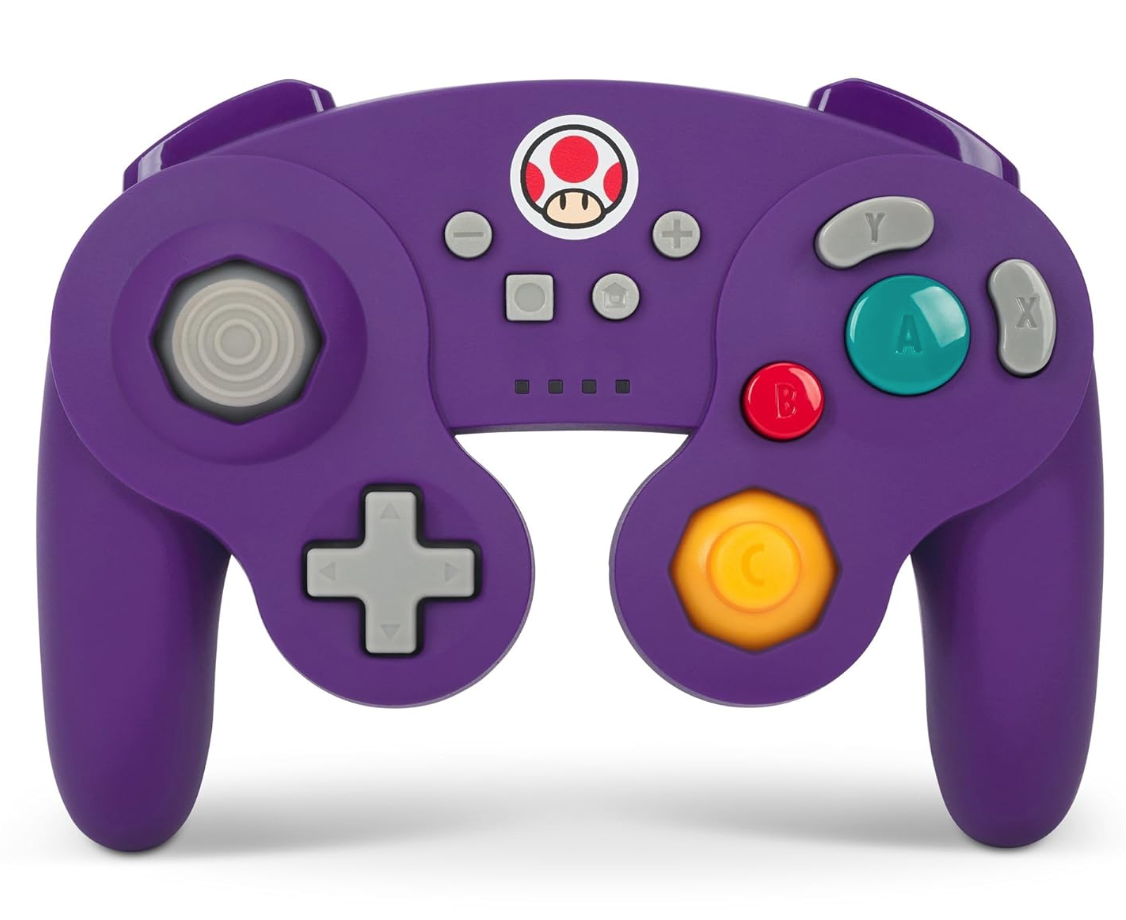 ### PowerA Wireless GameCube Style Controller
 LATEST ARTICLES