Application Description
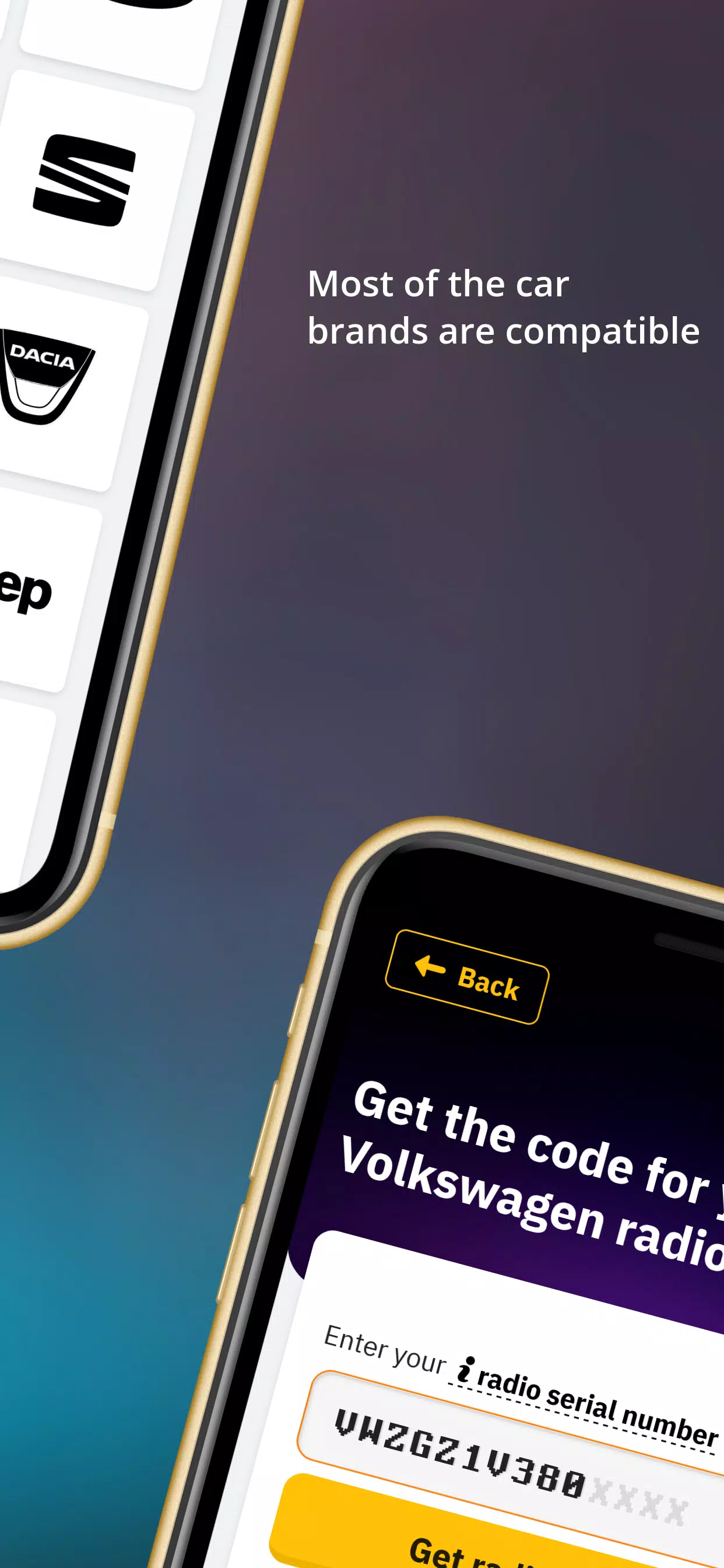
Get radio codes for vehicles like Volkswagen, Audi, Skoda, Seat, Chrysler, Jeep, Mercedes, and other popular brands. Radio Code Unlock lets you retrieve the activation code for your car stereo or navigation system. Our generator works with most car manufacturers and calculates codes instantly. The only detail required is your device’s serial number. Locating the Serial Number Your radio’s serial number is usually printed on a sticker on its side panel. To view it, you’ll need to partially remove the unit. Once visible, we recommend taking a picture for accuracy. You’ll typically find the serial number near a barcode. Examples of Serial Numbers: · V003261 – Radio code for Ford V series models · M066558 – Radio code for Ford M series models · VF1CB05CF25198337 – Renault radio code using VIN · UU1BSDPJ558566907 – Dacia radio code using VIN · A128 – Renault radio code · BP051577068510 – Blaupunkt radio code · BP011577068310 – Alfa Romeo radio code · A2C03730700191103 – Fiat Continental radio code · C7E3F0791A1521656 – Ford Travelpilot navigation code · BP011577068310 – Lancia radio code · AKK030109 – Ford made in Brazil · VCOAKZ12110527 – Ford Figo radio code · 2853805465 – Ford Australia & India models · SKZ1Z2I8261923 – Skoda radio code · VWZ7Z2W9393627 – Volkswagen radio code · AUZ2Z3C1172249 – Audi radio code · SEZ5Z2A13344023 – Seat radio code · 38218289 – Nissan radio code · TQ1AA1501A15382 – Chrysler radio code · U2201L1290 – Honda radio code (newer models) · 32011191 – Acura radio code (newer models) · AL2910Y0690315 – Alpine radio code · 15092056 – Mercedes-Benz radio code · Y23012031 – Becker radio code Wide Compatibility No matter what car you drive, our service can likely unlock your radio. Supported brands include: · Ford · Renault · Dacia · Alfa Romeo · Lancia · Fiat · Volkswagen (VW) · Nissan · Audi · Honda · Acura · Seat · Chrysler · Jeep · Mercedes · Volvo Popular radio models we support: · Blaupunkt · Becker · Alpine · 6000CD · 6006CD · SONY · 4500RDSE-ON · 5000RDS · 3000RDS · Travelpilot · RNS MDF · Concert · Gamma · Symphony · RNS300/RNS310/RNS500/RNS510 · MF2910 How to Enter Your Radio Code [1] Start by pressing the preset button 1 repeatedly until the first digit appears. [2] Repeat for buttons 2, 3, and 4. [3] Ensure the code is correctly entered and press the confirmation key. Depending on your model, the confirm button may be 5, *, or >. For instance, Ford 6000CD uses 5, Sony models use *, and most VW, Audi, Skoda, and Seat units use > (right arrow). My Radio Shows SAFE, LOCKED, WAIT, or ERROR All radios include a security lockout to prevent brute-force attempts. Since radio codes are 4-digit, there’s a maximum of 9999 possible combinations. To deter guessing, most models will lock after three incorrect entries. Ford Radio Messages If "WAIT" appears, leave the radio powered on for 30 minutes. For "LOCKED" or "LOCKED 10", press and hold button 6 for about 10 seconds—this may give you more attempts. "LOCKED 13" indicates a semi-permanent block, which typically requires dealer service. Volkswagen (VW) Radio Security After three wrong tries, VW radios show "SAFE" or "SAFE 2". To try again, leave the unit switched on for 60 minutes uninterrupted. You’re Not Alone We strive to make the process so straightforward that you won’t need to contact us. If you do have questions or run into any issues, please use the live chat. Our support team responds promptly and is happy to assist.
Auto & Vehicles



 Download
 Apps like Radio Code Generator