Application Description
A car dock app designed for effortless music listening and phone management while driving.
Car Home Ultra is an in-car docking application that simplifies managing your phone on the road.
It can launch automatically when your car’s Bluetooth is detected. You can always return to CHU instantly by tapping either the home button or the overlay button (see Settings -> Startup Options).
Car Home Ultra includes numerous task automation features to configure your phone for car use. These include Auto Startup, Display Brightness control, volume adjustments, WiFi settings, and more.
Additional Features:
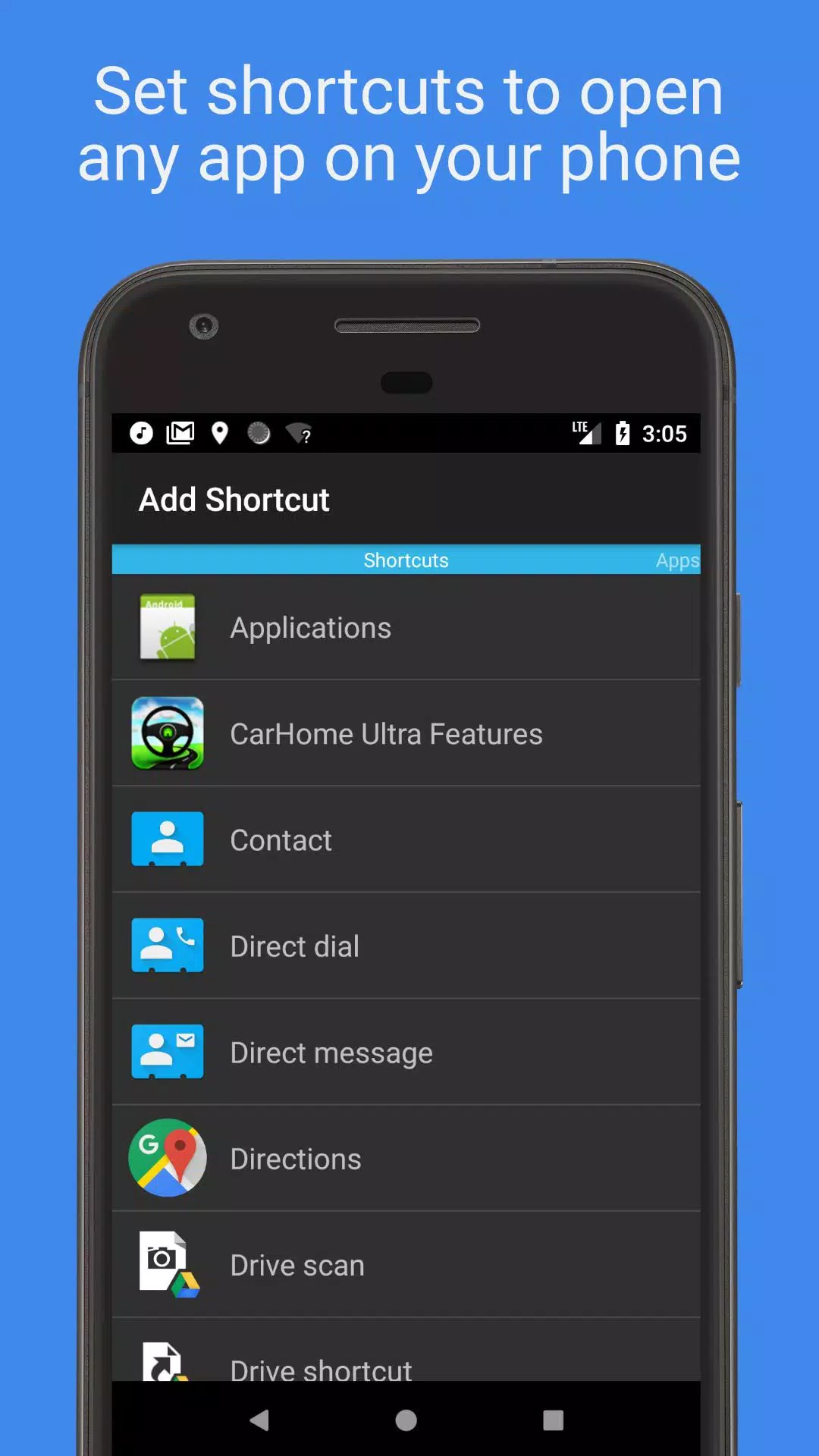
• Create unlimited custom shortcuts to launch apps, dial numbers directly, or navigate to specific destinations.
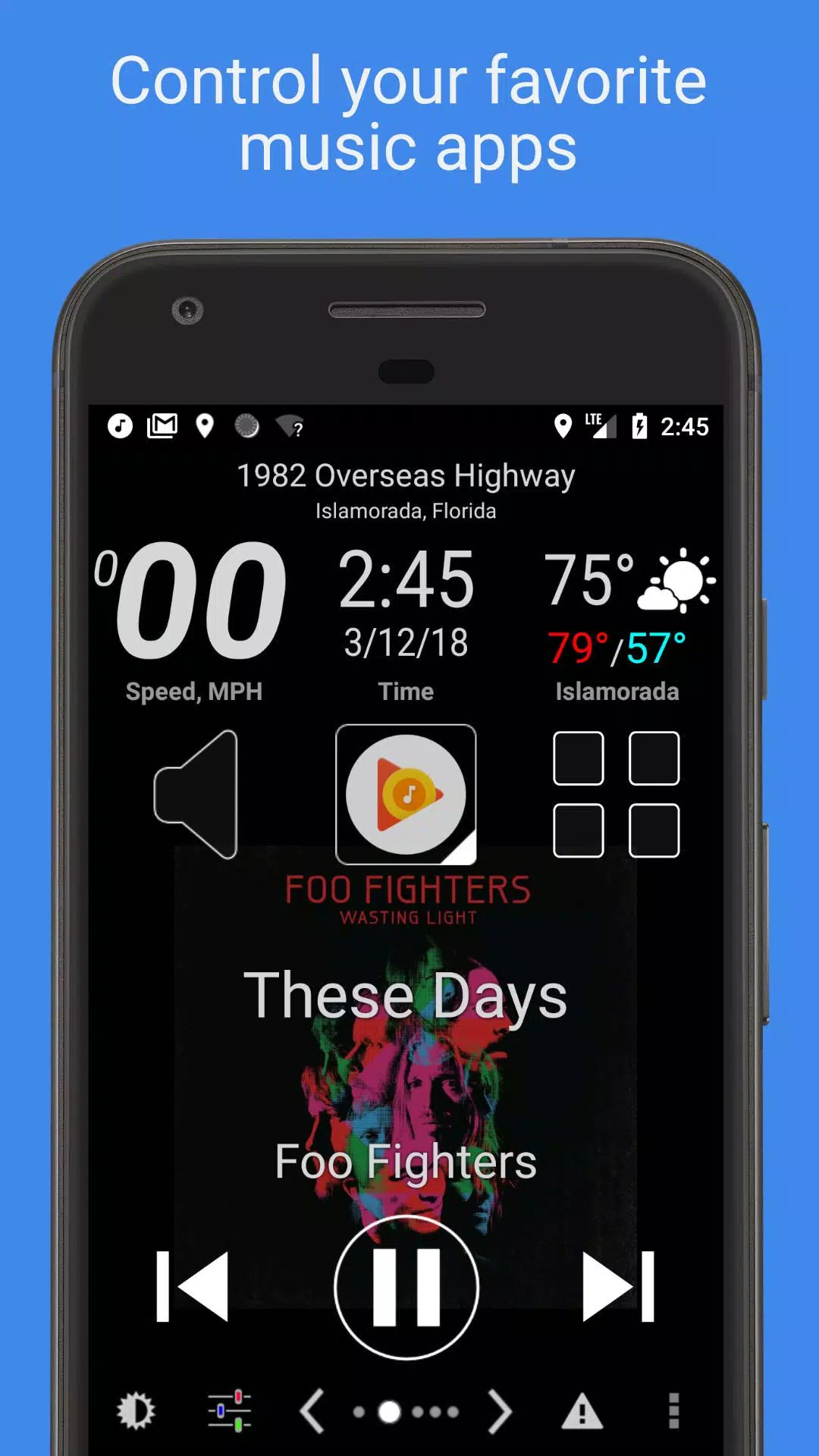
• Use the media controller with large, clear buttons to manage any music or podcast app on your phone.
• Stay informed with built-in data widgets displaying your speed, location, weather, altitude, and more.
• Choose from multiple skins and color schemes for hundreds of unique looks.
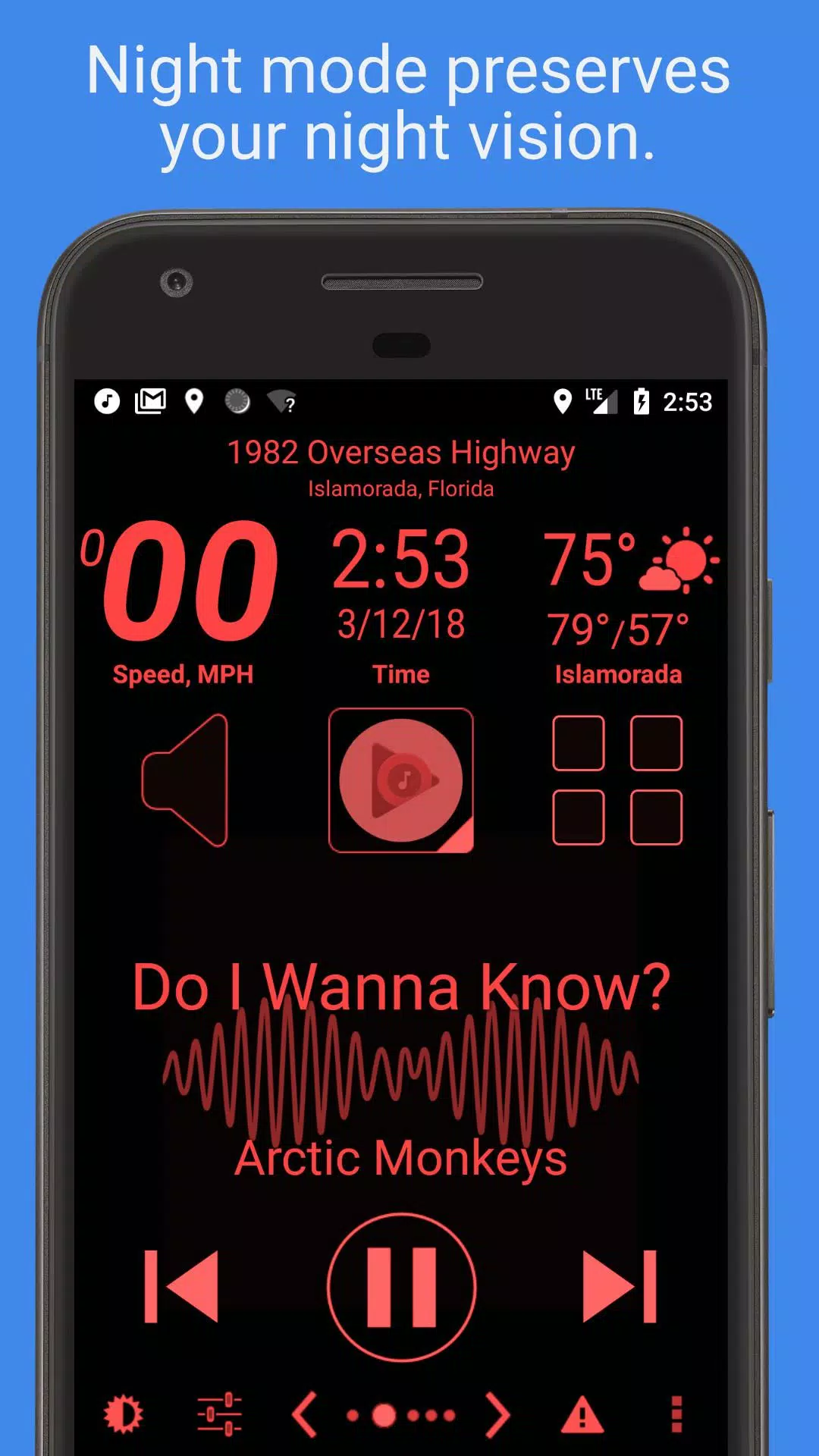
• Automatic Day and Night color schemes help protect your night vision.
• Automatic SMS replies let you keep your focus on driving.
• Speed Alarm helps you avoid speeding tickets.
• View the Full Feature List below.
Mark the Geek: "CarHome Ultra for Android - Perfect App for in Car Dock"
https://www.youtube.com/watch?v=9g-Aonh645Y
Android 4.2+ users can also utilize Google Voice Commands for a completely hands-free experience. See this link for details: https://support.google.com/websearch/answer/6031948?hl=en
**This is a 30-day trial. If you enjoy the app, please purchase the CarHome Ultra License for unlimited use.**
Data Widgets:
- Speedometer (speaks when pressed)
- Compass
- Altimeter
- Battery Meter
- Clock
- Current Weather Conditions (Speaks when pressed)
- Current Location (Speaks when pressed)
Other Features:
- Integrated Media Controller (Play/Pause, Next, Previous, Artist, Title)
- Unlimited custom shortcuts
- Location alerts
- Custom Day/Night color schemes
- Multiple skins and color schemes
- Auto-switch between Day/Night modes based on sunrise and sunset
- Option to switch to speakerphone mode when docked
- Launches CarHome upon detecting a Bluetooth connection
- Optional automatic Bluetooth activation with Car Mode
- Optional automatic Bluetooth deactivation when exiting Car Mode
- Optional automatic WiFi on/off with Car Mode
- Displays speed in KPH or MPH
- Displays temperature in Celsius or Fahrenheit
- Full Screen Mode
- Support for Icon Packs
- Lock Screen Rotation (landscape, portrait, reverse landscape, and reverse portrait)
- Android 5 Material Design
- Brightness and Display Mode Controls
- Volume Controls
- Tactile Button Response
- Mute Alerts
- Three Page Types: 6 button, 8 button, and media controller
- Sleep Mode: conserves power and reduces device heat
- Keep Display On until you exit the app
- Stop music/media on exit
- Partially inspired Android Auto (true story)
HAVING A PROBLEM? Please email me: [email protected]
App Permission Descriptions:
Device & App History – Required for the new Media Controller feature to detect if a media player can accept media requests.
Contacts/Calendar – Required to set up a direct dial shortcut. Calendar permission is bundled with Contacts.
Location – Required to access GPS for the speedometer, compass, altimeter, weather, and other features.
Phone – Required for the Direct Dial shortcut.
Photos/Media/Files – Required for the Debug Log feature. Photos & Media permissions are bundled; the app does not use them.
Camera/Microphone – The microphone permission is required for the media player visualization feature, as attaching to the audio stream needs it. Camera permission is bundled; the app does not use the camera. This permission also allows for future voice-activated features.
Wi-Fi Connection – Required for the app to enable or disable Wi-Fi.
Auto & Vehicles


 Download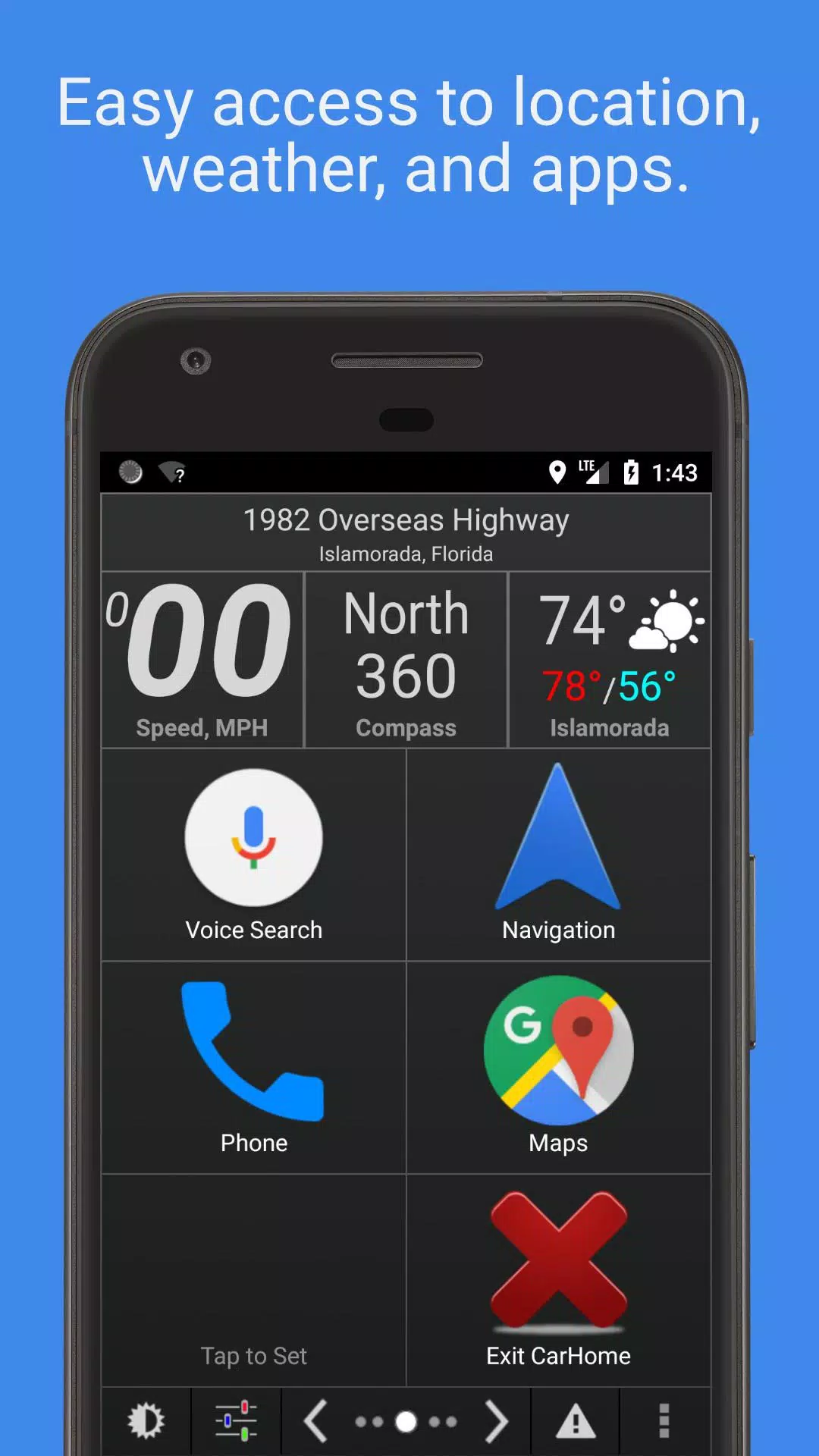
 Apps like Car Home Ultra