Anwendungsbeschreibung
Grid Drawing | Create Grids for Art - Overlay a customizable grid on any image.
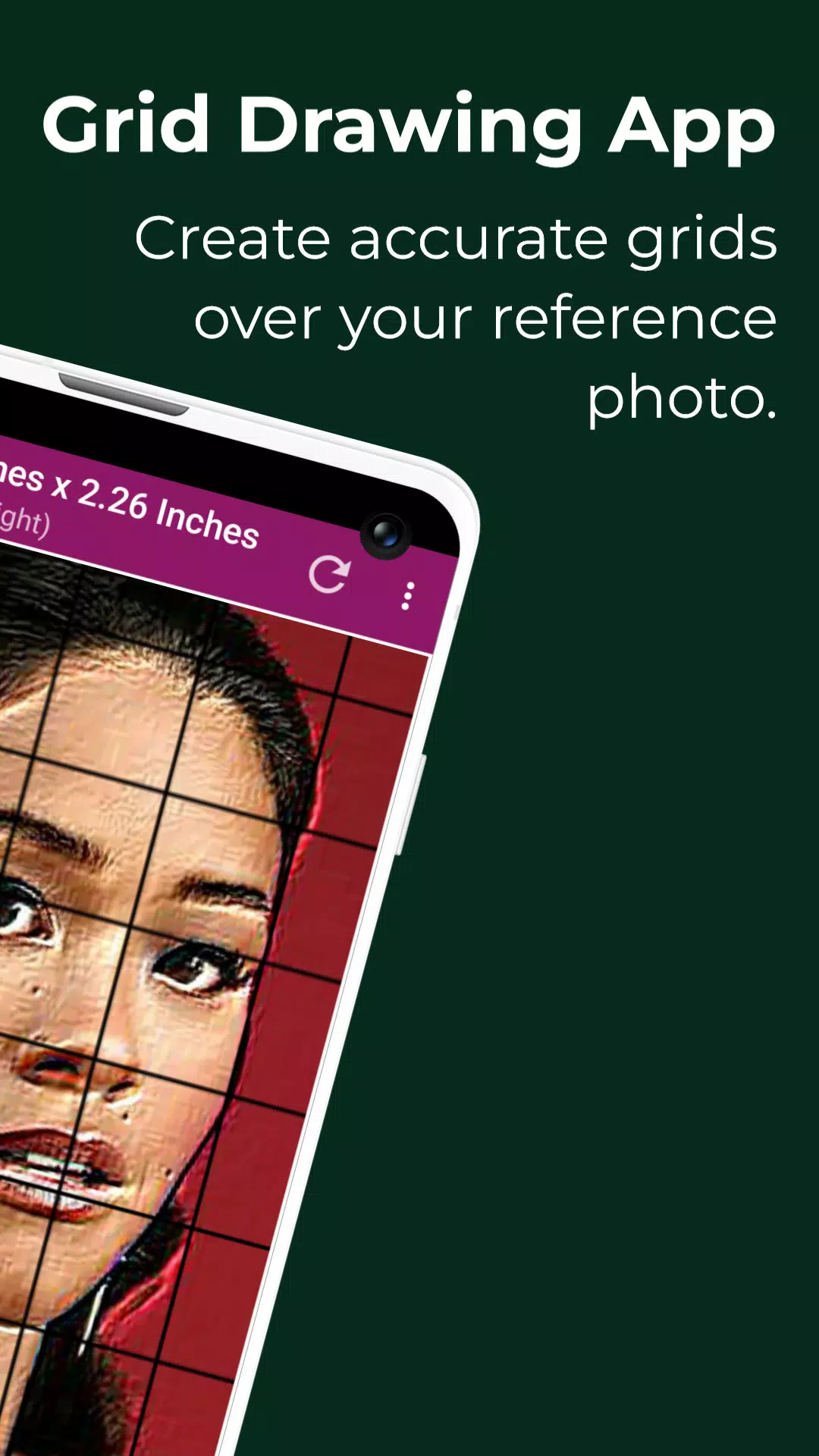
Grid drawing is an artistic method where you place a grid over a reference photo and recreate a grid with the same proportions on your working surface, such as paper, canvas, or wood. You then draw the image square by square, systematically transferring the entire picture.
This technique offers a practical and effective way to develop drawing skills, helping artists reproduce images with correct proportions and accuracy. It serves as a valuable learning aid throughout an artist’s journey.
Key advantages of grid drawing include maintaining proportion, scaling images up or down, simplifying complex subjects, honing observation, boosting hand-eye coordination, and building confidence.
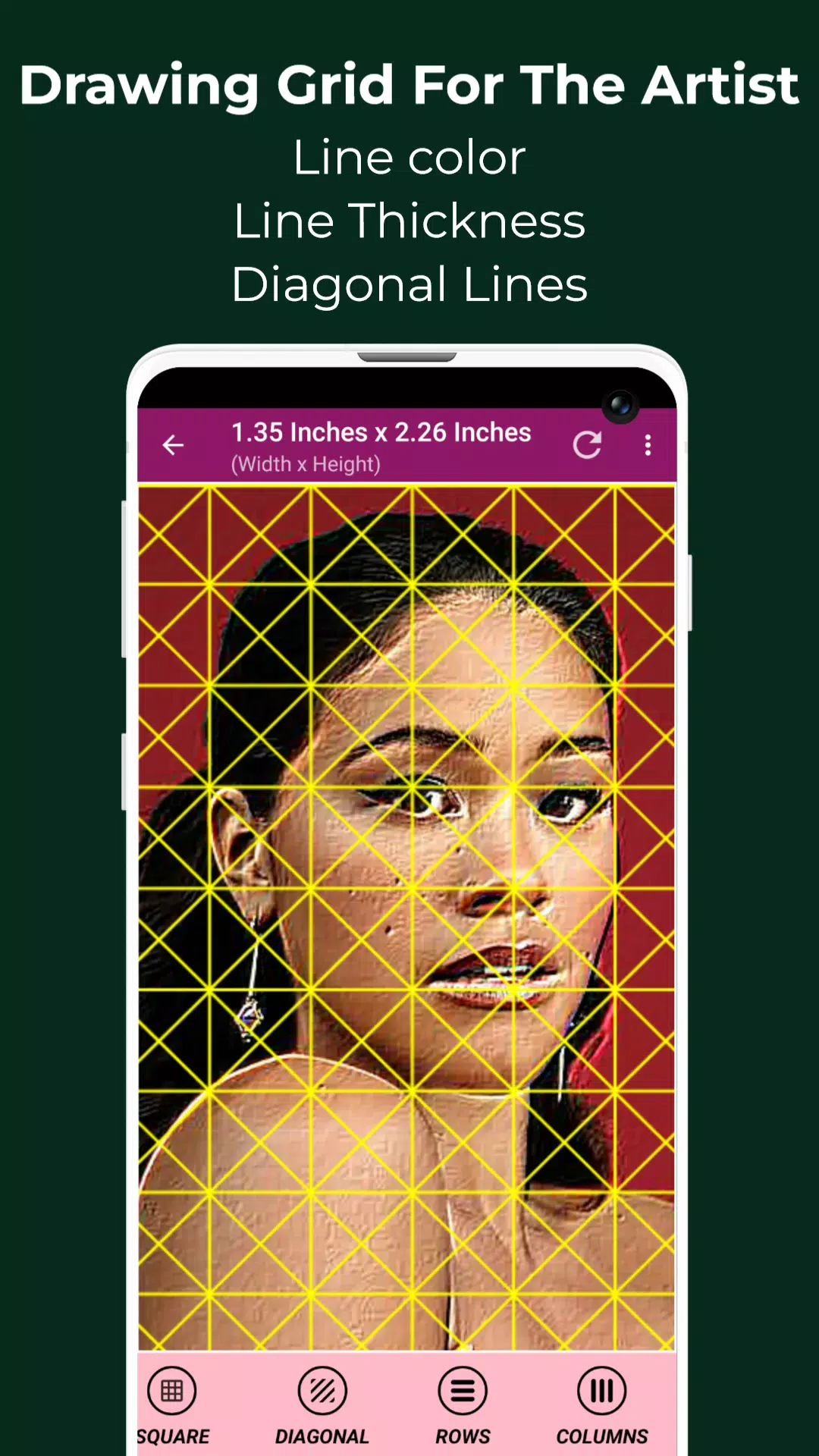
With the Grid Maker for Drawing app, your reference image is divided into rows and columns of smaller squares. Each square represents a portion of the image, allowing you to replicate it square-by-square on a larger scale with high precision.
The Grid Maker app also enhances your drawing ability by keeping proportions and details intact.
The Grid Drawing app comes packed with tools and settings that support accurate, timely transfer of your reference photo to your artwork with exceptional detail.
Drawing Grid For The Artist is built for both novices and professionals to sharpen their observational and drawing skills.
Key features of Grid Maker For Drawing With Measurements -
1. Capture a new photo using your camera. Supports JPEG, PNG, and WEBP formats.
2. Pick an existing image from your gallery. Supports JPEG, PNG, and WEBP formats.
3. Select or share images from your file manager or favorite apps. Supports JPEG, PNG, and WEBP formats.
4. Square grid layouts
5. Rectangular grid layouts
6. Toggle grid overlay on or off
7. Add diagonal grid lines
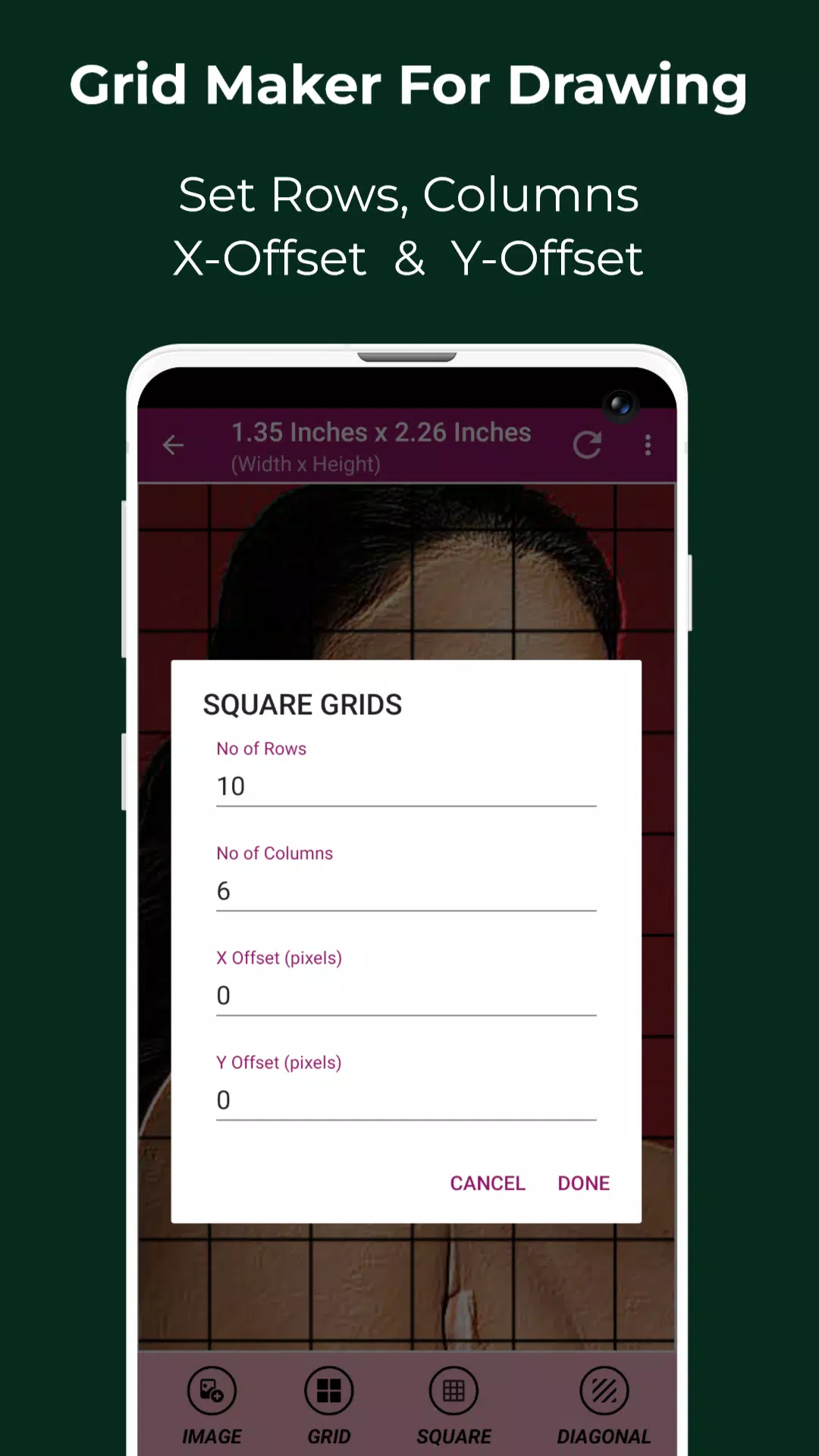
8. Set number of rows and Y-axis offset
9. Set number of columns and X-axis offset
10. Choose your grid color
11. Enable or disable grid labels
12. Adjust label size and alignment (top, bottom, left, or right)
13. Increase or reduce grid line thickness
14. Image measurements – view exact dimensions in Pixels (px), Inches (in), Millimeters (mm), Points (pt), Picas (pc), Centimeters (cm), Meters (m), Feet (ft), Yards (yd)
15. Cell measurements – view exact cell size in Pixels (px), Inches (in), Millimeters (mm), Points (pt), Picas (pc), Centimeters (cm), Meters (m), Feet (ft), Yards (yd)
16. Full screen mode
17. Compare Drawing – overlay your drawing with the reference image in real time
18. Lock screen
19. Pixel tool – get HEX code, RGB, and CMYK values for any pixel in the reference image
20. Zoom in or out of the image (up to 50x)
21. Enable or disable zoom
22. Apply effects – Black and white, Bloom, Cartoon, Crystal, Emboss, Glow, Grayscale, HDR, Invert, Lomo, Neon, Old school, Pixel, Polaroid, Sharpen, and Sketch
23. Crop image – choose from Fit image, Square, 3:4, 4:3, 9:16, 16:9, 7:5, or custom aspect ratio
24. Rotate image (360 degrees)
25. Flip image vertically or horizontally
26. Adjust brightness, contrast, saturation, and hue
27. Save, share, and print grid images
28. Saved Images – Access all your stored grid images anytime
Grid Drawing is the ultimate tool for artists at any level seeking greater precision, accuracy, and growth in their work.
Feel free to contact us with any questions or feedback. Thank you.
Kunst & Design


 Herunterladen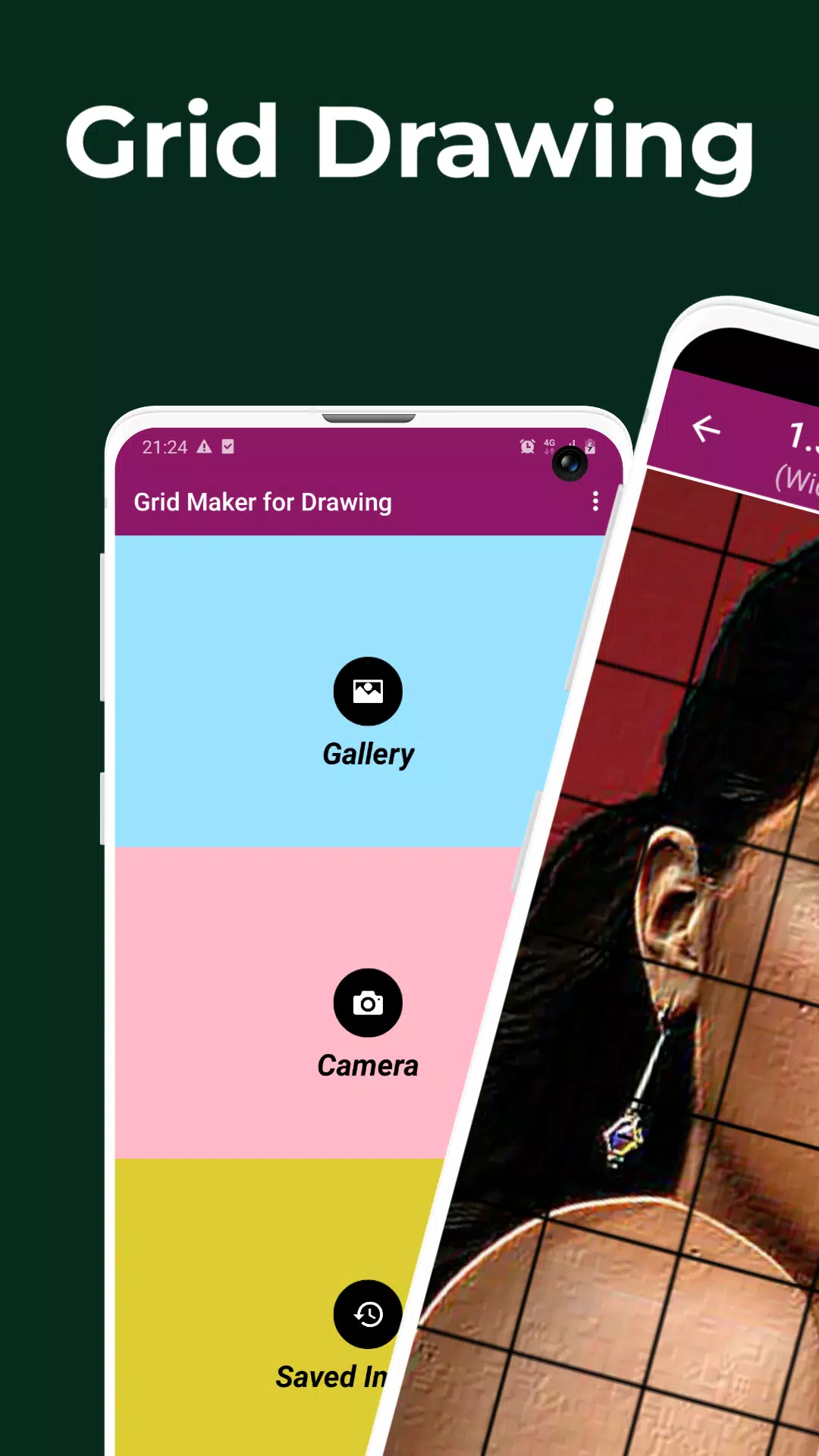
 Apps wie Grid Drawing