애플리케이션 설명
Grid Drawing | Create Grids for Art - Overlay a customizable grid on any image.
그리드 드로잉 | 예술을 위한 그리드 생성 - 모든 이미지에 사용자 정의 가능한 그리드를 겹쳐 표시합니다.
Grid drawing is an artistic method where you place a grid over a reference photo and recreate a grid with the same proportions on your working surface, such as paper, canvas, or wood. You then draw the image square by square, systematically transferring the entire picture.
그리드 드로잉은 기준 사진 위에 그리드를 배치하고 종이, 캔버스 또는 나무와 같은 작업 표면에서 동일한 비율의 그리드를 재현하는 예술적 방법입니다. 그런 다음 이미지를 한 사각형씩 그려 전체 그림을 체계적으로 옮깁니다.
This technique offers a practical and effective way to develop drawing skills, helping artists reproduce images with correct proportions and accuracy. It serves as a valuable learning aid throughout an artist’s journey.
이 기법은 drawing 기술을 발전시키는 실용적이고 효과적인 방법을 제공하며, 아티스트가 올바른 비율과 정확도로 이미지를 재현하는 데 도움을 줍니다. 이는 아티스트의 여정 전반에 걸쳐 귀중한 학습 보조 도구로 작용합니다.
Key advantages of grid drawing include maintaining proportion, scaling images up or down, simplifying complex subjects, honing observation, boosting hand-eye coordination, and building confidence.
그리드 드로잉의 주요 장점에는 비율 유지, 이미지 크기 조절, 복잡한 피사체 단순화, 관찰력 연마, 손과 눈의 협응력 향상, 자신감 구축 등이 포함됩니다.
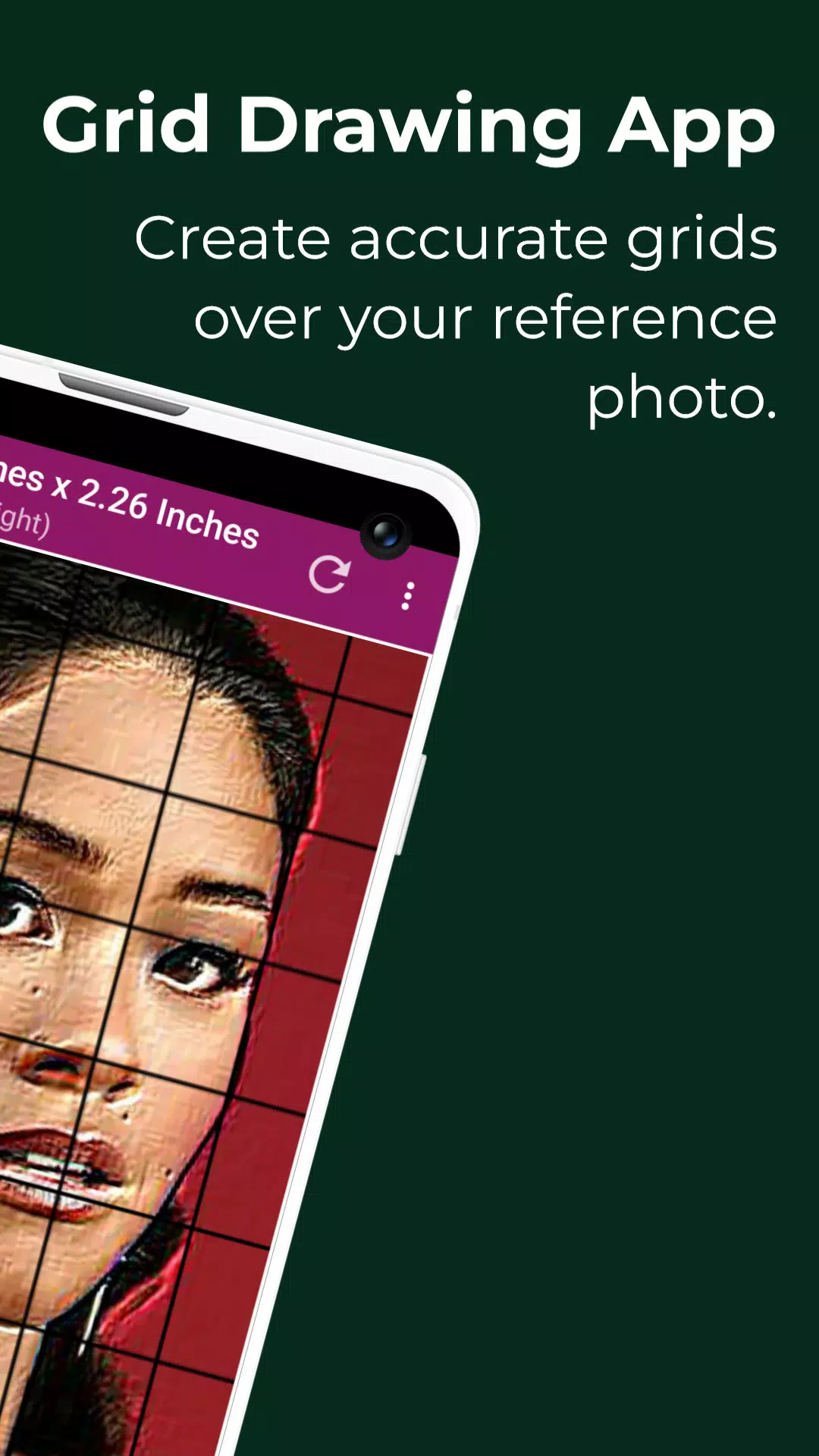
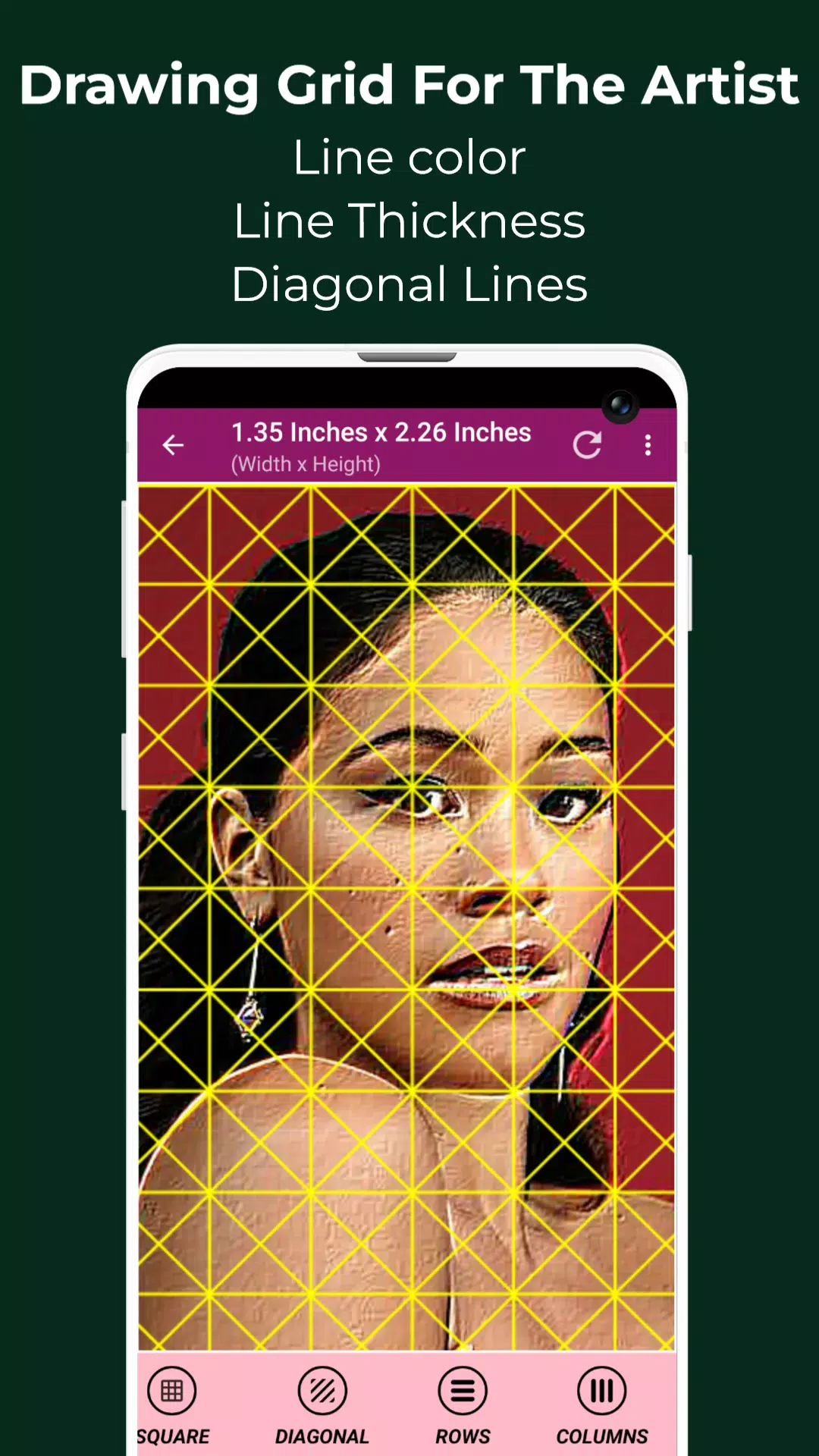
With the Grid Maker for Drawing app, your reference image is divided into rows and columns of smaller squares. Each square represents a portion of the image, allowing you to replicate it square-by-square on a larger scale with high precision.
그리드 메이커 for Drawing 앱을 사용하면 기준 이미지가 작은 사각형의 행과 열로 나뉩니다. 각 사각형은 이미지의 일부를 나타내며, 높은 정밀도로 더 큰 규모에서 사각형별로 복제할 수 있게 해줍니다.
The Grid Maker app also enhances your drawing ability by keeping proportions and details intact.
그리드 메이커 앱은 비율과 세부 사항을 그대로 유지하여 drawing 능력을 향상시킵니다.
The Grid Drawing app comes packed with tools and settings that support accurate, timely transfer of your reference photo to your artwork with exceptional detail.
그리드 드로잉 앱은 뛰어난 세부 사항으로 기준 사진을 작품에 정확하고 시기적절하게 전달하는 데 도움이 되는 도구와 설정으로 가득 차 있습니다.
Drawing Grid For The Artist is built for both novices and professionals to sharpen their observational and drawing skills.
아티스트를 위한 Drawing Grid는 초보자와 전문가 모두의 관찰력과 drawing 기술을 연마하기 위해 설계되었습니다.
Key features of Grid Maker For Drawing With Measurements -
측정 기능이 포함된 그리드 메이커 for Drawing의 주요 기능 -
1. Capture a new photo using your camera. Supports JPEG, PNG, and WEBP formats.
1. 카메라를 사용하여 새 사진을 촬영합니다. JPEG, PNG 및 WEBP 형식을 지원합니다.
2. Pick an existing image from your gallery. Supports JPEG, PNG, and WEBP formats.
2. 갤러리에서 기존 이미지를 선택합니다. JPEG, PNG 및 WEBP 형식을 지원합니다.
3. Select or share images from your file manager or favorite apps. Supports JPEG, PNG, and WEBP formats.
3. 파일 관리자 또는 좋아하는 앱에서 이미지를 선택하거나 공유합니다. JPEG, PNG 및 WEBP 형식을 지원합니다.
4. Square grid layouts
4. 정사각형 그리드 레이아웃
5. Rectangular grid layouts
5. 직사각형 그리드 레이아웃
6. Toggle grid overlay on or off
6. 그리드 오버레이 켜기 또는 끄기
7. Add diagonal grid lines
7. 대각선 그리드 선 추가
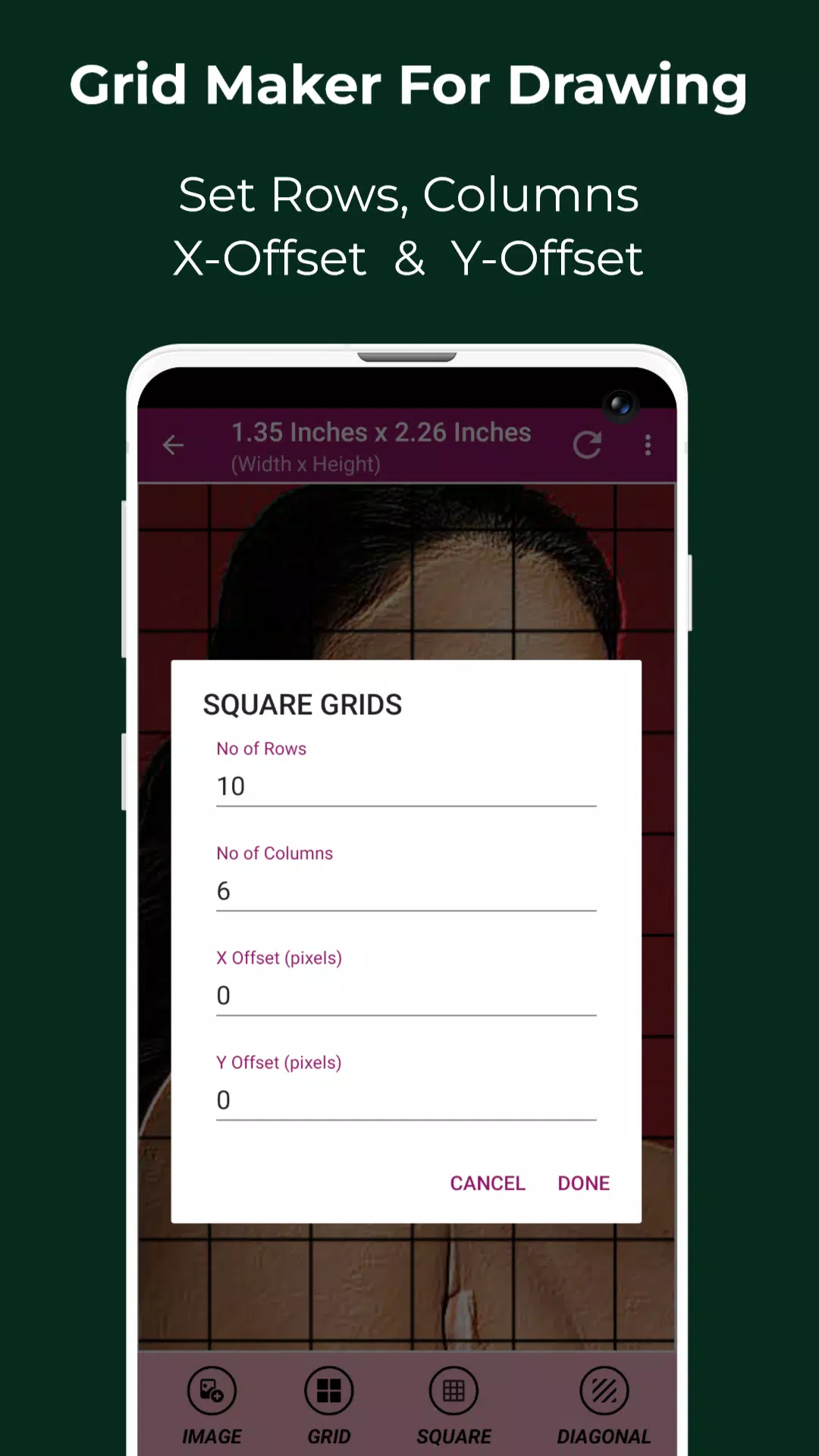
8. Set number of rows and Y-axis offset
8. 행 수 및 Y축 오프셋 설정
9. Set number of columns and X-axis offset
9. 열 수 및 X축 오프셋 설정
10. Choose your grid color
10. 그리드 색상 선택
11. Enable or disable grid labels
11. 그리드 레이블 활성화 또는 비활성화
12. Adjust label size and alignment (top, bottom, left, or right)
12. 레이블 크기 및 정렬 조정 (상단, 하단, 왼쪽 또는 오른쪽)
13. Increase or reduce grid line thickness
13. 그리드 선 두께 증가 또는 감소
14. Image measurements – view exact dimensions in Pixels (px), Inches (in), Millimeters (mm), Points (pt), Picas (pc), Centimeters (cm), Meters (m), Feet (ft), Yards (yd)
14. 이미지 측정 - 픽셀(px), 인치(in), 밀리미터(mm), 포인트(pt), 피카(pc), 센티미터(cm), 미터(m), 피트(ft), 야드(yd)로 정확한 치수 보기
15. Cell measurements – view exact cell size in Pixels (px), Inches (in), Millimeters (mm), Points (pt), Picas (pc), Centimeters (cm), Meters (m), Feet (ft), Yards (yd)
15. 셀 측정 - 픽셀(px), 인치(in), 밀리미터(mm), 포인트(pt), 피카(pc), 센티미터(cm), 미터(m), 피트(ft), 야드(yd)로 정확한 셀 크기 보기
16. Full screen mode
16. 전체 화면 모드
17. Compare Drawing – overlay your drawing with the reference image in real time
17. 비교 그리기 - 실시간으로 그리기를 기준 이미지와 겹쳐서 비교
18. Lock screen
18. 화면 잠금
19. Pixel tool – get HEX code, RGB, and CMYK values for any pixel in the reference image
19. 픽셀 도구 - 기준 이미지의 모든 픽셀에 대한 HEX 코드, RGB 및 CMYK 값 얻기
20. Zoom in or out of the image (up to 50x)
20. 이미지 확대 또는 축소 (최대 50배)
21. Enable or disable zoom
21. 확대/축소 활성화 또는 비활성화
22. Apply effects – Black and white, Bloom, Cartoon, Crystal, Emboss, Glow, Grayscale, HDR, Invert, Lomo, Neon, Old school, Pixel, Polaroid, Sharpen, and Sketch
22. 효과 적용 - 흑백, 블룸, 만화, 크리스탈, 엠보싱, 글로우, 그레이스케일, HDR, 반전, 로모, 네온, 올드 스쿨, 픽셀, 폴라로이드, 선명화 및 스케치
23. Crop image – choose from Fit image, Square, 3:4, 4:3, 9:16, 16:9, 7:5, or custom aspect ratio
23. 이미지 자르기 - 이미지 맞춤, 정사각형, 3:4, 4:3, 9:16, 16:9, 7:5 또는 사용자 정의 가로세로 비율 중 선택
24. Rotate image (360 degrees)
24. 이미지 회전 (360도)
25. Flip image vertically or horizontally
25. 이미지 수직 또는 수평 뒤집기
26. Adjust brightness, contrast, saturation, and hue
26. 밝기, 대비, 채도 및 색조 조정
27. Save, share, and print grid images
27. 그리드 이미지 저장, 공유 및 인쇄
28. Saved Images – Access all your stored grid images anytime
28. 저장된 이미지 - 언제든지 모든 저장된 그리드 이미지에 액세스
Grid Drawing is the ultimate tool for artists at any level seeking greater precision, accuracy, and growth in their work.
그리드 드로잉은 작업에서 더 높은 정밀도, 정확성 및 성장을 추구하는 모든 수준의 아티스트를 위한 궁극적인 도구입니다.
Feel free to contact us with any questions or feedback. Thank you.
질문이나 피드백이 있으면 언제든지 연락해 주세요. 감사합니다.
예술 및 디자인


 다운로드
다운로드 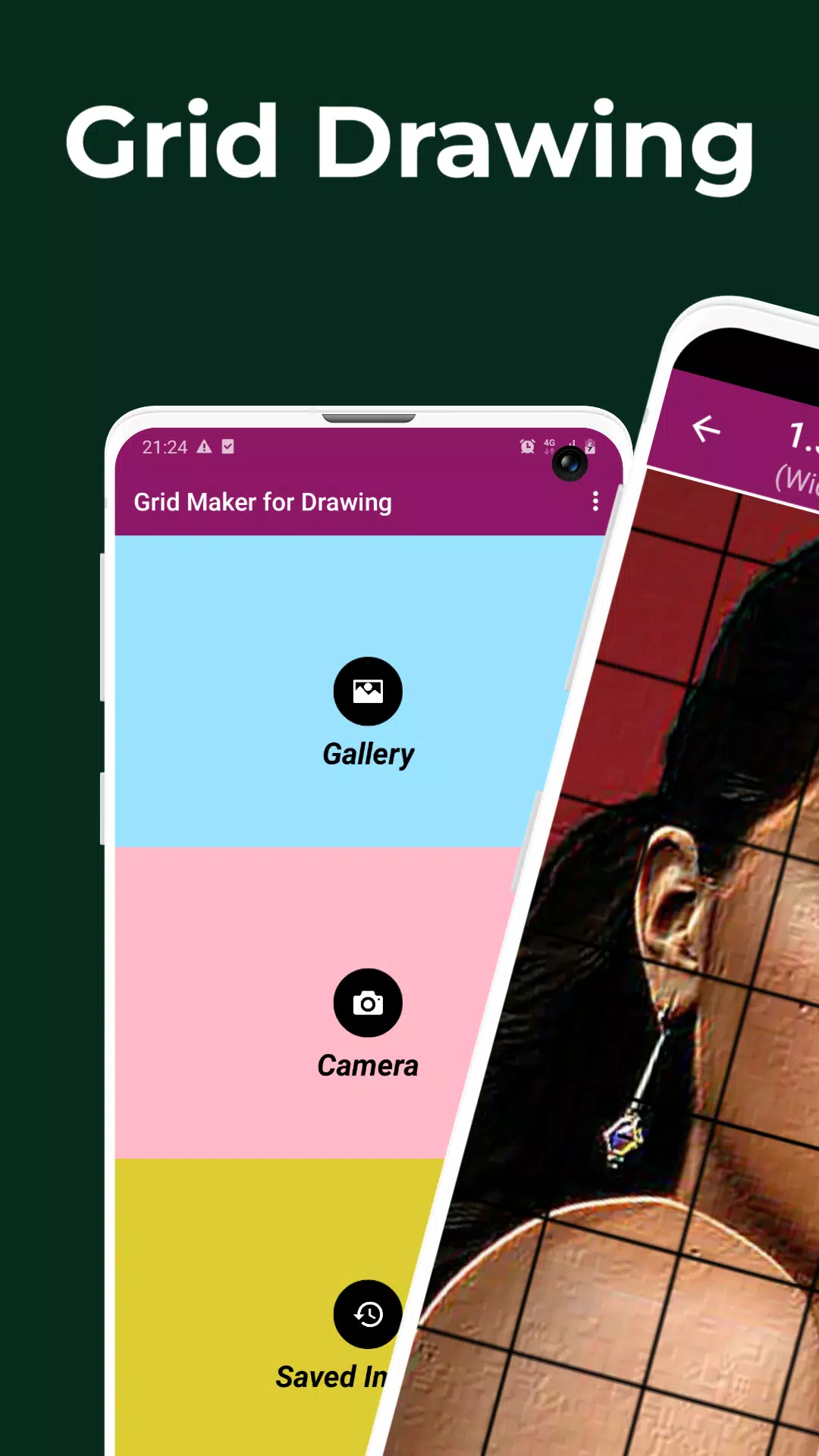
 Grid Drawing 같은 앱