Application Description
Unleash your creativity: draw, paint, and share your artwork with a growing community. This is an early access release with more exciting features on the way.
This is not Sketchbook.
This is not Photoshop.
This is not Procreate.
This is not Infinite Painter.
This is ArtClash.
ArtClash was created to motivate artists to practice drawing, sketching, and cartooning every single day.
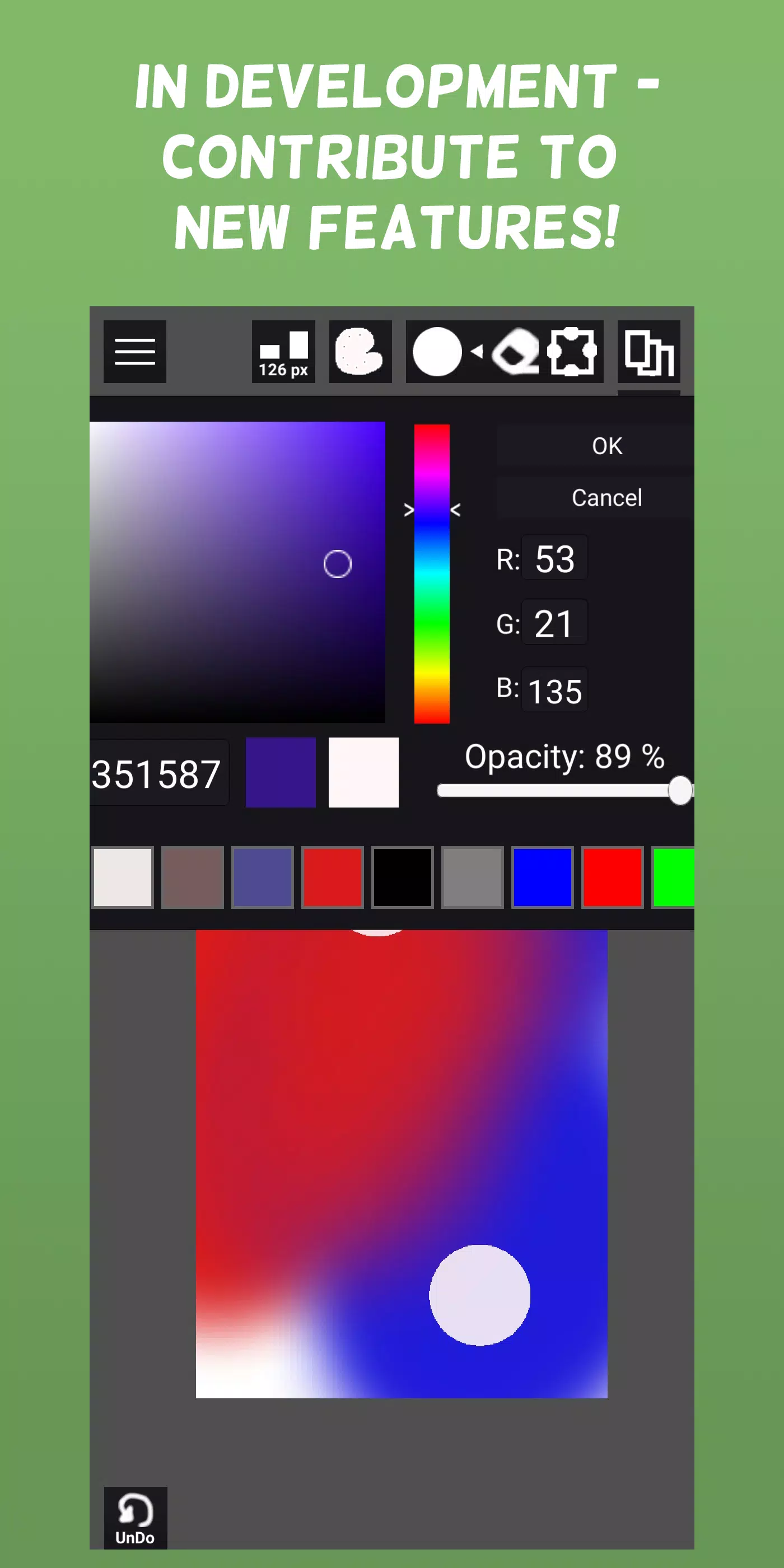
The platform is currently in active development. The first game is complete, with more modes and tools coming soon.
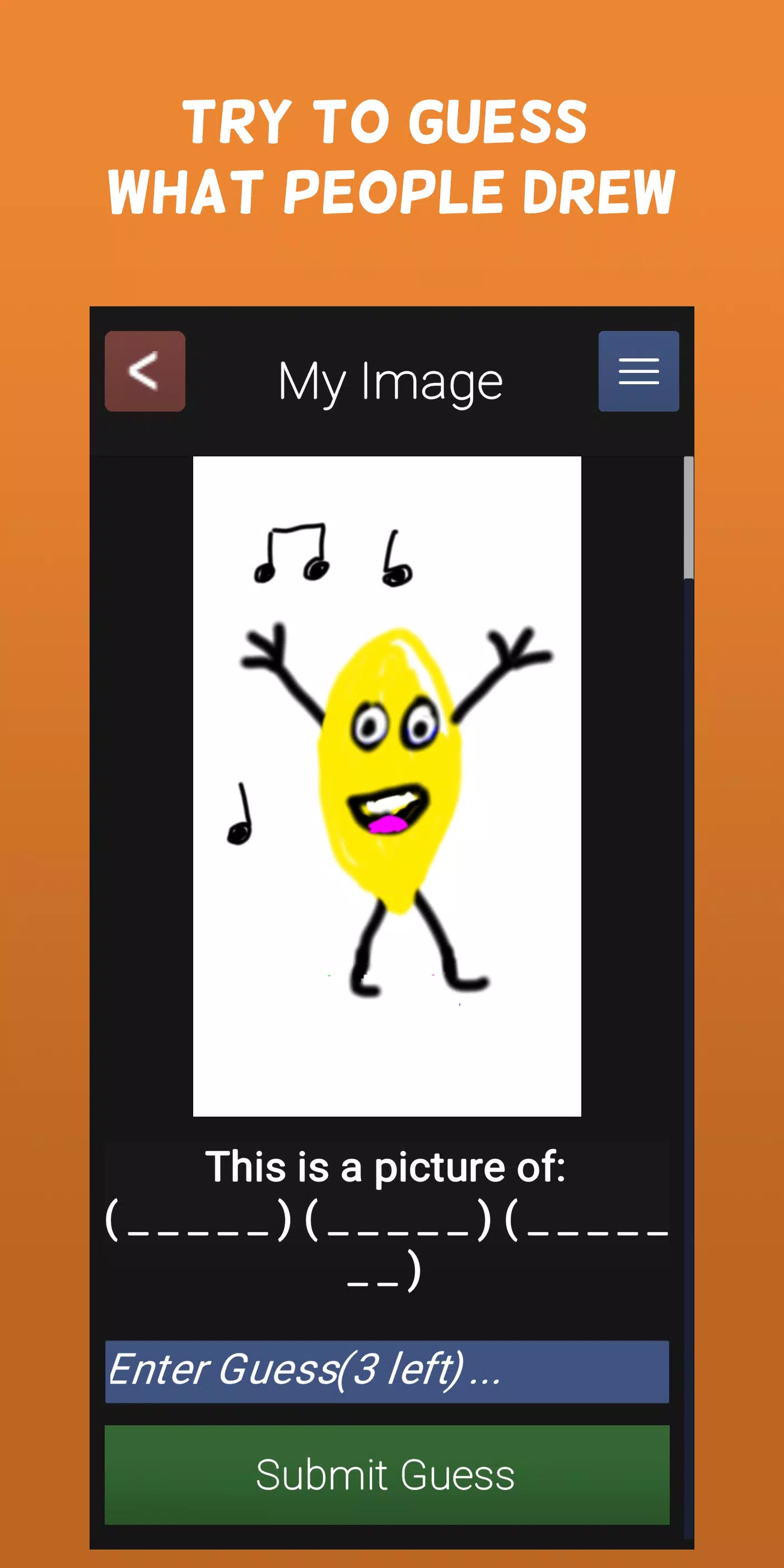
You can freely draw anything you imagine, or select from a variety of topics and challenge yourself with optional constraints like time limits, color restrictions, or canvas size. Earn points when others correctly guess your creations!
ArtClash is a solo project I built for my wife and me to practice daily, and to inspire others to build a consistent creative habit too.
Current features include:
• Paint - Sketch, Paint, and Blend colors with ease
• Import images to use as references or paint directly over them
• Pick topics and constraints, create your artwork, and earn points for each correct guess
• 6 difficulty levels for topics, ranging from single words to complex prompts with up to 5 different nouns, verbs, places, or time periods
• Choose from 3 constraint types to earn bonus points: time limits, color limits, or canvas size restrictions
• Enjoy free drawing mode to create anything you wish and share it with the community
• NSFW flagging system gives you control over viewing content marked as Not Safe For Work
Known issues in the current early access version:
• Basic UI: The Unity interface has been challenging to refine. Plans are in place to replace it with a more responsive XAML-based UI
• For optimal performance on lower-end devices, keep canvas sizes under 1024x1024. The GPU-accelerated brush engine may slow down with large canvases and small brushes. We're testing alternative engines and working on significant performance improvements
Features in development:
• Additional games (starting with a drawing "telephone" game)
• Enhanced social features (customizable avatars, comment sections for projects and completed games, friend and follow systems)
• Improved UI and faster brush engine (addressing current limitations)
• Marquee selection tool and transformation capabilities
• Expanded brush library (the system supports custom brush textures – we'll add more presets and enable users to create and share their own)
• Advanced layer system (currently supports basic layering; transparent pixel locking, masking, and additional controls are coming)
• Developer communication system: A feedback platform for feature requests, bug reports, and community voting on future updates
• Moderator program: Community members can be promoted to help review flagged content and maintain platform safety
• Topic and constraint submissions: Users can suggest new topics and constraints, which will be added after moderation
• Long-term vision includes comprehensive image editing, animation tools, scripting support, and game/storyboard prototyping features
Given current performance considerations with large textures and the ongoing development of editing tools, ArtClash is currently optimized for social competition and creative encouragement rather than functioning as a complete image editing suite.
Art & Design


 Download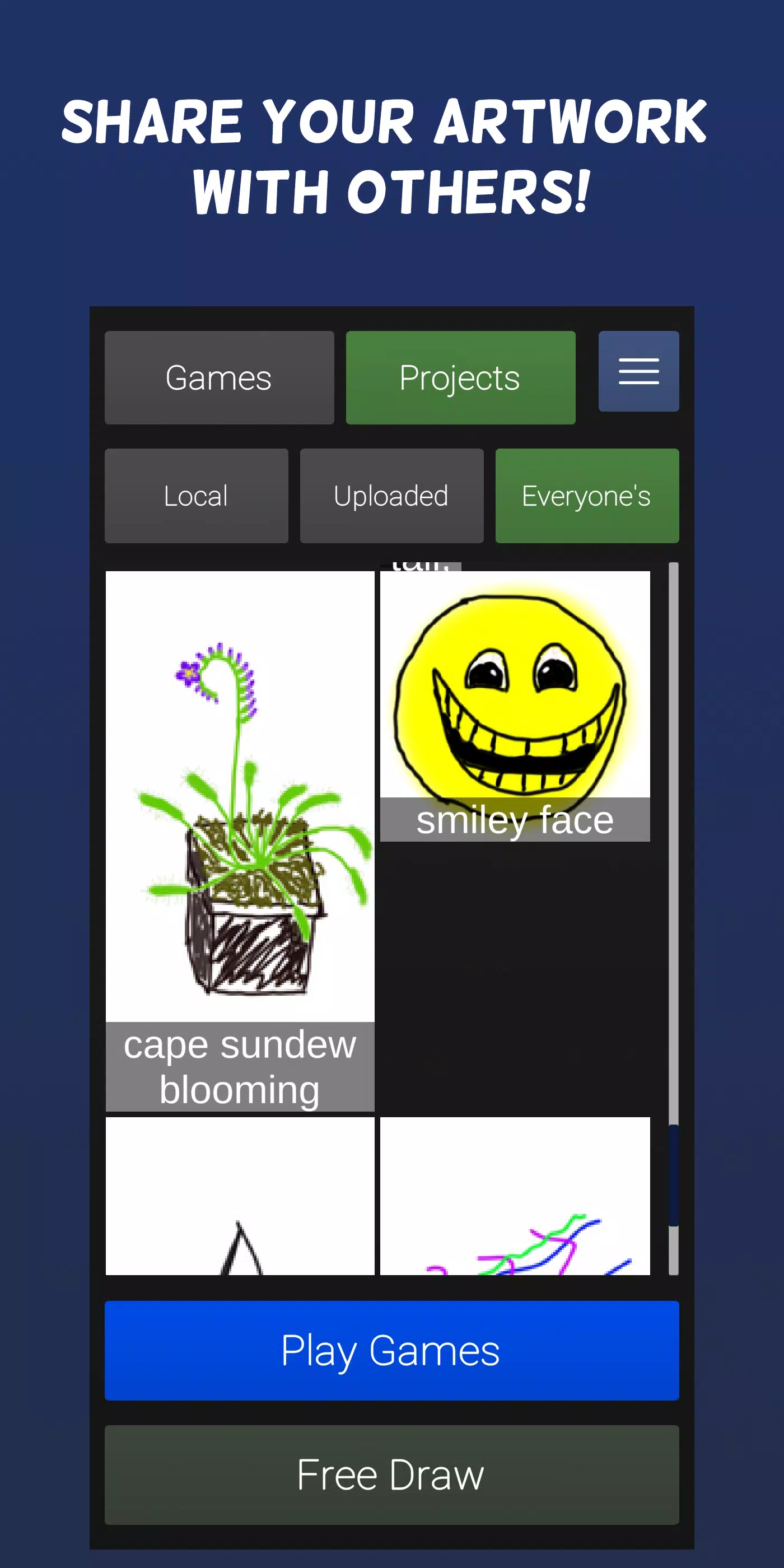
 Apps like ArtClash - Paint Draw & Sketch