Application Description
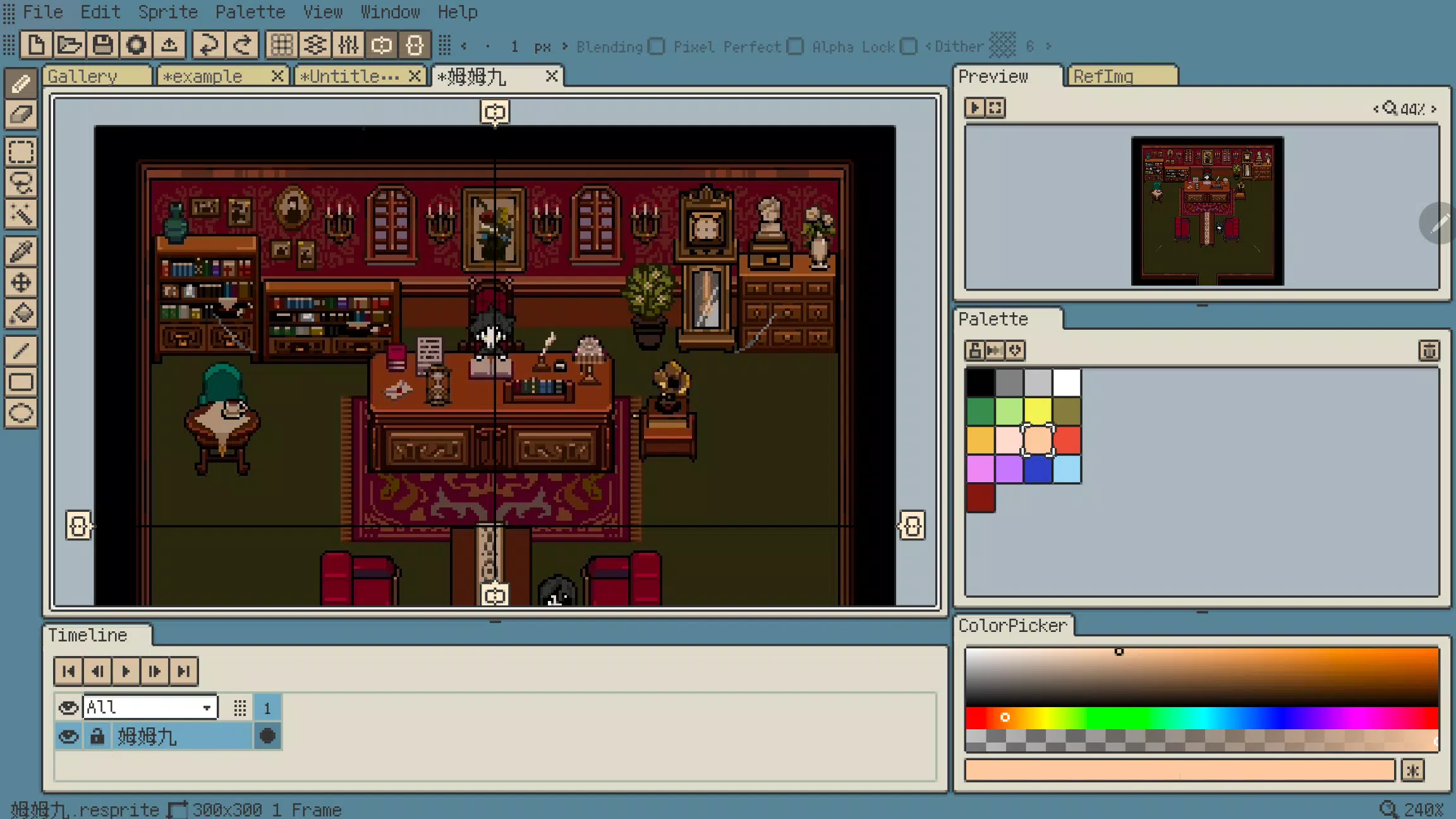
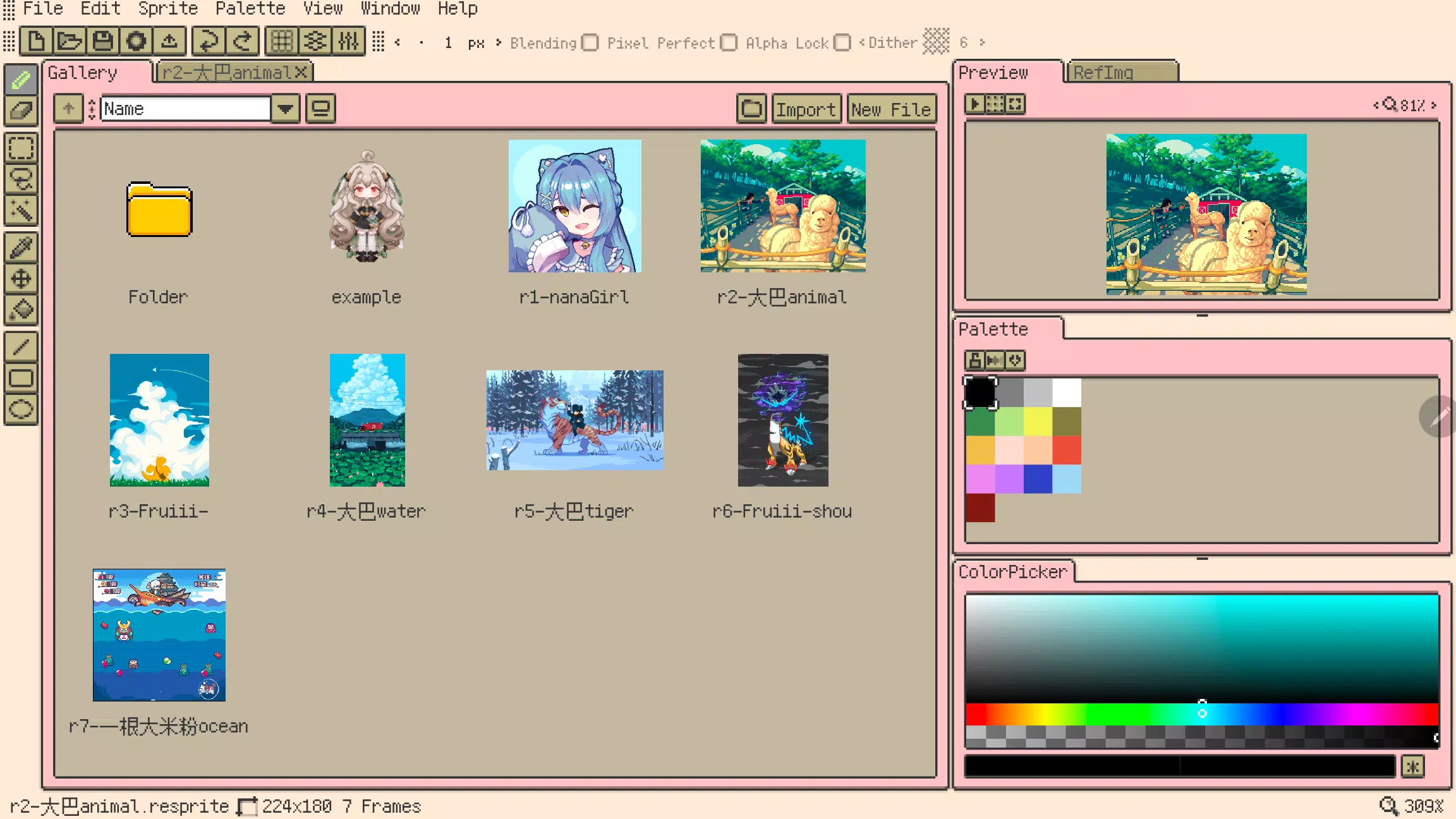
Resprite is a powerful pixel art and sprite animation editor
Resprite is a dedicated pixel art and sprite animation editor.
It's a robust mobile platform tool tailored for game development, meeting the demands of professional creators. Offering a comprehensive feature set that rivals desktop applications, it's meticulously optimized for mobile and stylus use, enabling intuitive and flexible creation.
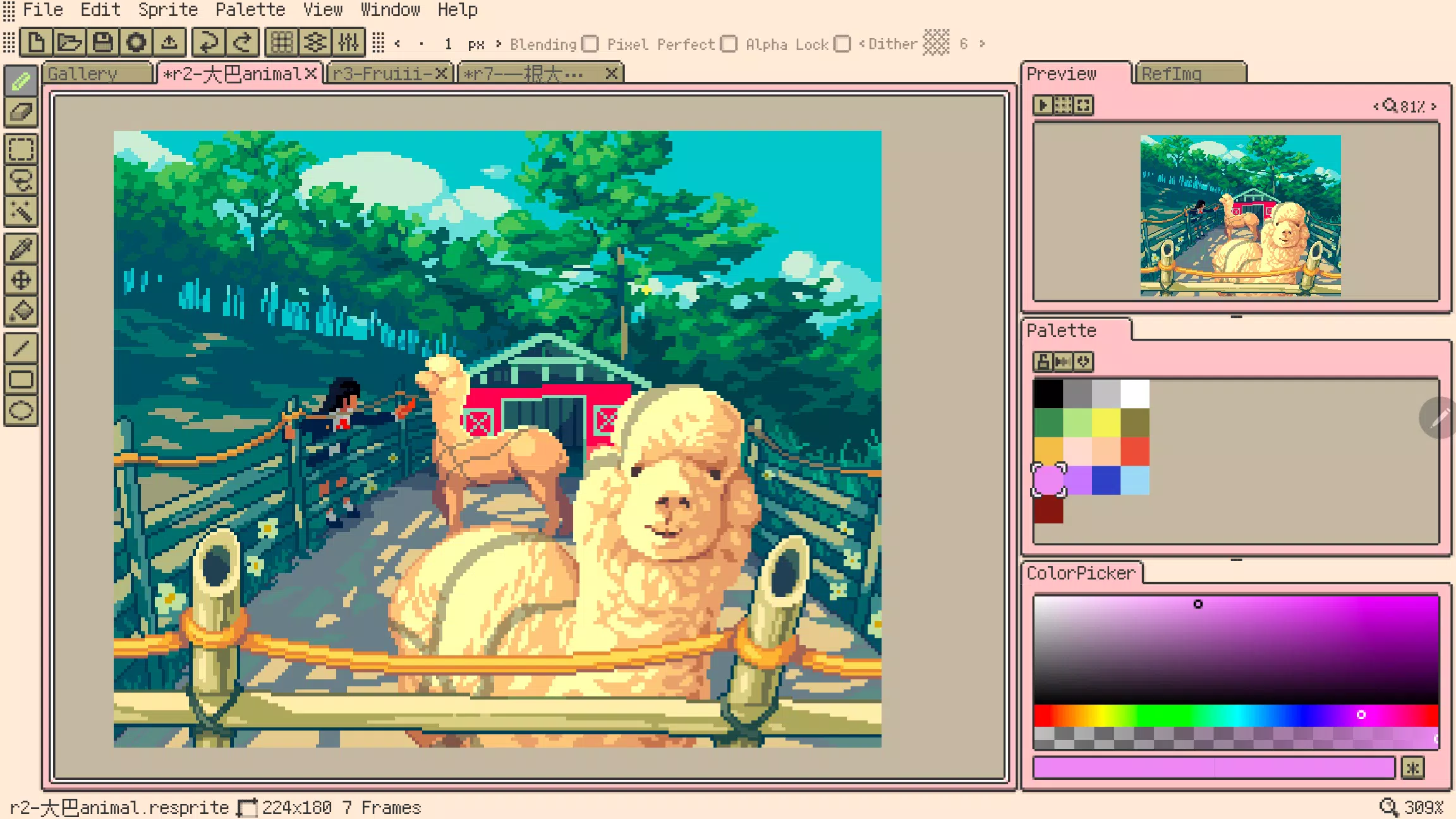
Resprite provides a full suite of pixel art editing tools, an advanced layer and timeline system, and a high-performance Vulkan-based rendering engine. Create stunning pixel artwork, detailed sprite sheets, engaging GIF animations, and high-quality game assets with ease.
Create anywhere – lounging on the sofa, camping, relaxing at the beach, or waiting at the airport. Resprite is your portable pixel art studio.
Resprite includes:
Features:
* High-performance drawing engine
* Low energy consumption for extended creation sessions
* Innovative palette and color tools for efficient workflow
* Full dithering pattern support
* Highly customizable interface layout with quick access
* Precision-optimized gesture and stylus controls
* Comprehensive undo and redo functionality
* Create vibrant, personalized themes
Highly Flexible Interface:
* Customize the interface layout to your preference
* Convenient floating windows
* Minimize stylus travel for increased efficiency
* Authentic pixel-style software interface
Comprehensive Tool Set:
* Supports brushes, three selection tools, color picker, paint bucket, three shape tools, and extensive sub-options
* Features like Pixel Perfect, Alpha Lock, and Dithering
* Place the toolbar anywhere for instant access
* Copy, paste (across files), flip, rotate, and scale elements
* Scale and transform the entire canvas or selected images
Innovative Palette System:
* Freely arrange color positions
* Color interpolation for generating intermediate shades
* Import and export palette files
* Automatically generate palettes from your artwork
Import and Sharing:
* Export sprite sheets, GIF/APNG animations, and Resprite project files
* Customize export settings including scale, frame spacing, and sheet layout
* Export individual animation clips or entire rows
* Import and export palette files in GPL and RPL formats
Advanced Layers & Timeline:
* Full-featured layer system for flexible creation
* Advanced operations: copy, merge, flatten, and rasterize layers
* Create and manage multiple animation clips
* Reliable performance handles hundreds of animation frames smoothly
* Color coding, multi-level grouping, and layer opacity controls
* Clipping masks and blend modes support
Quick Gesture Controls:
* Universal two-finger tap for undo, three-finger tap for redo
* Single-finger gestures for quick frame navigation and playback
* Long-press gestures
* Customize gesture mappings
Artwork in screenshots by:
史大巴, 斯尔娜娜, Fruiii-, 一根大米粉, 川越, 姆姆九
Premium Plan:
Upgrade to Resprite Premium to unlock export capabilities and access all software features.
Support:
Documentation: https://resprite.fengeon.com/
Email: [email protected]
Agreement and Privacy Policy:
Using this application constitutes acceptance of the User Agreement (https://resprite.fengeon.com/tos) and Privacy Policy (https://resprite.fengeon.com/privacy), including future versions.
What's New in Version 1.7.2
Last updated on Nov 5, 2024
- Added: Hover tooltips
- Added: GIF image import support
- Added: Color picking from reference images (long press, right-click, or color picker tool)
- Added: Auxiliary color picker (color history and hue shifting)
- Improved: Pinch-to-zoom for preview images
- Improved: Pinch-to-zoom for reference images
- Improved: Configurable maximum brush size
- Improved: Tap menu bar again to close it
- Fixed: Incorrect export results when using partial area selection
Art & Design


 Download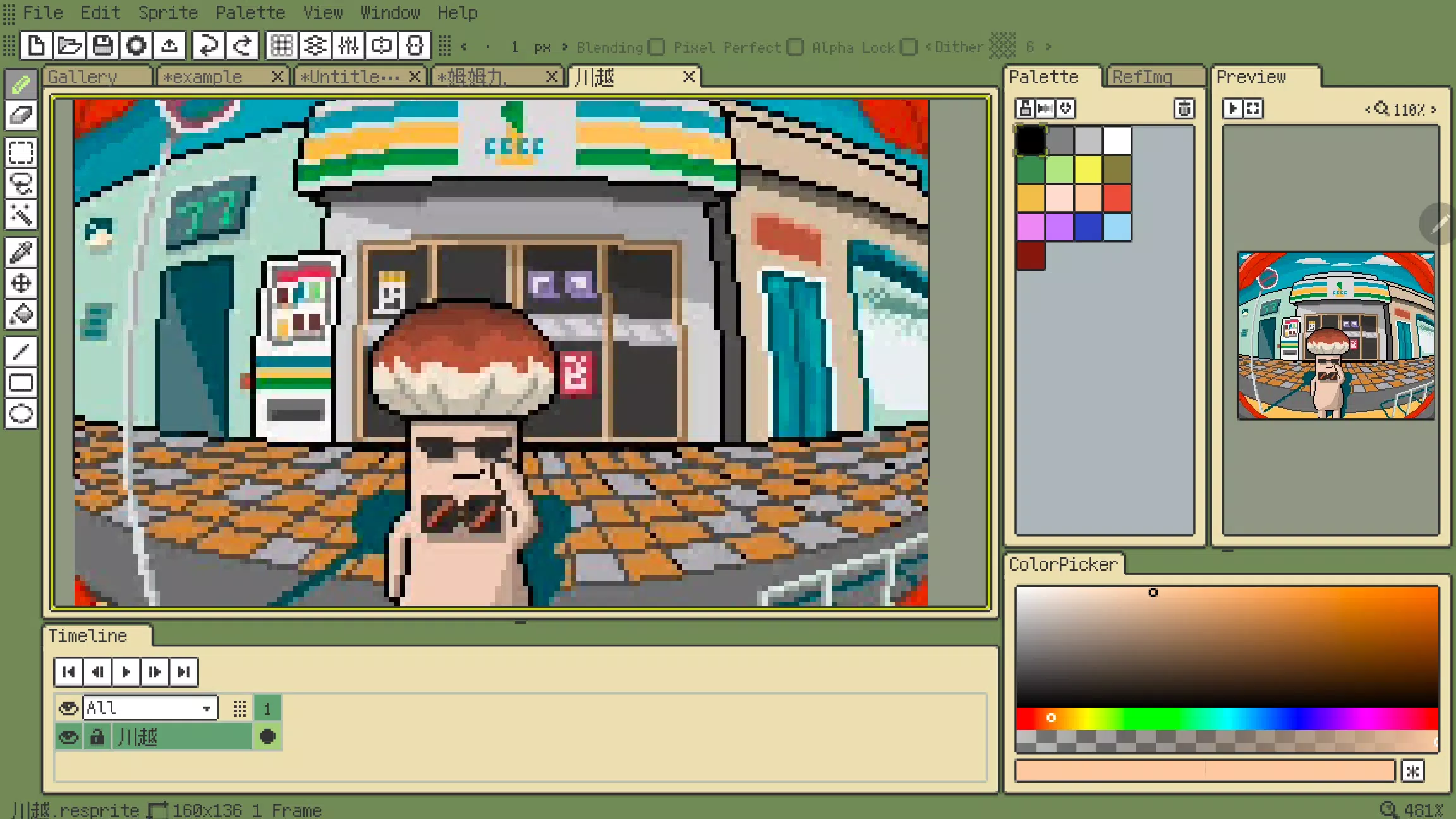
 Apps like Resprite