Home Apps Auto & Vehicles Car Launcher
Car Launcher

Car Launcher

Auto & Vehicles 4.0.0.01 48.0 MB

by apps lab studio Dec 11,2024

Introducing Car Launcher: Your Android-based in-car companion. This application offers a streamlined interface for your phone, tablet, or Android-powered car stereo. It combines convenient app launching with a comprehensive onboard computer, tracking distance traveled over various periods (require

4.5
Car Launcher Screenshot 0
Car Launcher Screenshot 1
Car Launcher Screenshot 2
Car Launcher Screenshot 3
Application Description

Introducing Car Launcher: Your Android-based in-car companion. This application offers a streamlined interface for your phone, tablet, or Android-powered car stereo. It combines convenient app launching with a comprehensive onboard computer, tracking distance traveled over various periods (requires background GPS permission).

Key Features (Free Version):

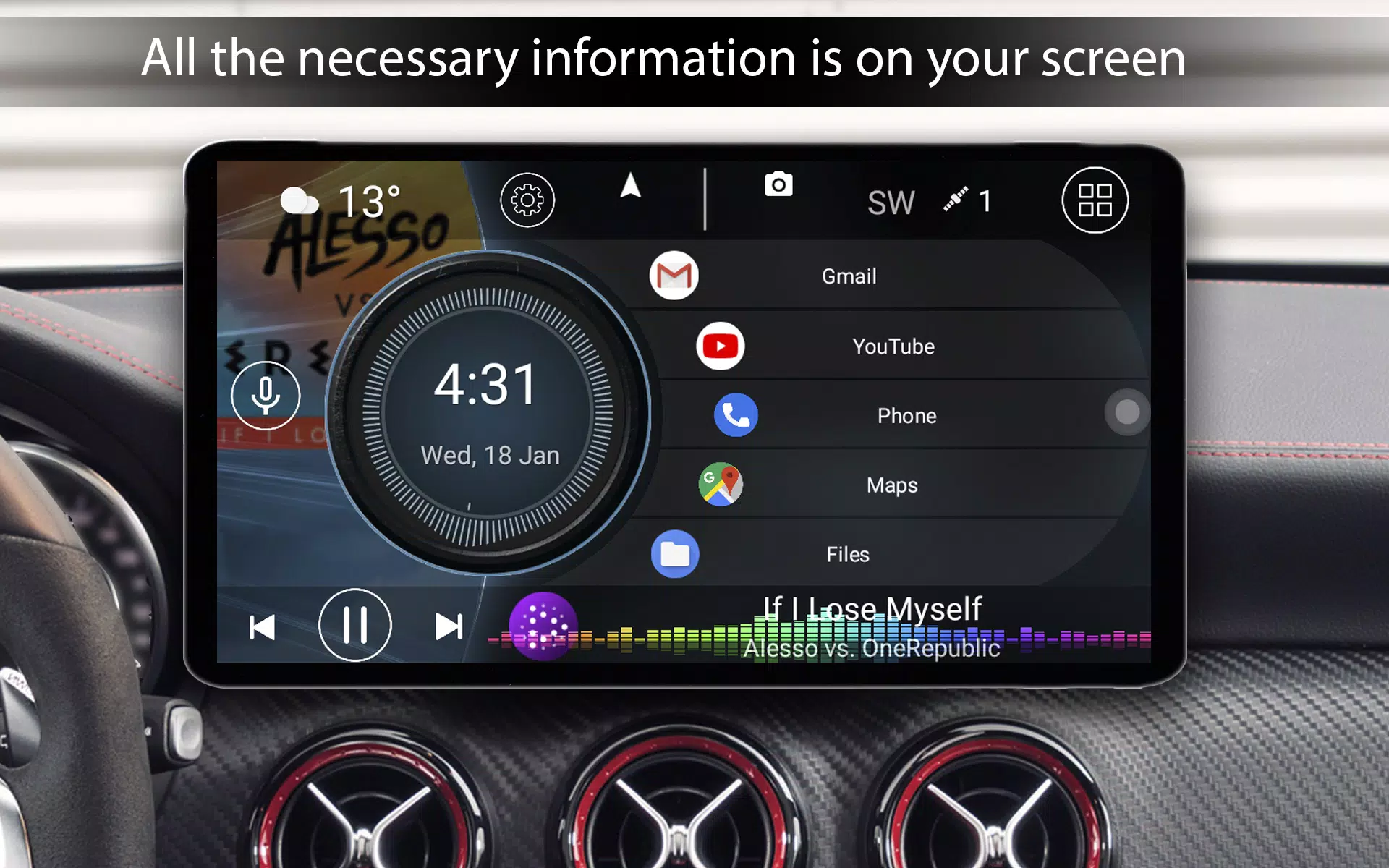
  • Home Button Launch: Set Car Launcher as your default home screen launcher (especially useful for car stereos).
  • Customizable App Shortcuts: Add unlimited apps to your home screen for quick access. Organize them into folders (PRO feature).
  • App Management: Edit existing app shortcuts.
  • Onboard Computer Display: View current speed, distance traveled, and other vital data. Real-time GPS-based speed is prominently displayed.
  • App List Access: Quickly access a sortable list of all installed apps (sort by name, installation date, or update date). Long-press an icon to delete.
  • Onboard Computer Menu: Access a slide-out menu with detailed trip information.
  • Customizable Menu: Personalize the slide-out menu to your preferences. Includes data like current speed, distance traveled, average speed, total runtime, maximum speed, 0-60km/h and 0-100km/h acceleration times, and 1/4 mile best time and speed. Trip data can be reset at any time.
  • Time-Based Data: View data for the current trip, day, week, month, or overall total.
  • Units Selection: Choose between miles or kilometers for speed display.
  • Auto-Start: Automatically launch on device startup (car stereos only).
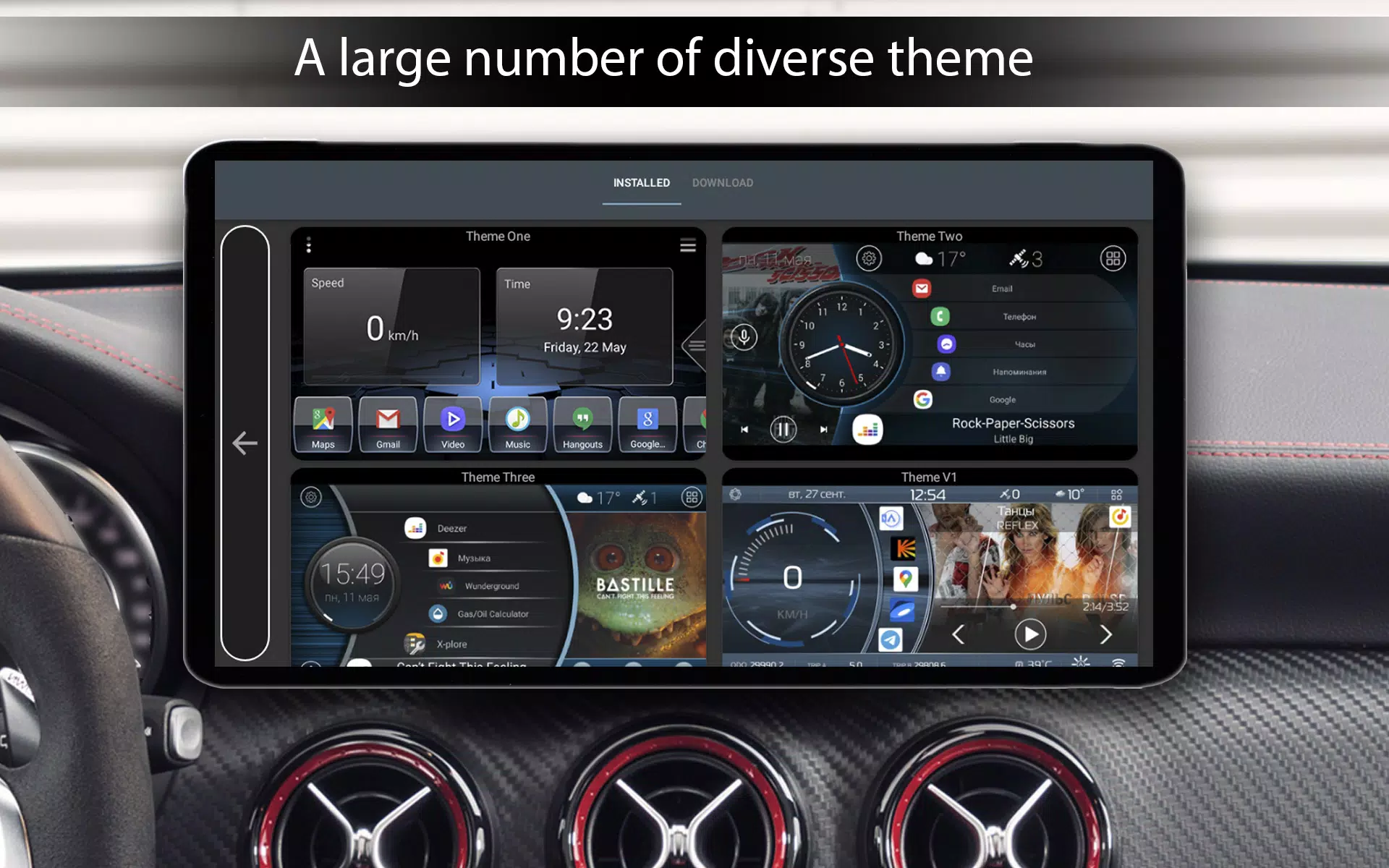
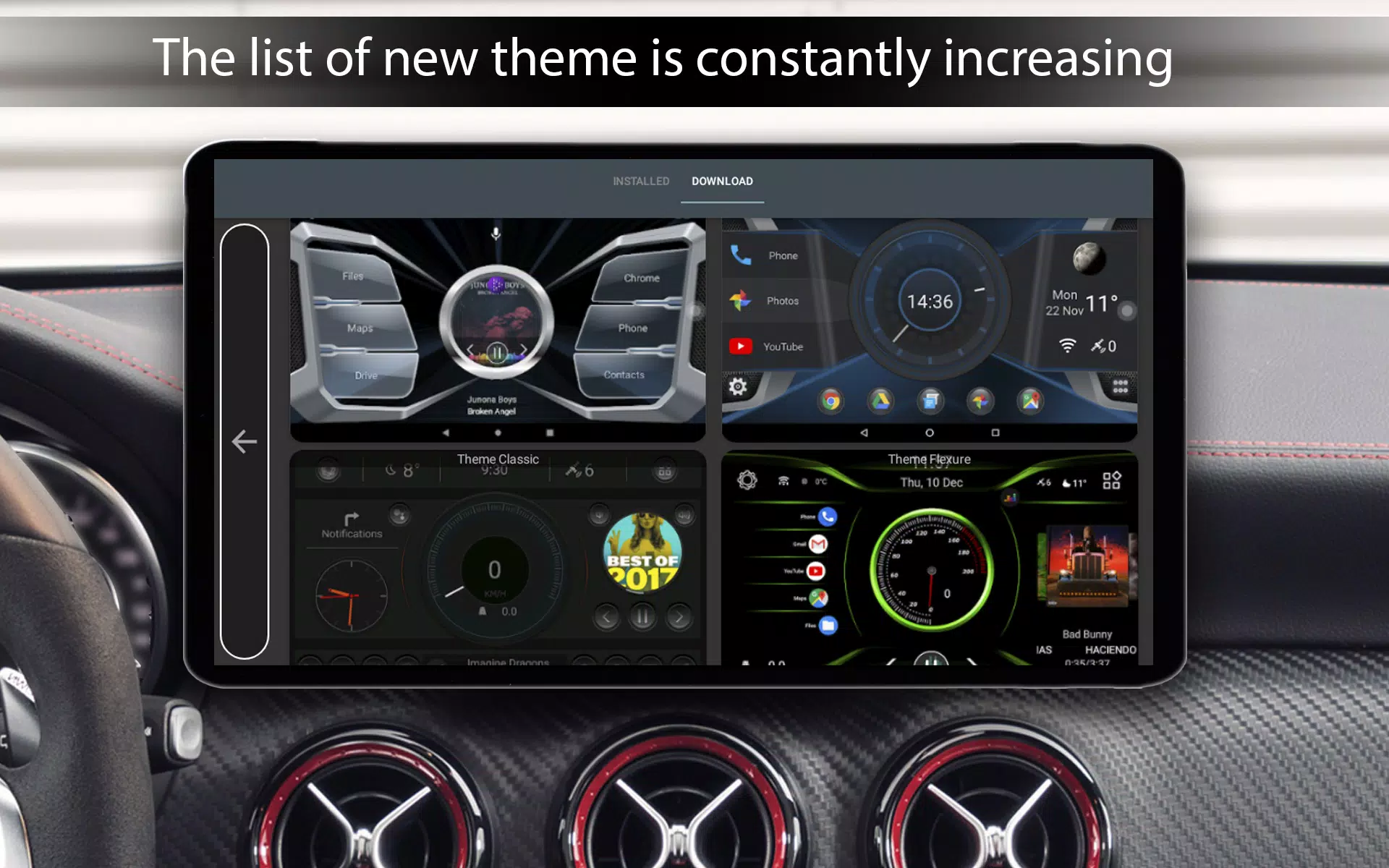
  • Themes: Three default home screen themes are included.
  • Third-Party Theme Support: Compatible with third-party themes designed for Car Launcher.
  • Third-Party Media Player Integration: Supports cover art display from supported media players.
  • Icon Pack Support: Supports third-party icon packs.
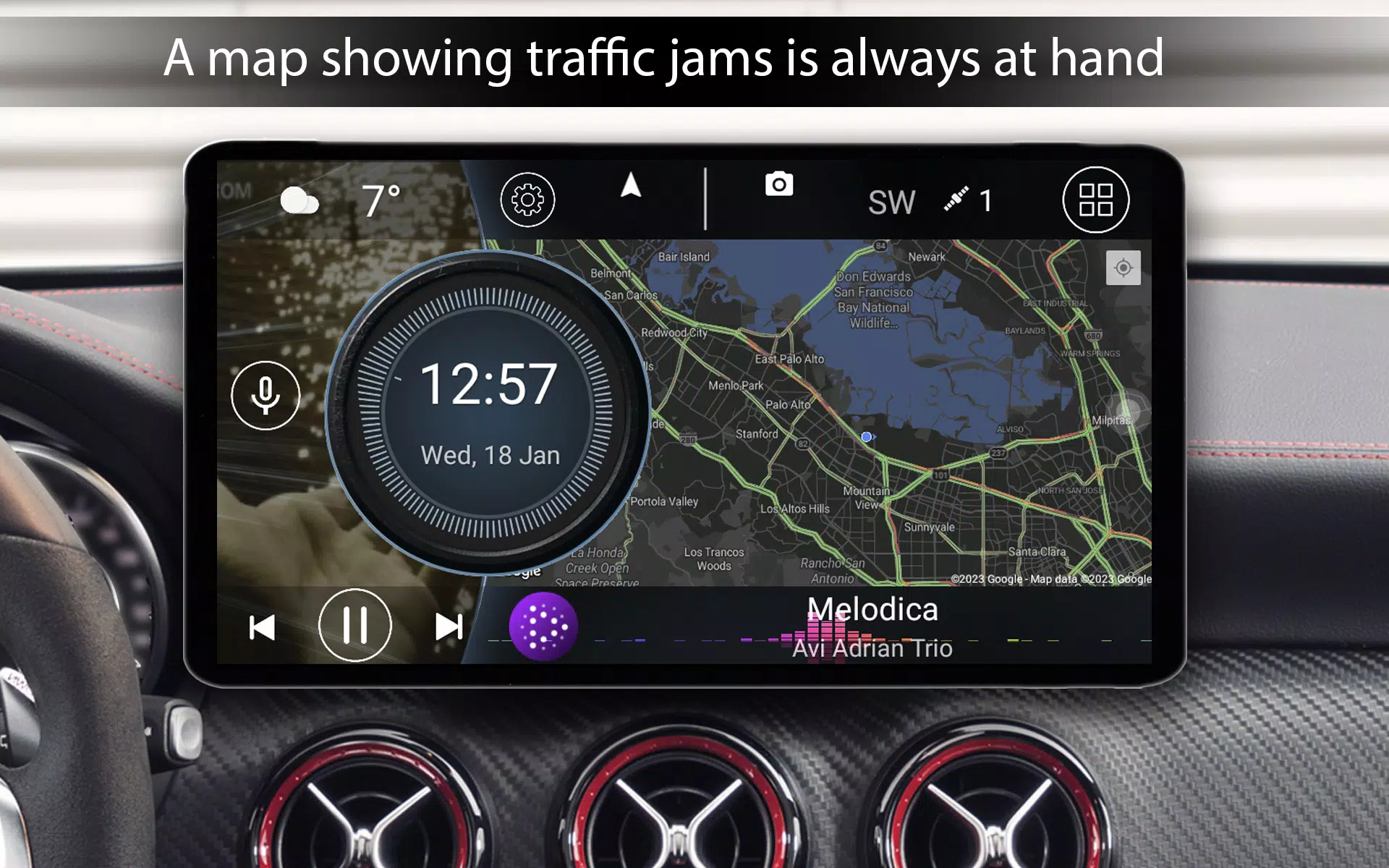
  • Weather & Location: Displays weather and location information (requires internet connection).
  • Custom Startup Image: Select a custom image for program startup.
  • Color Customization: Adjust text and wallpaper colors.
  • Automatic Brightness: Adjusts screen brightness based on time of day.
  • Customizable Screensaver: Highly configurable screensaver with options for different styles, fonts, date formats, element size and color adjustments, removal of unwanted elements, screen movement, and reduced brightness.

Pro Version Exclusive Features:

  • Widget Support: Utilize system widgets.
  • Multiple Screens: Access a larger number of home screens.
  • Advanced Theme Editing: Edit themes extensively, including stretching, deleting, relocating elements, adding multiple actions to widgets, locking widget launch, and customizing widget names and text size.
  • Expanded Widget Set: Includes visualization, analog clock, analog speedometer, address widget, trip time, maximum speed, stop time, and 0-60km/h acceleration widgets.
  • App Customization Settings: Infinite scrolling, grid customization, and bend/flex angle adjustments for app layouts.
  • Logo Customization: Add and modify logos.
  • Enhanced Color Customization: Expanded color customization options.

Auto & Vehicles

REVIEWS
POST COMMENTS+
There are currently no comments available