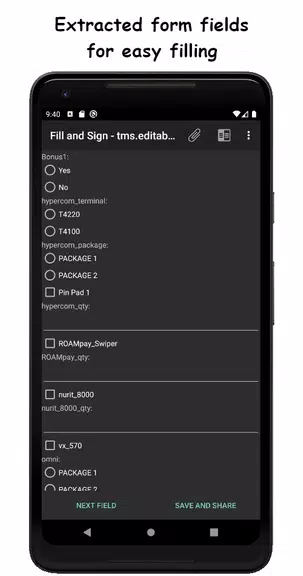
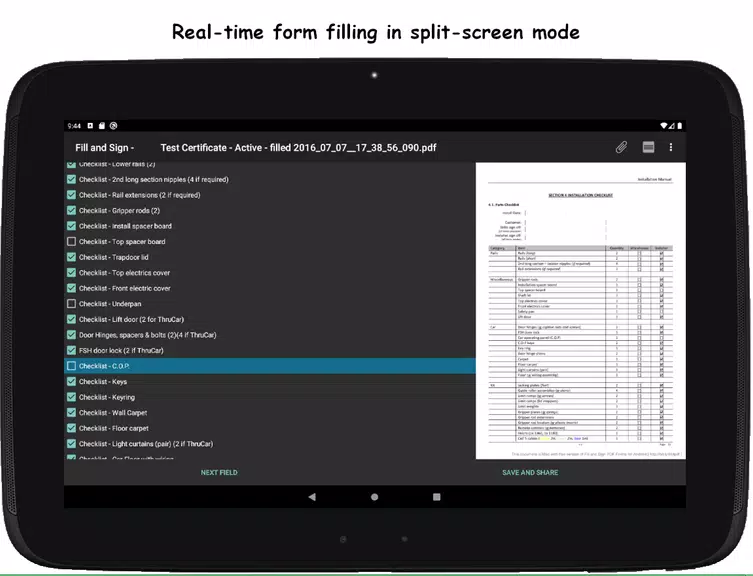
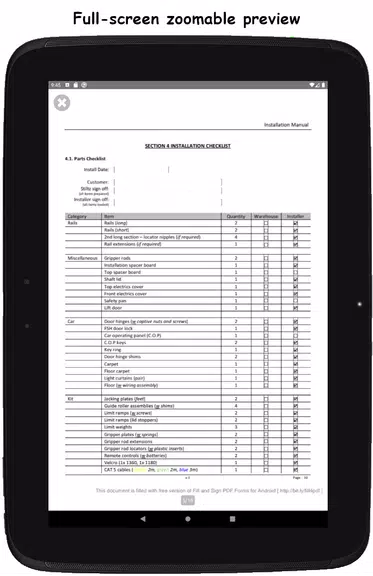
The Fill and Sign PDF Forms app is a handy tool designed to simplify filling out and signing PDF forms containing editable AcroFields. Its intuitive interface extracts form fields from your document for swift access and completion. It also features a real-time split-screen mode to assist with incorrectly labeled fields. The app enables digital signing, optionally requiring the installation of a Signature Capture library. Users can attach photos, export entered data, and view, email, or share documents. The full version removes ads and watermarks, adds JSON data export, and provides API access for smooth integration.
Features of Fill and Sign PDF Forms:
> Easily fill and sign PDF forms containing AcroFields.
> Form fields are extracted and displayed in a clean, simple interface.
> Real-time split-screen mode helps correctly identify form labels.
> Signing capability may prompt installation of an additional signature library.
> Attach photos to documents and export your input data.
> Open PDFs from your device's file manager or the app's built-in browser.
Conclusion:
The Fill and Sign PDF Forms App offers a convenient solution for filling, signing, and sharing PDF forms. Users benefit from features like photo attachments, data export, and API access. The full version provides an ad-free experience and documents without watermarks, making it a valuable tool for handling PDF forms. Download it today and share your feedback to help enhance the app!


 Download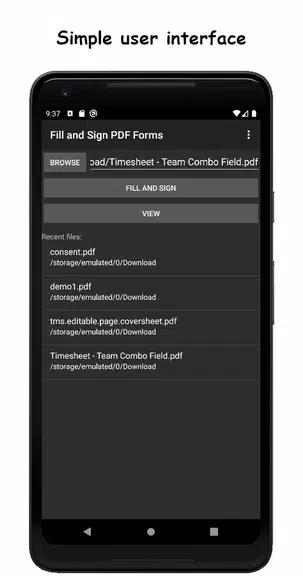
 Application Description
  Apps like Fill and Sign PDF Forms