Application Description
Take control of your DazeTechnology wallbox using the official DAZE application.
CONNECT YOUR WALLBOX
Simply scan the QR code on your DazeBox C or DazeBox Home to instantly link your wallbox to the app and unlock additional functionalities. Manage all connected wallboxes right from the app's home screen.
ADD AND MANAGE USERS
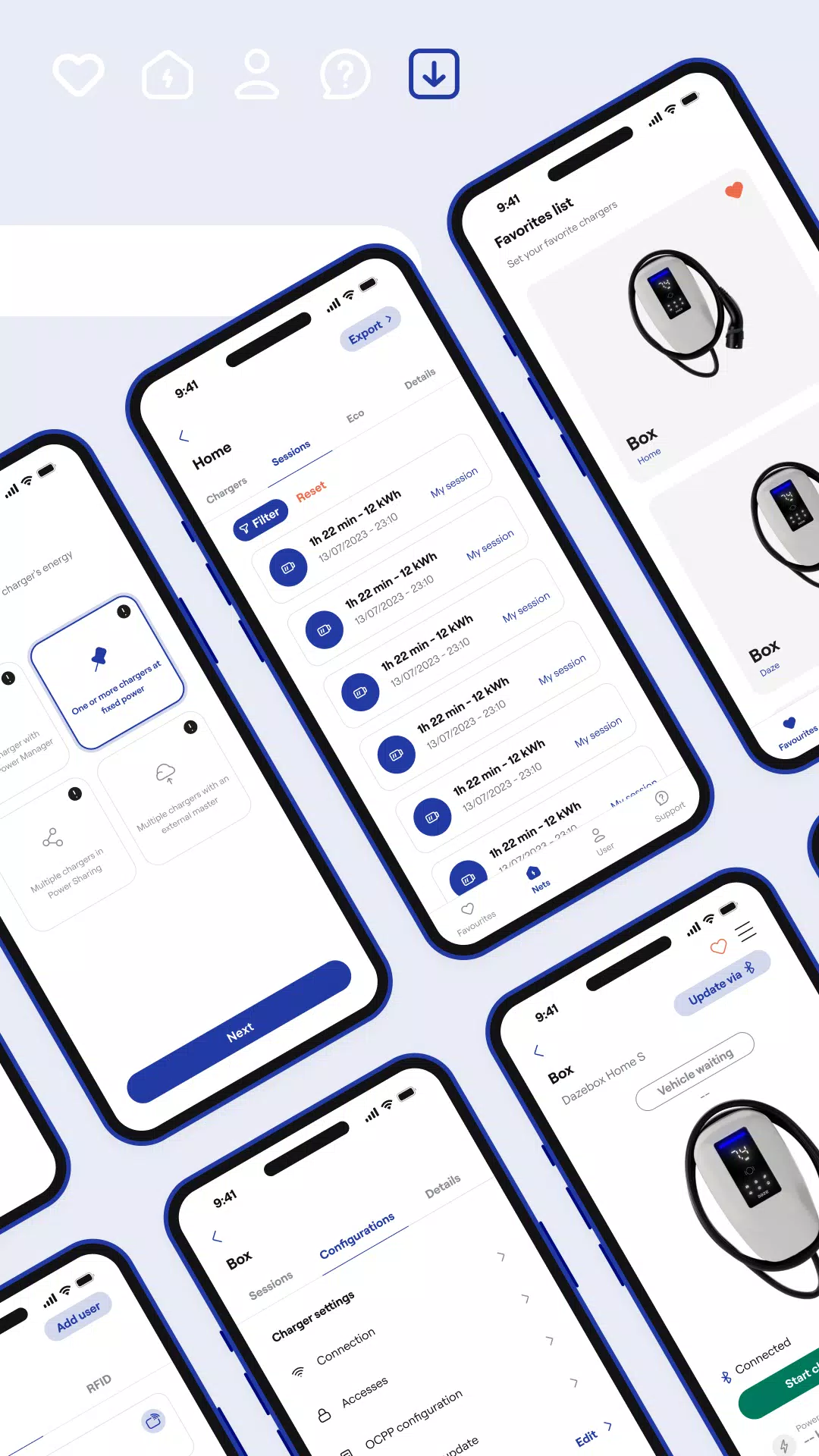
Customize charging access within your wallbox Network by adding users and assigning appropriate charging or network administration permissions.
ORGANIZE YOUR CHARGER NETWORK
Efficiently structure your wallboxes into Networks and optimize energy distribution across all your chargers according to your facility's layout. Mark frequently used wallboxes as favorites for easy access.
MANAGE POWER LOADS
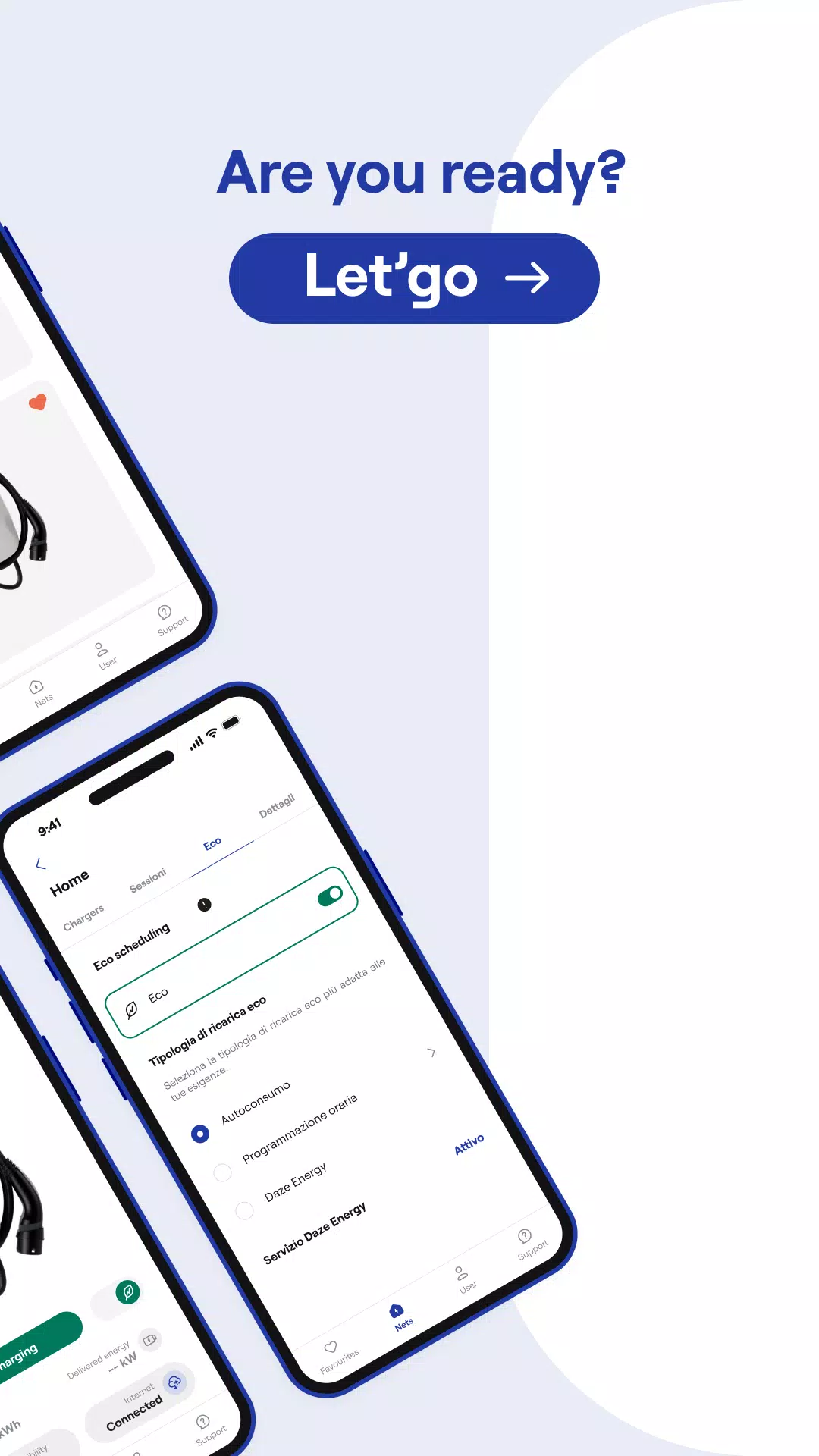
Configure your wallbox's maximum charging power in a few simple steps. Alternatively, enable Dynamic Power Management to automatically charge your vehicle at the highest available power your system supports.
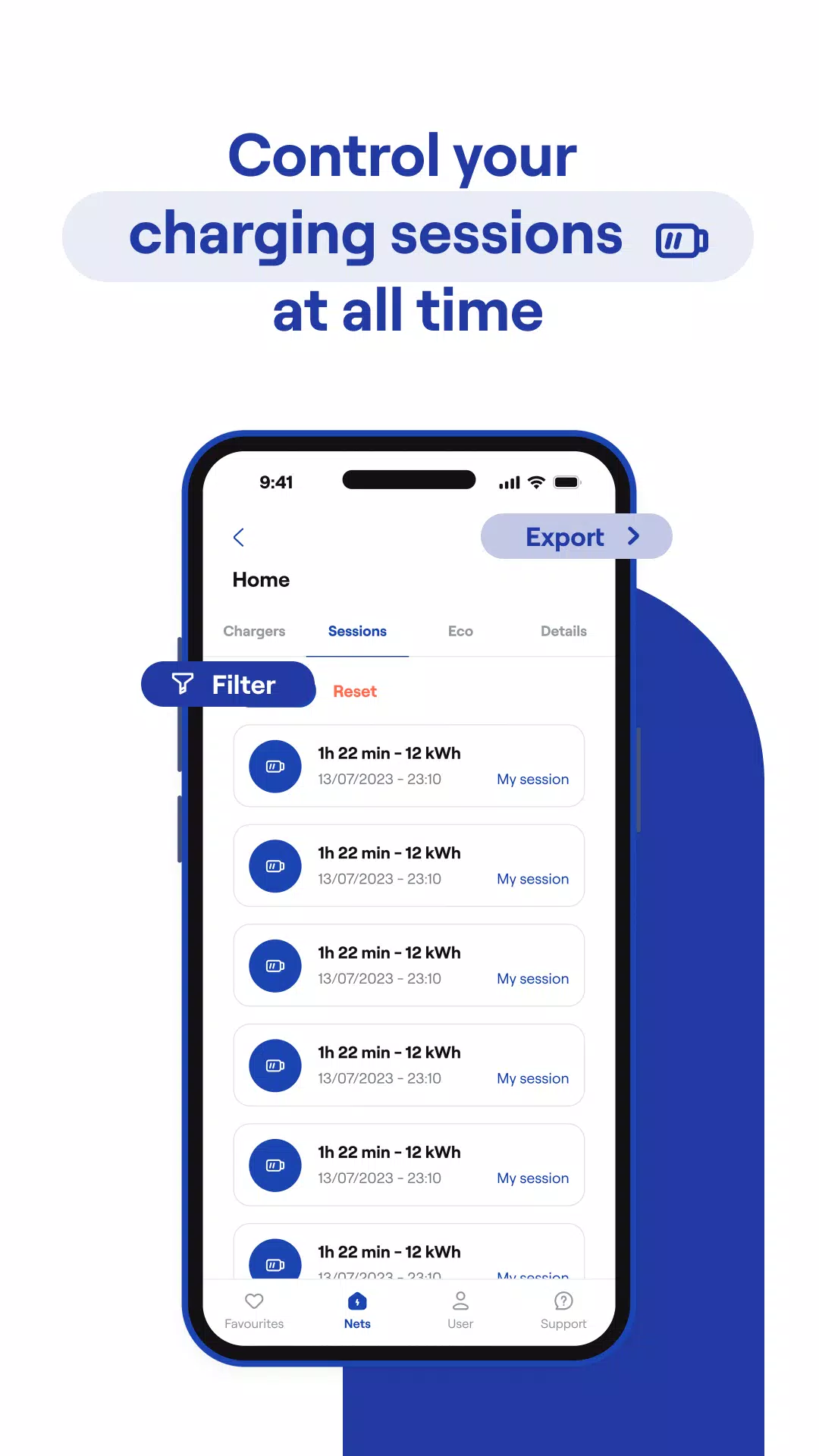
MONITOR CHARGING SESSIONS
Review complete charging session details, including live power flow data and information about users who accessed your wallboxes.
UPDATE
Update your wallbox's firmware directly through the dedicated button in the app.
MONITOR CHARGING SESSIONS
Access comprehensive charging session records, featuring real-time power metrics and user access information for your wallboxes.
What's New in the Latest Version 7.0.1
Last updated on Oct 10, 2024
Minor bug fixes and performance enhancements. Install or update to the latest version to experience the improvements!
Auto & Vehicles



 Download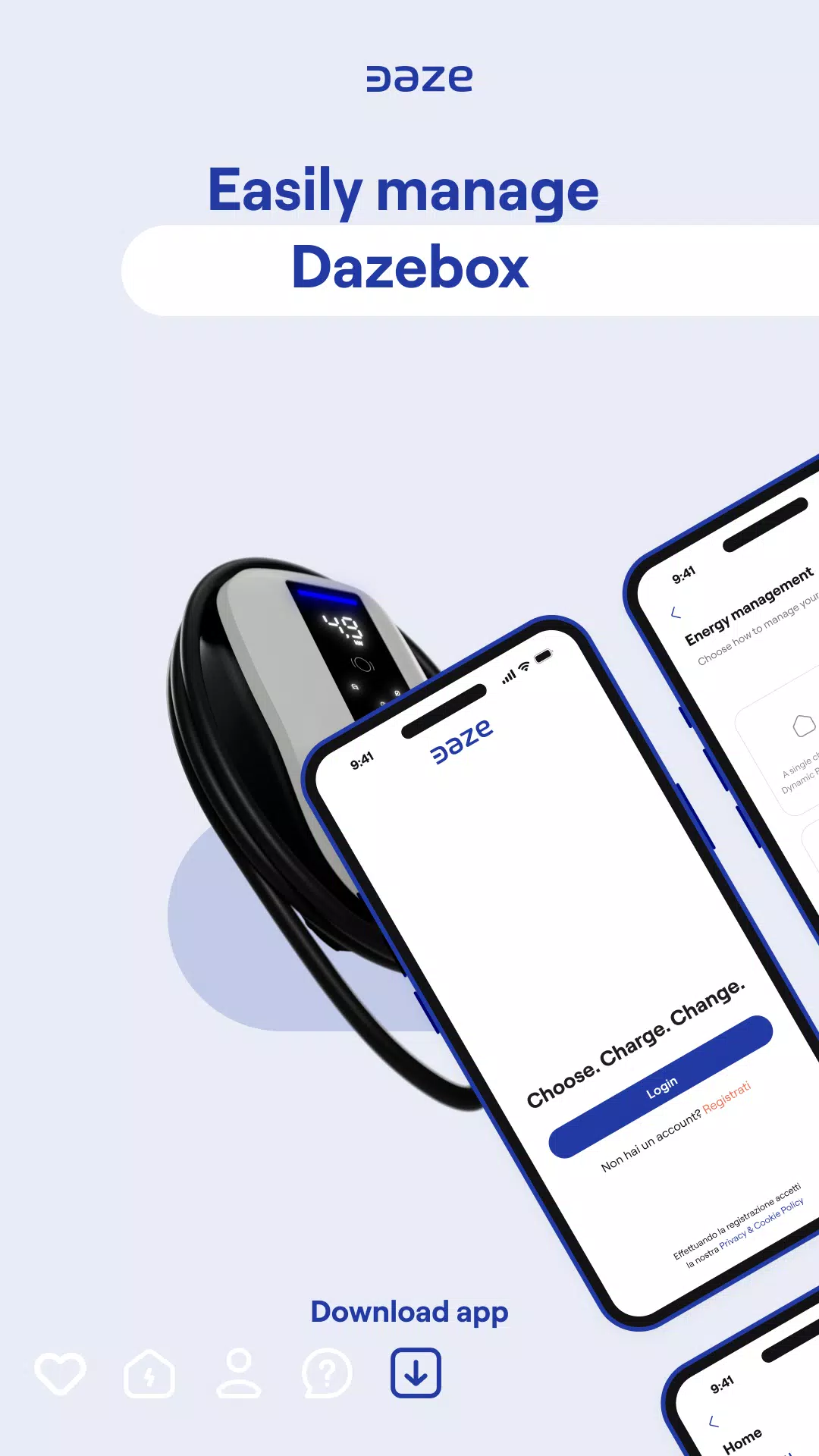
 Apps like Daze