Application Description
Crop, cut out, and overlay images with ease using this straightforward hand tool.
This convenient, simple image editor focuses on cropping and overlaying photos. It offers essential tools without any extras.
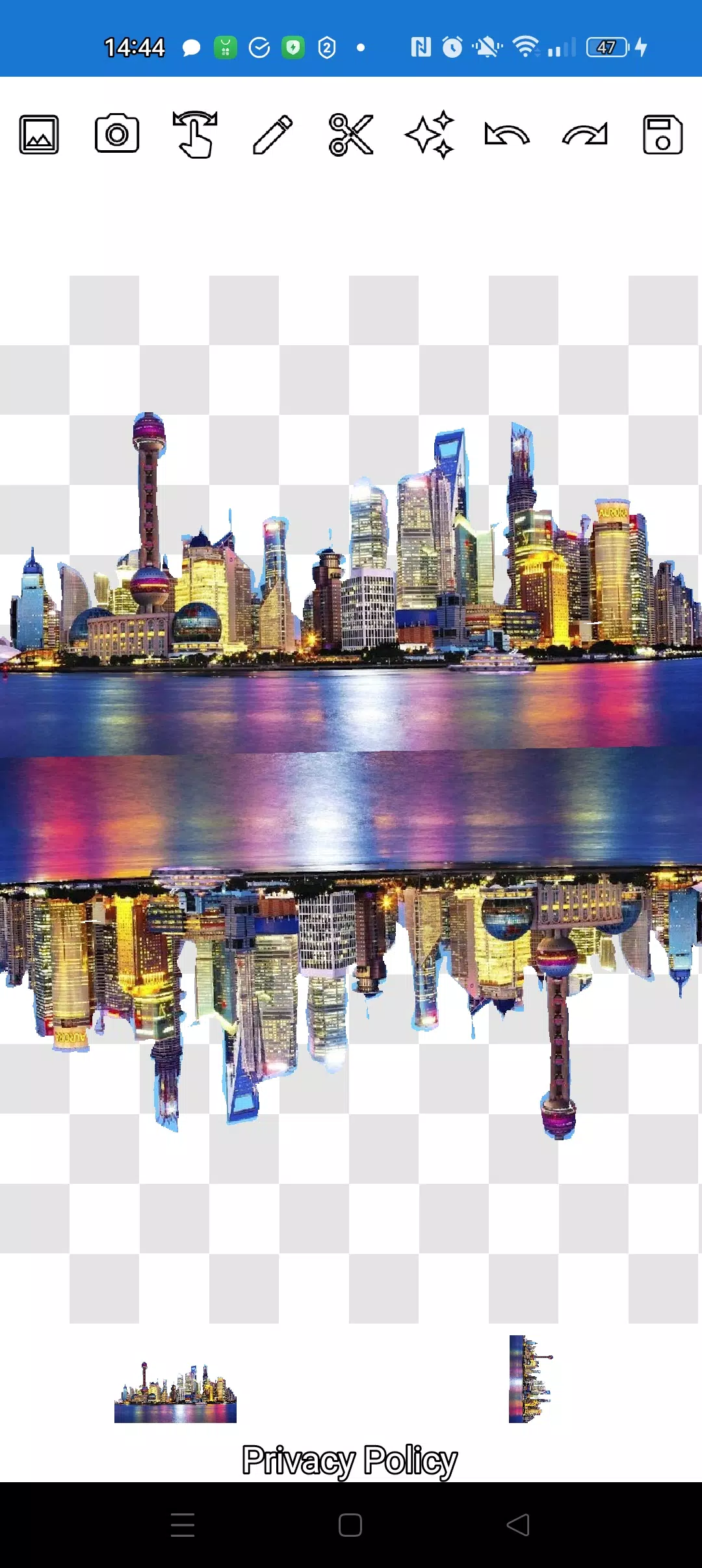
Easily cut out any object from a photo and place it onto another image.
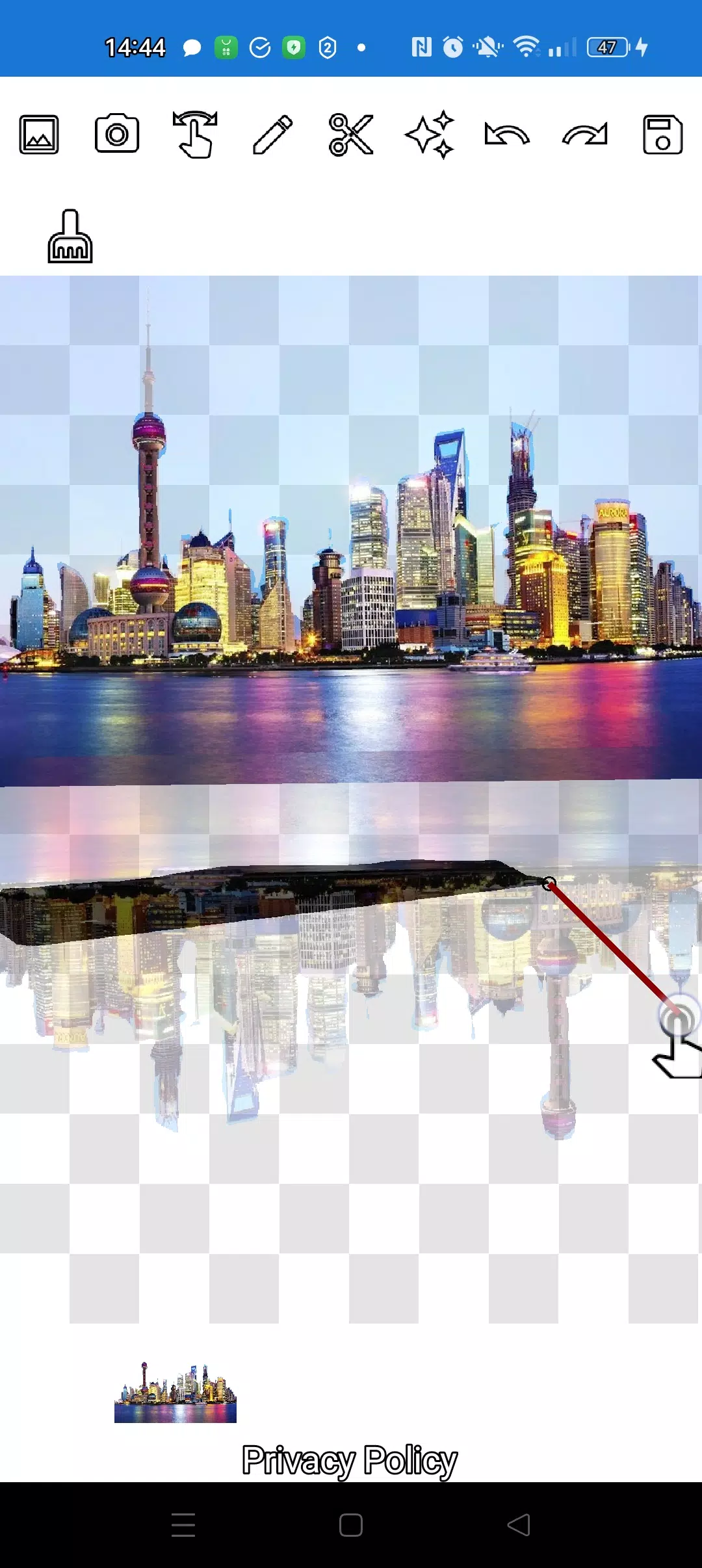
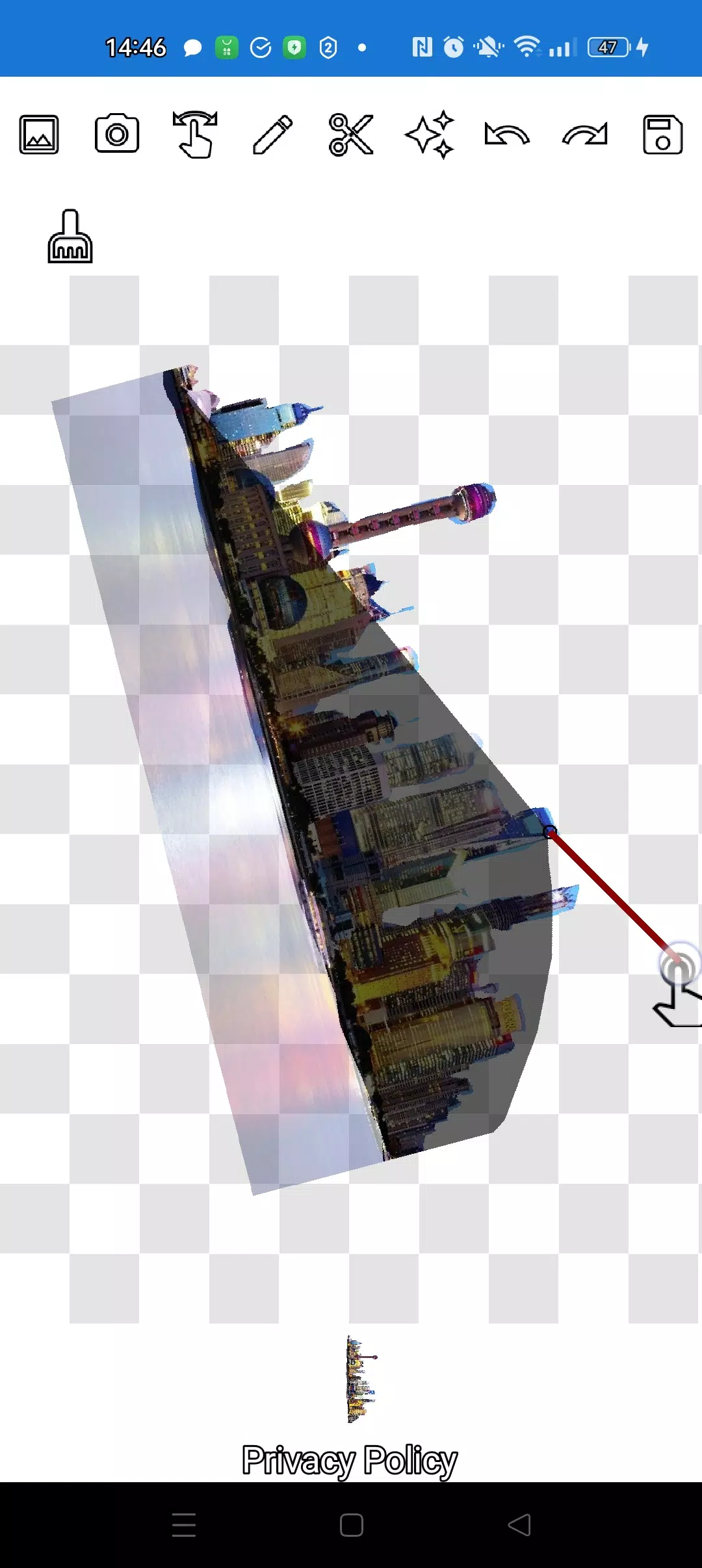
Precisely cut out any object, no matter how small, using two handy tools: the pencil ✏️ and the lasso.
Draw your outline with the pencil, which turns into an eraser at adjustable transparency. Choose any pencil width and edit edges by adjusting transparency.
Tap the "magic" tool next to the save button to seamlessly blend objects into the background.
For intricate cutting, zoom in using the manipulation mode (finger) and carefully trace the outline with the pencil or lasso.
Create complex object compositions and collages in just minutes.
Layer multiple objects freely. Select several photos from your gallery, cut out the desired parts, and arrange them over a background. Save your final composition to the gallery. Tip: Start with the overlay image for easier cutting, then choose the background. The overlay image stays in place until you're done.
Remove any unwanted picture by swiping it until it's almost hidden—it will be deleted.
Save your work by cropping to a selected rectangular area. In crop mode, mark your desired area and tap the checkmark to save it to your gallery.
Manage layers easily. The bottom of the screen shows all layers. Tap any layer to bring it to the front. Control the order of objects and background with ease.
The only potential confusion is choosing the right mode (manipulation, pencil/eraser, or lasso). After a couple of minutes of practice, it becomes second nature.
Impress your friends on social media and messaging apps with unique images. Create fakes, memes, and jokes effortlessly. This app is a simple, handy tool for various uses—from social media memes to business graphics, logos, and banners—when you need quick edits on the go.
Use the app anywhere—cafes, subway, or airplanes—it works fully offline.
Simple technologies from Pimur.
Thank you for reading all the way through. Please share your feedback below—it matters a lot to us!
What's New in the Latest Version 4.5
Last updated on Sep 17, 2024
Minor bug fixes and improvements. Install or update to the latest version to see for yourself!
Art & Design


 Download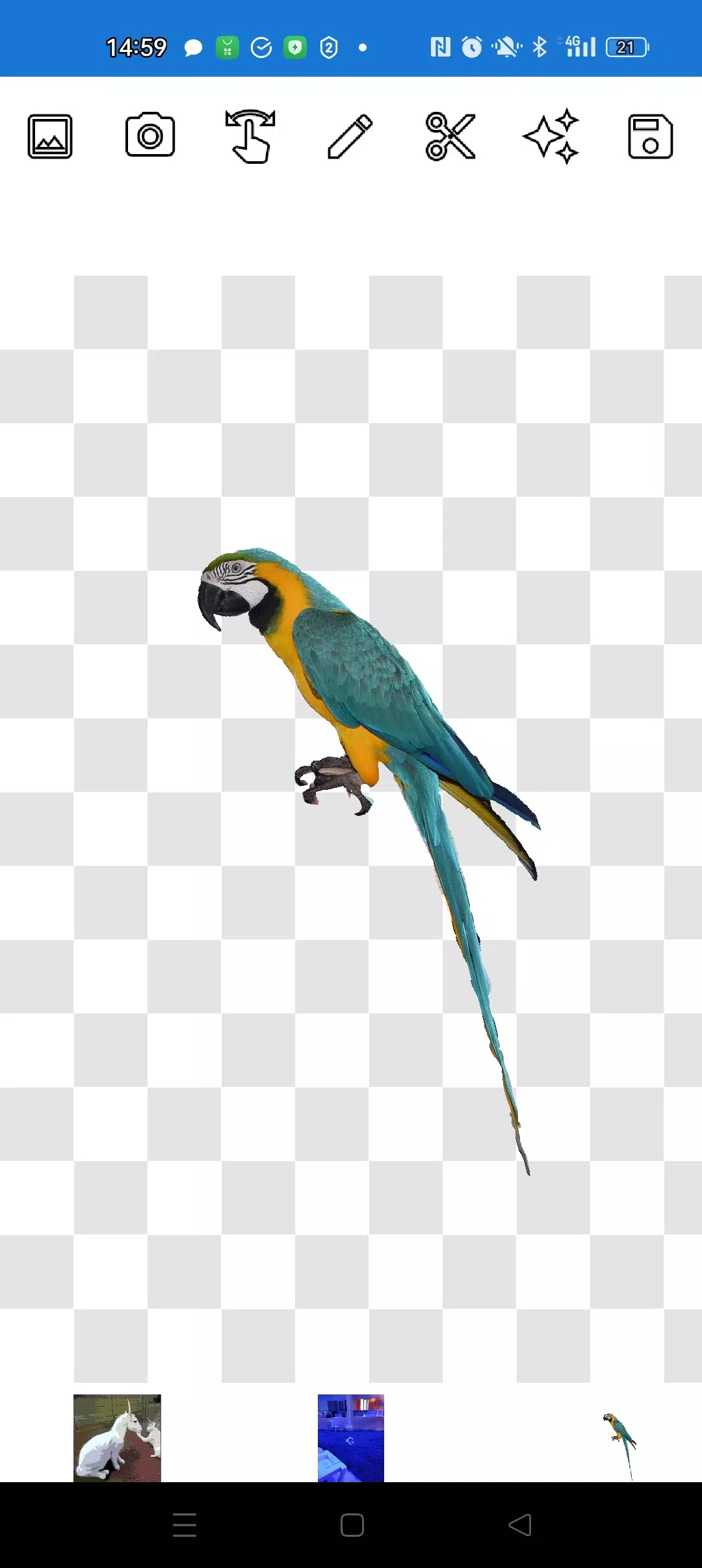
 Apps like Cut and move pictures