Application Description
A car head unit launcher for maps and navigation, media player, contacts, and more.
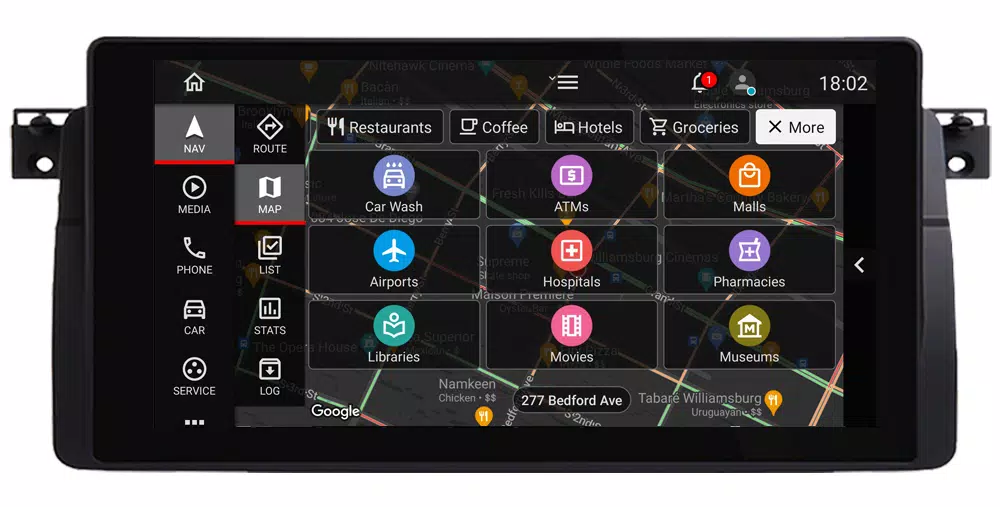
Have an Android system in your car? Car Penguin brings essential driving features to the forefront. Set it as your default head unit launcher and enhance your journeys. With a user-friendly interface, the app serves driver needs including maps and navigation, media and music playback, phone calls, contacts, and more. Car Penguin supports multiple languages, themes, and bidirectional layout.
Key Features Overview
Customizable Dashboard
The dashboard is designed for quick access to key features, with options to customize layout and content.
Important: Each app page has its own options menu. Open the menu (hamburger icon) while on a page to view its settings.
Maps, Place Search, Points of Interest, and Turn-by-Turn Navigation
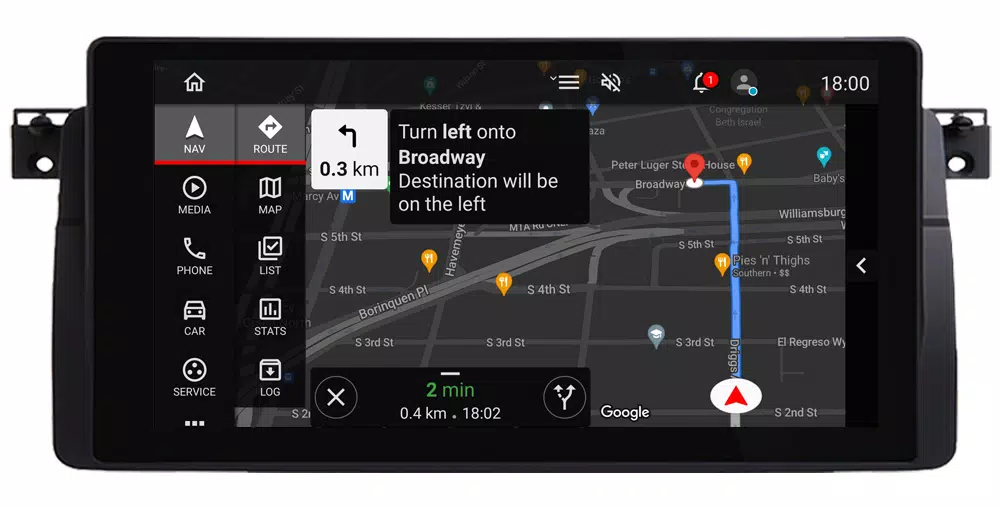
Google Maps shows your current location, address, and traffic conditions, with configurable themes and layouts. Search for places, save them to lists for easy navigation, and use Google APIs for directions and turn-by-turn guidance. Additional navigation features include trip statistics and logging.
Music Playback and Video Viewing
Car Penguin includes a built-in media player with controls for local audio and video files, album lists, and shortcuts to other media apps. You can also add popular media providers as external widgets on the dashboard or toggle bar.
Smartphone Integration
Access your contacts and favorites to make calls using the system dialer or transfer calls via Bluetooth to your phone. For Bluetooth call transfer, call log sync, and SMS features, install the free Car Penguin Server app (available at http://carpenguin.com) on your smartphone.
Additional features include:
- Car Images and Device Information
- Weather Updates
- App Browsing and Shortcuts
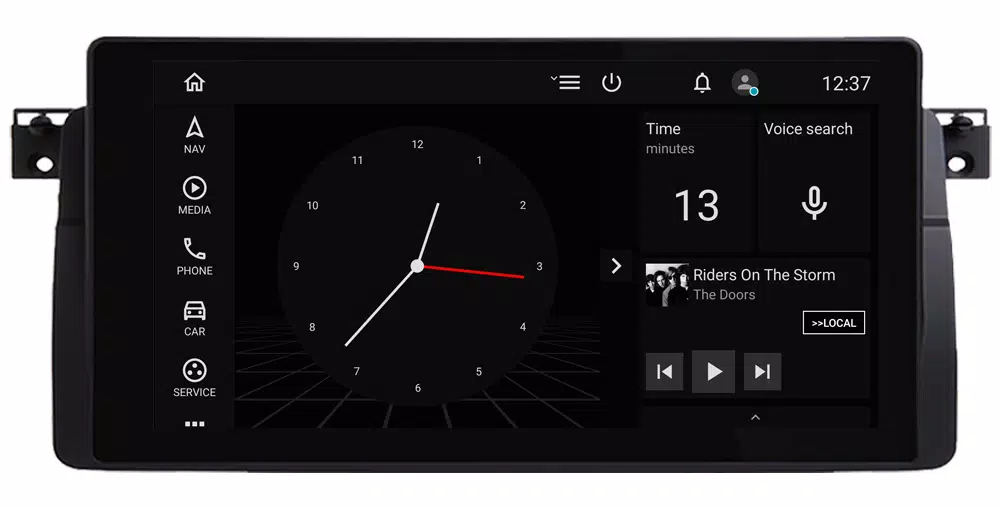
- Screen Saver
- Voice Recording
- Speedometer
- Calendar Access
- Automatic Volume Adjustment Based on Speed
- Notifications and Speed Alerts
Auto & Vehicles



 Download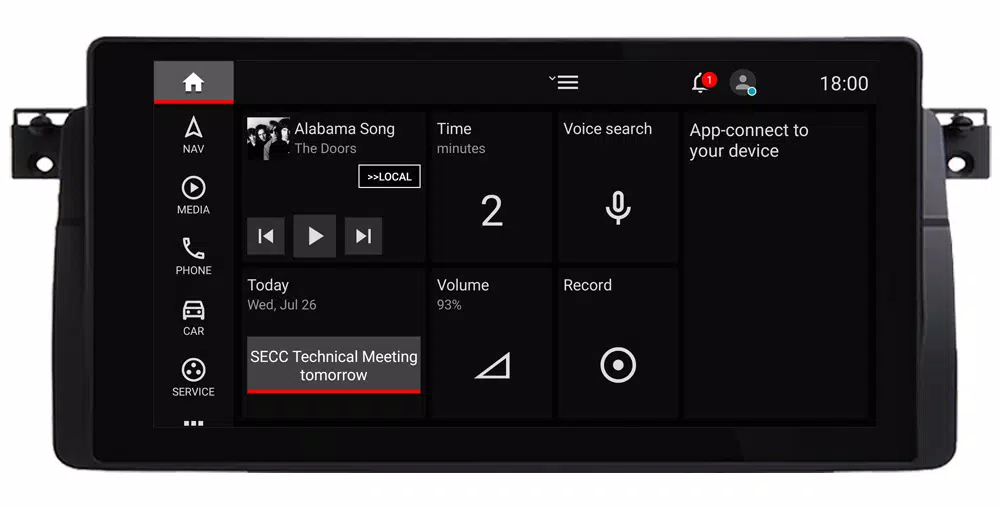
 Apps like Car Penguin